
Basis B1 Band Battery Replacement

Kaitlyn Lee and 3 other contributors
Last updated on May 7, 2024
Views: 606
View statistics:
- Past 24 Hours:
- 1
- Past 7 Days:
- 18
- Past 30 Days:
- 100
- All Time:
- 606
Comments: 0
No one has left comments on this guide. Will you be first?
Go to guide commentsCompleted: 2 3
2 people have marked this guide "completed." Will you be next?
3 people have marked this guide "completed." Including you — great job!
Favorites: 0 1
No one has favorited (and subscribed to) this guide. Will you be the first?
1 person has favorited (and subscribed to) this guide — and that's you!
Action Shots
Be an action hero! This guide needs images that better demonstrate how to perform specific actions.
Introduction
Go to step 1 ↓The battery can go bad on many devices. This guide includes removing the back plate and then detaching the battery from the rest of the watch.
What you need
Tools
-
-
Spudger4.9


-
-
-
Push in plastic opening tool until the components click and pop out of the holder.
-
Repeat steps for other band.
-
-
-
-
Remove four 4mm screws using a PH000 screwdriver.
-
Remove back plate.
-
-
-
-
Tool used on this step:Tweezers$4.99
-
Use tweezers to remove elastomeric, or zebra, connector.
-
-
-
-
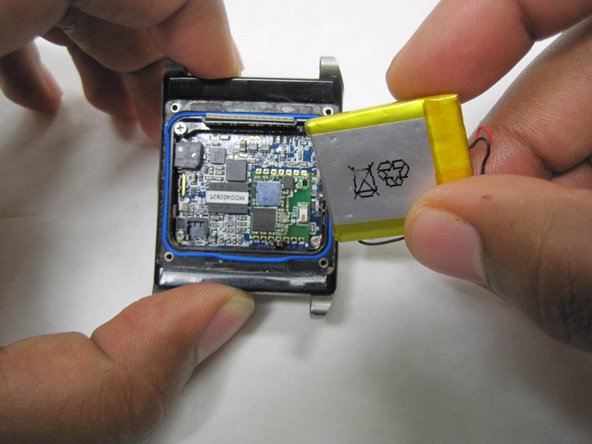
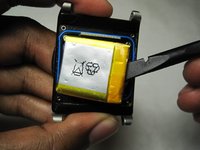
Use the flat end of the spudger to carefully lift the battery until adhesive seal is broken.
-
-
-
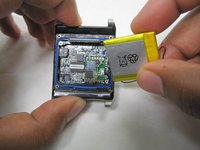
Use the pointy edge of the spudger tool to detach battery leads from the circuit board.
-
-

 Ask FixBot



To reassemble your device, follow these instructions in reverse order.
Cancel: I did not complete this guide.
2 other people completed this guide.

Team

IUPUI, Team S6-G1, Baechle Fall 2017 Member of IUPUI, Team S6-G1, Baechle Fall 2017
IUPUI-BAECHLE-F17S6G1
4 Members
48 Guides authored
