Introduction
This guide is used to show how to replace the headphone port on the BLU Life XL. The headphone port may need replaced if your headphones work with other devices, but not in your BLU Life XL. Soldering experience is suggested.
What you need
-
-
-
Turn the device off by holding down the power button for up to 5 seconds and then tapping the "Power off" button on the screen.
-
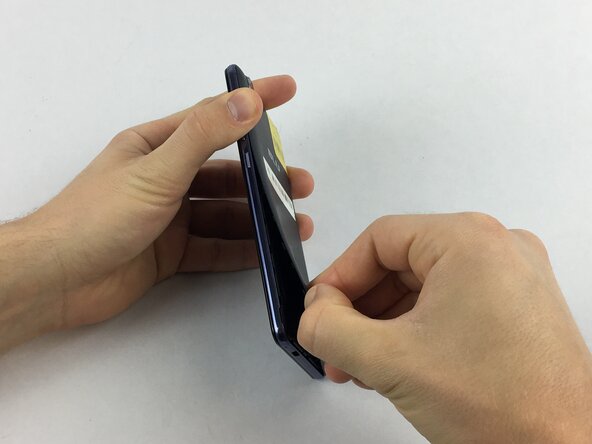
Remove the rear cover using your hands at the lip on the device back cover. No tools required.
-
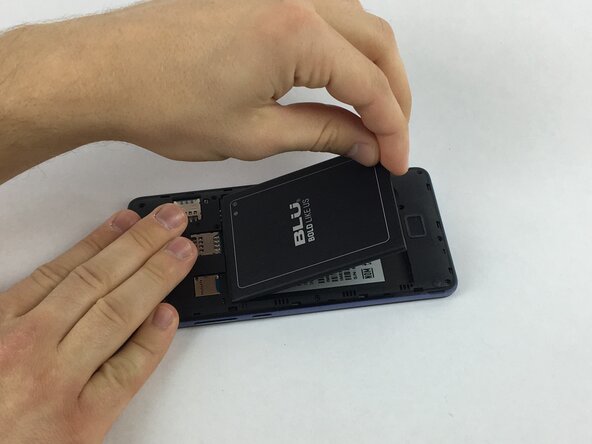
Remove the battery by lifting the lower edge of the battery up first.
 Ask FixBot
-
-
-
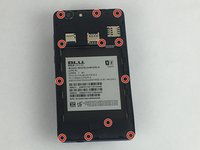
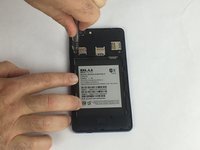
Remove the 12x3mm screws from the rear plate using the Phillips#000 screwdriver.
-
-
-
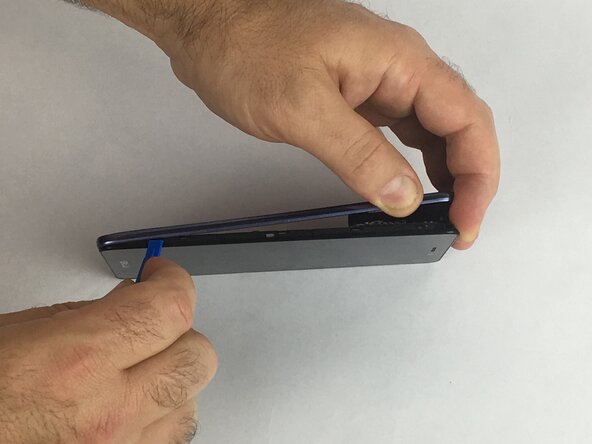
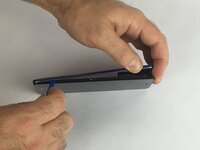
Firmly press the prying tool into the gap between the front glass and rear plate. This gap is located on all sides of the phone.
-
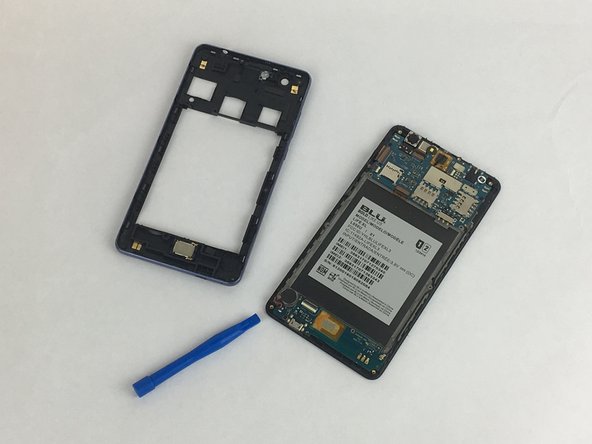
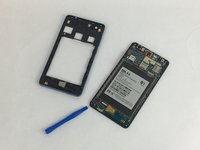
Run the prying tool around the entire phone separating the rear plate from the frame.
-
-
-
-
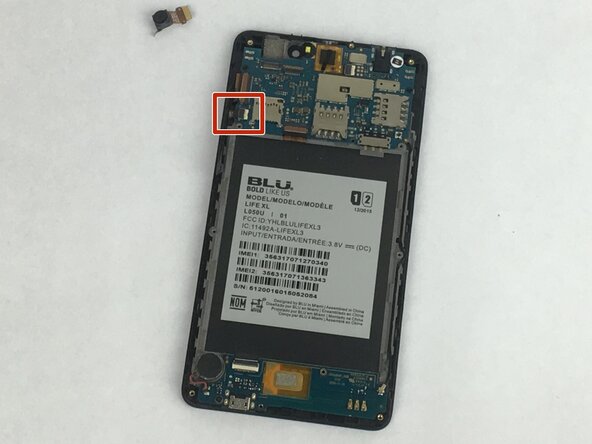
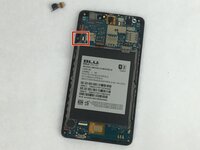
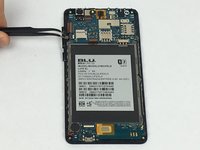
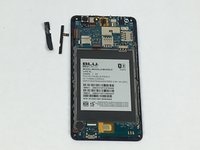
Gently remove the tape covering the volume control buttons. The tape is located near the top left of the cavity for the battery.
-
Replace the component and reapply the tape over the buttons.
-
-
-
-
-
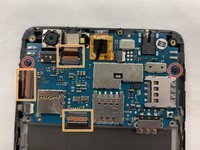
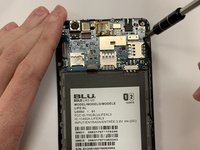
Remove the two 12x3mm screws using the Phillips #000 screwdriver.
-
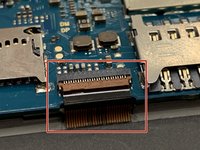
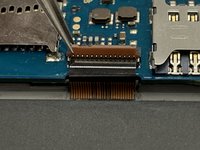
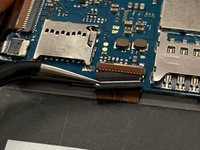
Remove the ribbon cables.
-
-
-
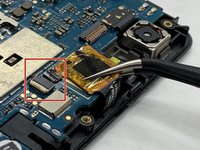
The ribbon cables are attached by zero insertion force (ZIF) connectors. To disconnect the cable, flip up the small locking flap and pull the cable out.
-
-
Tool used on this step:Tweezers$4.99
-
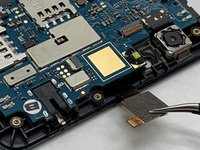
Remove the white ZIF connector then remove the cable connecting the digitizer to the motherboard by gently pulling.
-
An adhesive pad attaches this component to the motherboard. To remove it, use a pair of tweezers to gently pry it upwards.
-
-
-
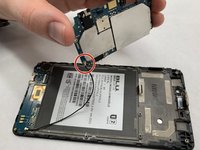
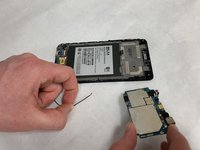
The motherboard should now be free from its mount in the phone, but it is still connected to the PBC data cable. To remove the cable from the motherboard, gently pry upward.
-
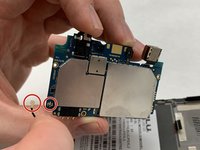
The motherboard is now free and can be replaced.
-
-
-
-
-
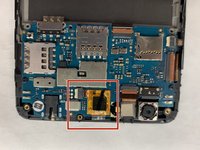
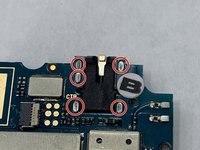
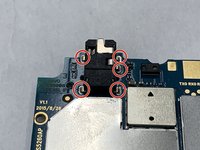
There are 5 soldering points holding the headphone jack to the motherboard. Desolder the 5 solder points and remove the jack.
-
-
















To reassemble your device, follow these instructions in reverse order.

