Free Shipping on Domestic Orders $75+

BLU Energy X USB Board Replacement

What you need

  1. BLU Energy X USB Board Replacement, Battery: step 1, image 1 of 3 BLU Energy X USB Board Replacement, Battery: step 1, image 2 of 3 BLU Energy X USB Board Replacement, Battery: step 1, image 3 of 3
    • Remove the back case using plastic opening tool.

    Ask FixBot

    Add Comment

  2. BLU Energy X USB Board Replacement: step 2, image 1 of 2 BLU Energy X USB Board Replacement: step 2, image 2 of 2
    • Remove the seven 4mm Phillips #000 screws.

    • Remove the top plate.

    Ask FixBot

    Add Comment

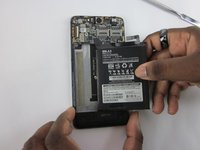
  3. BLU Energy X USB Board Replacement: step 3, image 1 of 3 BLU Energy X USB Board Replacement: step 3, image 2 of 3 BLU Energy X USB Board Replacement: step 3, image 3 of 3
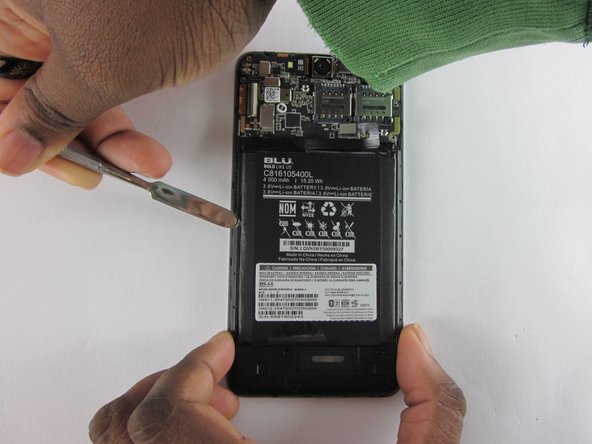
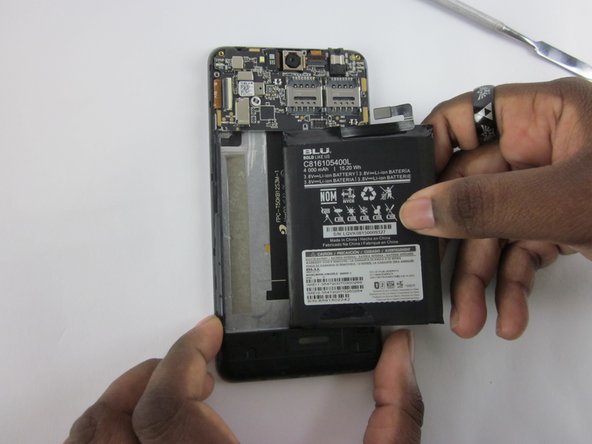
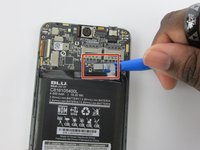
    • Detach the battery from the mother board using a plastic opening tool.

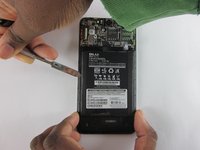
    • Use a plastic spudger to remove battery.

    Ask FixBot

    Add Comment

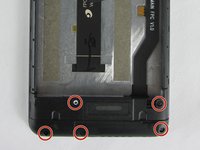
  4. BLU Energy X USB Board Replacement, USB Board: step 4, image 1 of 2 BLU Energy X USB Board Replacement, USB Board: step 4, image 2 of 2
    • Remove the five 4 mm JIS J000 screws from bottom plate

    • Remove the bottom casing.

    Ask FixBot

    Add Comment

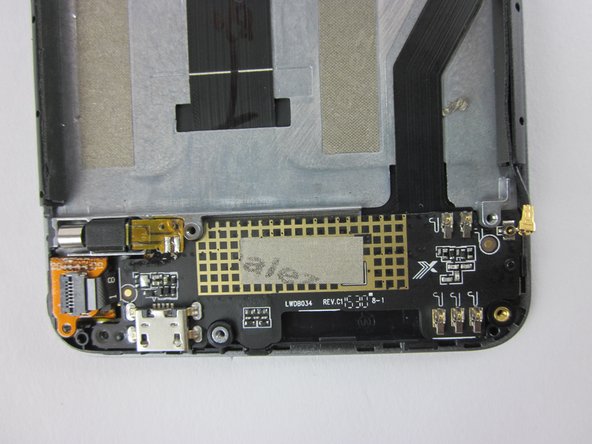
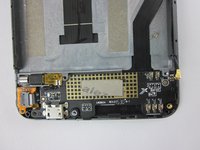
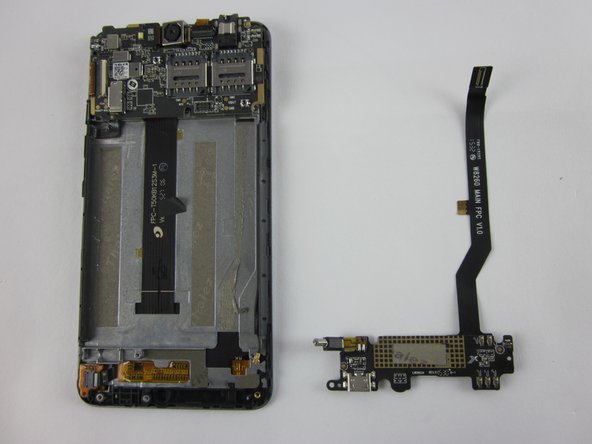
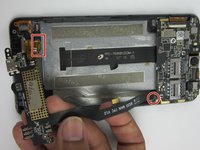
  5. BLU Energy X USB Board Replacement: step 5, image 1 of 2 BLU Energy X USB Board Replacement: step 5, image 2 of 2
    • Disconnect vibration motor and connector as indicated.

    • Remove motherboard.

    Ask FixBot

    Add Comment

Conclusion

To reassemble your device, follow these instructions in reverse order.

Cancel: I did not complete this guide.

2 other people completed this guide.

Jeanine Sam

Member since: 02/07/16

211 Reputation

1 Guide authored

Team

USF Tampa, Team 12-2, Eyestone Spring 2016 Member of USF Tampa, Team 12-2, Eyestone Spring 2016

USFT-EYESTONE-S16S12G2

3 Members

5 Guides authored

0 Guide Comments

Add Comment

View Statistics:

Past 24 Hours: 1

Past 7 Days: 4

Past 30 Days: 22

All Time: 727