Introduction
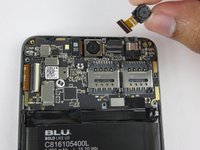
The front facing camera is located on the front side of the top motherboard. In order to access it, the motherboard just has to be exposed and then gently lifted. Use caution while disconnecting the front camera from the motherboard because it is easily damaged.
What you need
-
-
-
Pry open and remove back cover with plastic opening tools.
 Ask FixBot
-
-
-
-
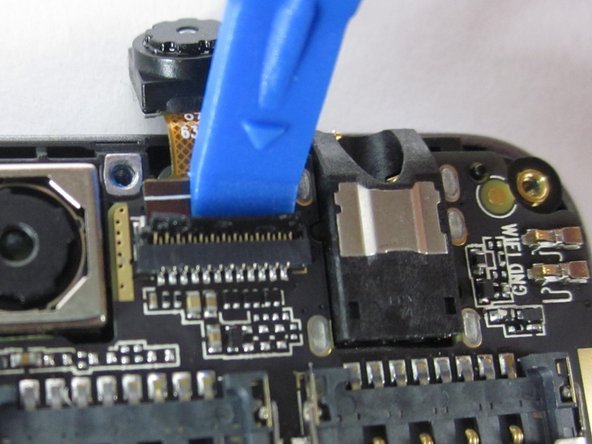
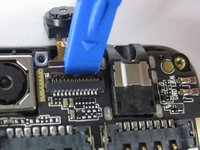
Flip up the black retaining flap on the front-facing camera ZIF connector.
-
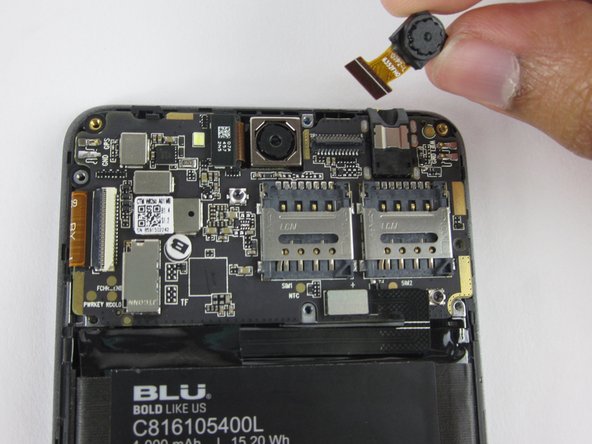
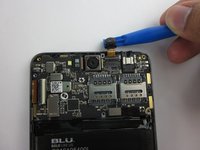
Gently lift up the motherboard, and pull the front-facing camera free of the device.
-
-


To reassemble your device, follow these instructions in reverse order.
Cancel: I did not complete this guide.
3 other people completed this guide.

Team

USF Tampa, Team 12-2, Eyestone Spring 2016 Member of USF Tampa, Team 12-2, Eyestone Spring 2016
USFT-EYESTONE-S16S12G2
3 Members
60 Guides authored
