
BLU Dash JR D140 Microphone Replacement

Saravpreet singh and 3 other contributors
Last updated on Sep 17, 2015
Views: 909
View statistics:
- Past 24 Hours:
- 1
- Past 7 Days:
- 18
- Past 30 Days:
- 89
- All Time:
- 909
Comments: 0
No one has left comments on this guide. Will you be first?
Go to guide commentsCompleted: 2 3
2 people have marked this guide "completed." Will you be next?
3 people have marked this guide "completed." Including you — great job!
Favorites: 0 1
No one has favorited (and subscribed to) this guide. Will you be the first?
1 person has favorited (and subscribed to) this guide — and that's you!
Introduction
Go to step 1 ↓This guide will take a bit of time so make sure your schedule is free before you attack this guide! If you have no soldering experience I suggest looking at Ifixits guide on soldering here.
What you need
Tools
-
-
Spudger4.9


-
-
-
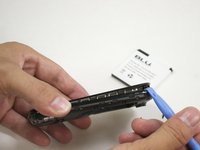
Using a plastic opening tool, pry open the back cover from the slit on the bottom right corner of the phone.
 Ask FixBot
-
-
-
-
-
Starting from a corner, separate the panel from the frame using the plastic opening tool.
-
-
-
Using a spudger, lift the black ZIF connector at the top left corner of the phone.
-
-
-
When the ribbon cable is removed from the ZIF connector, peel off the power sticky button using a plastic opening tool.
-
-
-
-
Separate the screen cover from the motherboard using the plastic opening tool.
-
-
-
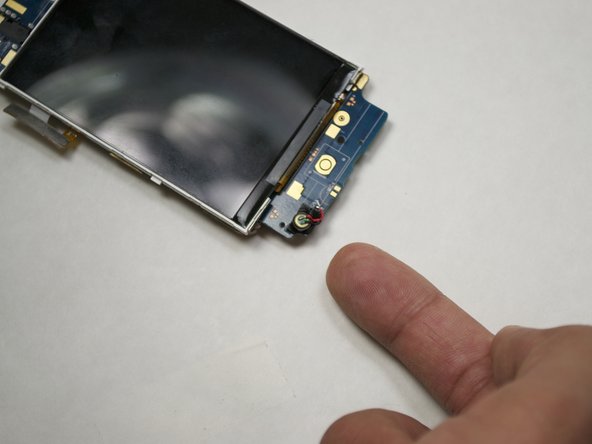
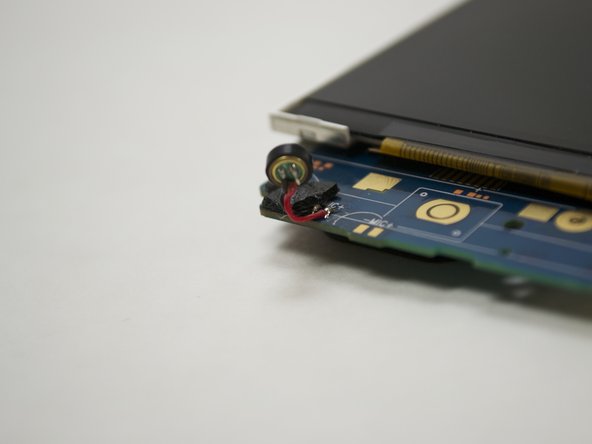
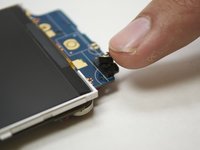
The microphone is at the bottom left corner of the phone.
-
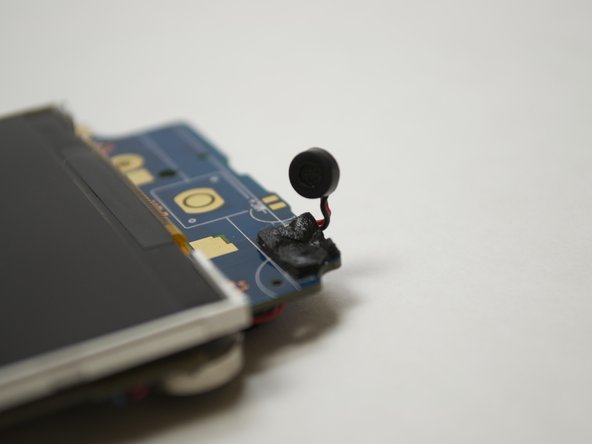
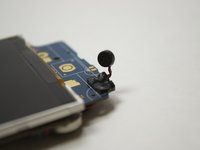
Lift the microphone very carefully. Unsolder the two lower wires (one red wire and one black wire).
-
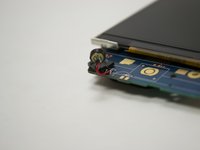
Solder the new microphone in the same spot. The black wire will go in the left spot and the red wire in the right spot.
-




To reassemble your device, follow these instructions in reverse order.
Cancel: I did not complete this guide.
2 other people completed this guide.

Team

UW Tacoma, Team 1-4, Liner SU 2015 Member of UW Tacoma, Team 1-4, Liner SU 2015
UWT-LINER-SU15S1G4
4 Members
24 Guides authored
