
Azpen A720 Battery Replacement

Last updated on May 7, 2024
Views: 2.8K
View statistics:
- Past 24 Hours:
- 2
- Past 7 Days:
- 17
- Past 30 Days:
- 90
- All Time:
- 2,760
Comments: 2
2 comments on steps.
Completed: 1 2
1 person has marked this guide "completed." Will you be next?
2 people have marked this guide "completed." Including you — great job!
Favorites: 0 1
No one has favorited (and subscribed to) this guide. Will you be the first?
1 person has favorited (and subscribed to) this guide — and that's you!
Introduction
Go to step 1 ↓The battery is important for all tablet functions. If the battery is malfunctioning you will want to replace it. Replacing your battery is a relatively simple task and following this guide will help you fix your battery related problems.
What you need
Tools


-
-
-
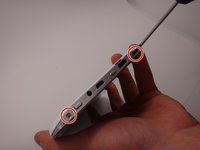
Use a Phillips #00 screwdriver to remove the two 4mm screws found on the top edge of the tablet near the power button.
 Ask FixBot
-
-
-
Use the plastic opening tool to pry the white back from the silver frame. Start near the micro SD slot.
-
-
-
-
Tool used on this step:Tweezers$4.99
-
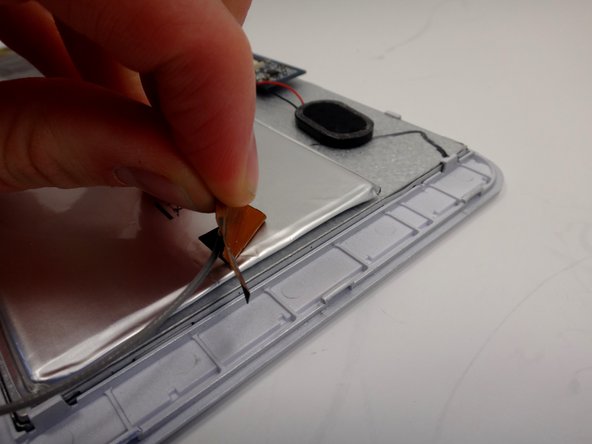
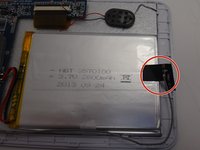
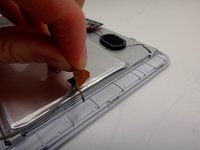
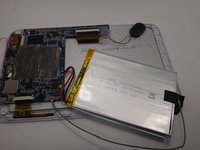
Use a soldering iron to melt the connections which attach the battery to the motherboard.
-
Disconnect the red and black wires from the motherboard.
-
-
-
-
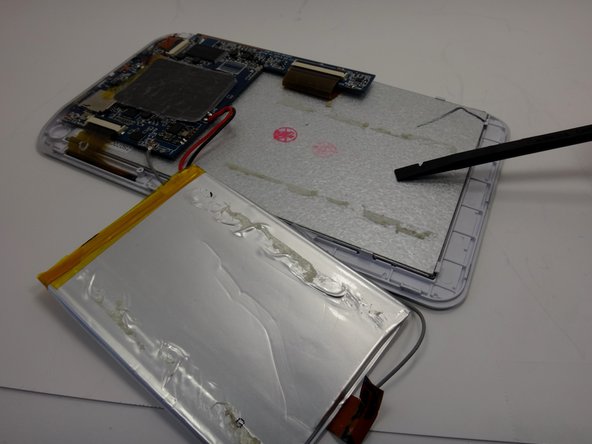
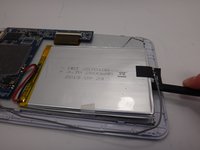
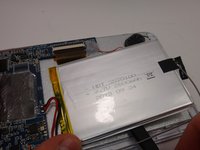
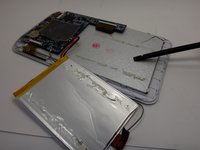
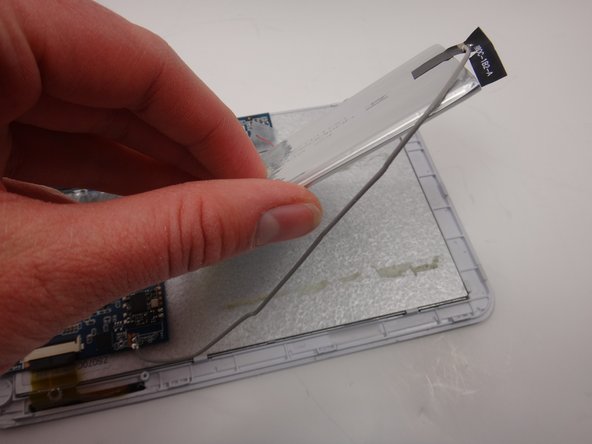
Slide the spudger between the battery and the metal backing. Move the spudger back and forth in a sawing motion to break the adhesive seal between the battery and the backing.
-







Cancel: I did not complete this guide.
One other person completed this guide.

Team

Michigan Tech, Team 1-3, Lauer Spring 2015 Member of Michigan Tech, Team 1-3, Lauer Spring 2015
MTU-LAUER-S15S1G3
2 Members
60 Guides authored
