
Audiovox CDM-8900 Keypad Replacement

Aaron Shaw and 6 other contributors
Last updated on Apr 17, 2014
Views: 2.5K
View statistics:
- Past 24 Hours:
- 1
- Past 7 Days:
- 18
- Past 30 Days:
- 97
- All Time:
- 2,480
Comments: 0
No one has left comments on this guide. Will you be first?
Go to guide commentsCompleted: 1 2
1 person has marked this guide "completed." Will you be next?
2 people have marked this guide "completed." Including you — great job!
Favorites: 3 4
3 people have favorited (and subscribed to) this guide. Will you be next?
4 people have favorited (and subscribed to) this guide — including you!
Needs Better Images
Better photos will improve this guide. Help out by taking, editing, or uploading new ones!
Inconsistent Images
Updating the images on this guide to be more consistent with the prerequisites would increase its awesomeness.
Missing Steps
Oops! This guide is currently missing one or more important steps.
Introduction
Go to step 1 ↓Here is how you replace the keypad if a button is missing.
If a button doesn't work, refer to Logic Board Repair Guide.
What you need
Tools


-
-
-
Hold the phone in one hand, slide the latch up, and pull the battery up to remove it.
 Ask FixBot
-
-
-
-
-
-
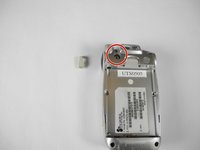
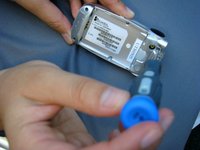
Remove the small rubber insert from the top of the phone to access the top screw.
-
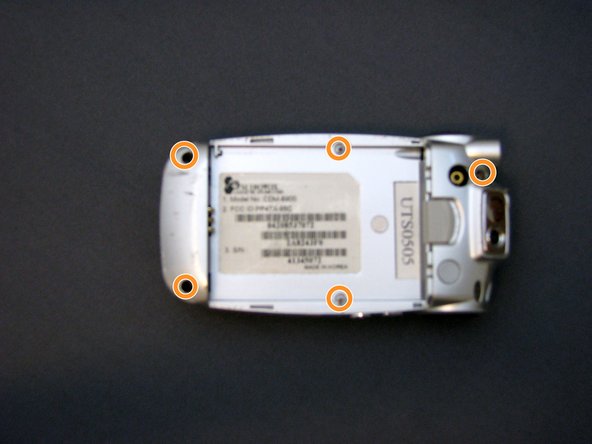
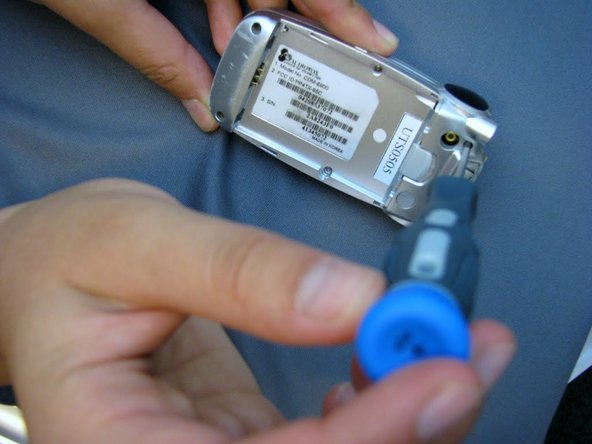
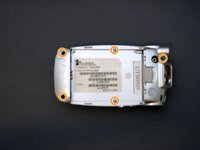
Unscrew all five screws on the back of the cell phone with a Phillips #00 screwdriver.
-
-
-
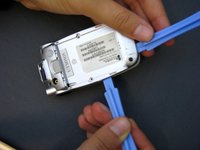
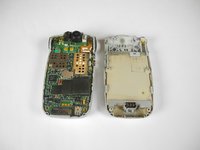
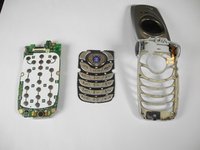
Wedge the phone plate toward you, using the leverage from an opening tool.
-
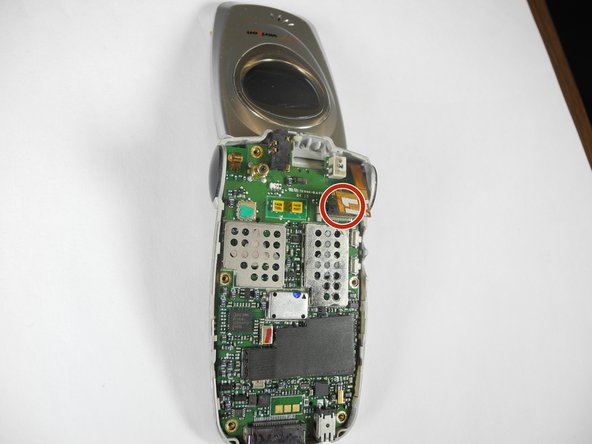
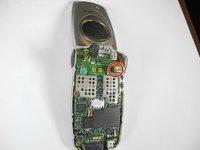
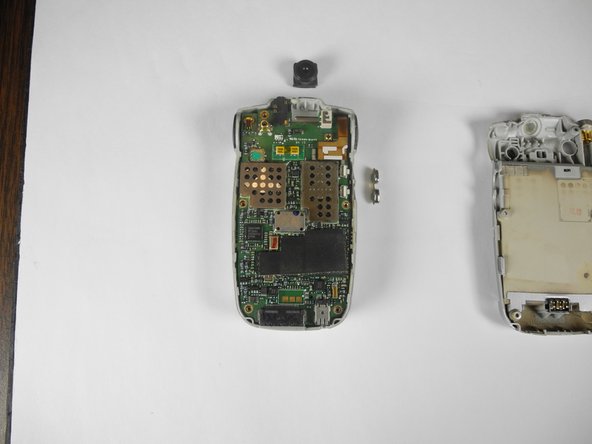
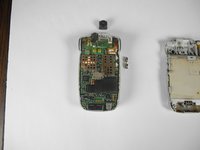
Detach the motherboard from the LCD screen connector by gently detaching the small copper plate on the top right of the motherboard.
-
-
-
-
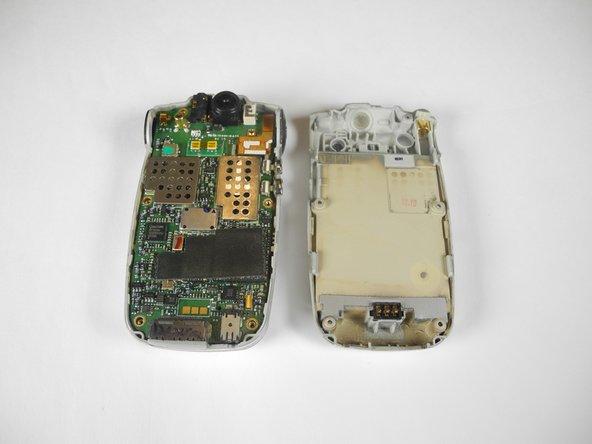
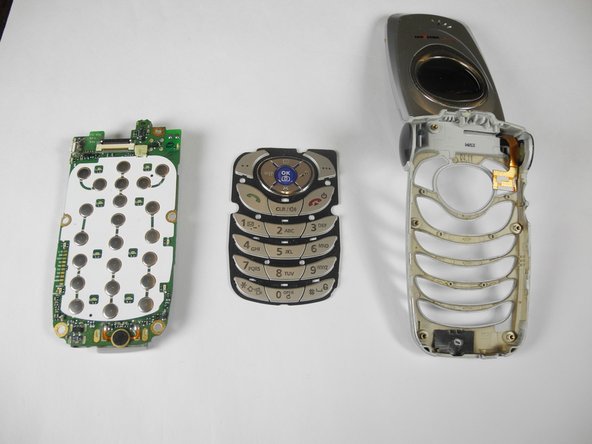
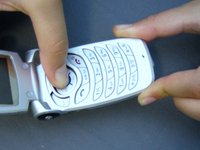
To release the motherboard, push the large "OK" button located on the other side of the phone.
-
-
-





Cancel: I did not complete this guide.
One other person completed this guide.

Team

Cal Poly, Team 28-31, Regan Spring 2010 Member of Cal Poly, Team 28-31, Regan Spring 2010
CPSU-REGAN-S10S28G31
4 Members
72 Guides authored
