Free Shipping on Domestic Orders $75+

Audio Technica AT-LP60XUSB Turntable Belt Replacement

What you need

  1. Audio Technica AT-LP60XUSB Turntable Belt Replacement, Turntable Belt: step 1, image 1 of 1
    • Disconnect the power from the turntable.

    • Never work on the turntable while it’s plugged in.

  2. Audio Technica AT-LP60XUSB Turntable Belt Replacement: step 2, image 1 of 2 Audio Technica AT-LP60XUSB Turntable Belt Replacement: step 2, image 2 of 2
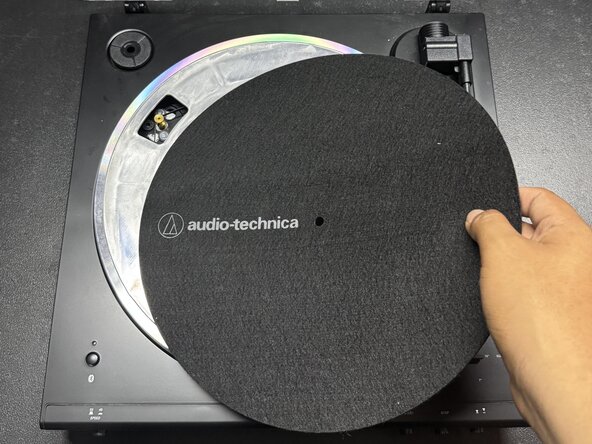
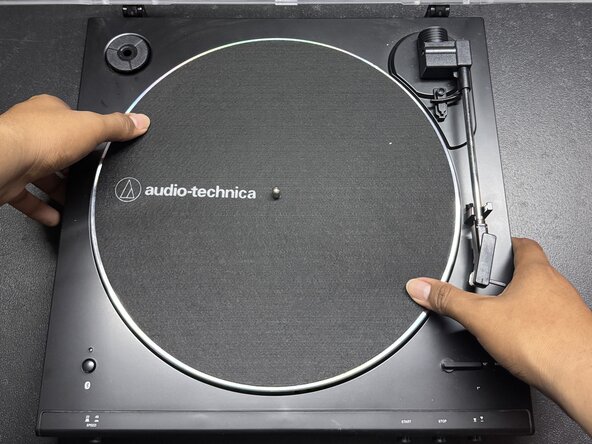
    • Remove the rubber slipmat from the turntable and place it to the side.

  3. Audio Technica AT-LP60XUSB Turntable Belt Replacement: step 3, image 1 of 2 Audio Technica AT-LP60XUSB Turntable Belt Replacement: step 3, image 2 of 2
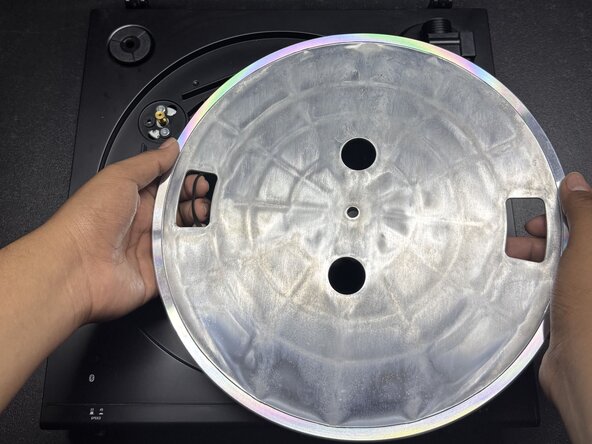
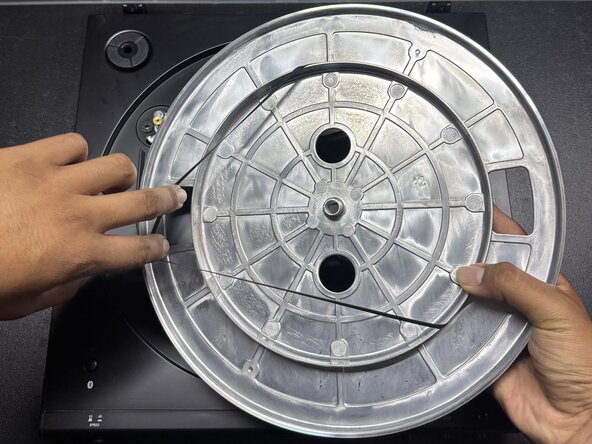
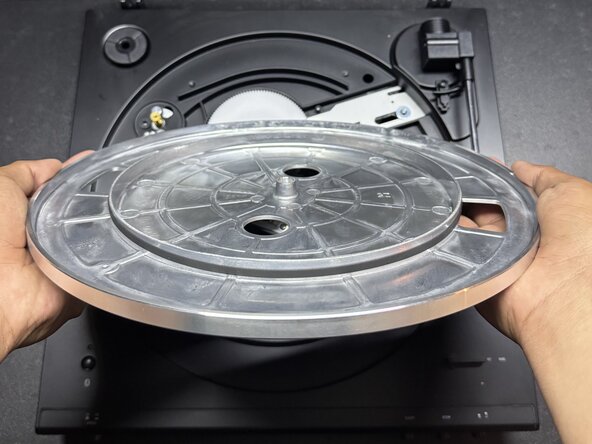
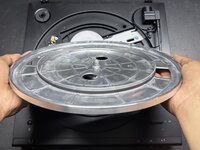
    • Pull the metallic platter with the broken belt straight up to remove it.

    • Do not use excessive force when removing the platter, as it may cause damage to internal components.

  4. Audio Technica AT-LP60XUSB Turntable Belt Replacement: step 4, image 1 of 3 Audio Technica AT-LP60XUSB Turntable Belt Replacement: step 4, image 2 of 3 Audio Technica AT-LP60XUSB Turntable Belt Replacement: step 4, image 3 of 3
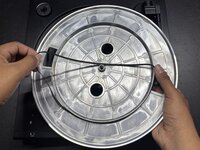
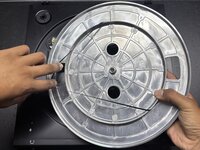
    • Flip the metallic cover upside down.

    • Remove the old belt.

    • Place the new belt around the circle on the bottom of the plate.

    • Ensure the belt lies flat and is not twisted or bunched up.

  5. Audio Technica AT-LP60XUSB Turntable Belt Replacement: step 5, image 1 of 3 Audio Technica AT-LP60XUSB Turntable Belt Replacement: step 5, image 2 of 3 Audio Technica AT-LP60XUSB Turntable Belt Replacement: step 5, image 3 of 3
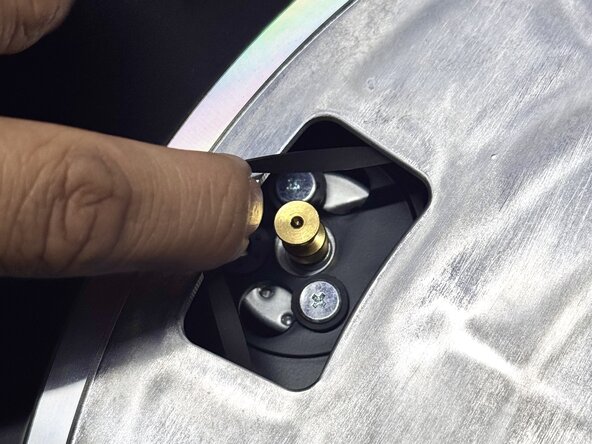
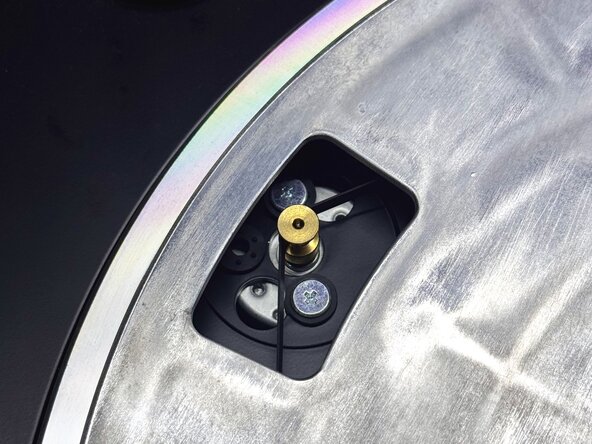
    • Flip the metallic plate over and place it onto the turntable.

    • Align the hole in the center of the plate with the silver knob in the middle of the turntable.

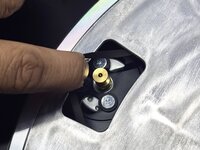
    • Rotate the metal plate until the rectangular opening near its edge lines up with the gold knob in the top-left corner.

    • Use your fingers to pull the belt through the rectangular opening and loop it around the gold knob.

    • Be gentle while stretching the belt onto the pulley to avoid tearing or misalignment.

  6. Audio Technica AT-LP60XUSB Turntable Belt Replacement: step 6, image 1 of 1
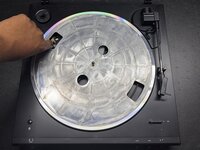
    • Place the rubber slipmat back on top of the turntable.

    • Connect the power to the turntable.

    • Turn the metallic plate on the turntable to confirm that the belt is spinning properly.

Finish Line

Kenny

Member since: 03/04/25

133 Reputation

1 Guide authored

Team

0 Guide Comments

Add Comment

View Statistics:

Past 24 Hours: 0

Past 7 Days: 4

Past 30 Days: 36

All Time: 315