Introduction
If your Asus Zenbook UX303L laptop has stiff or unresponsive keys, use this guide to replace the keyboard.
The keyboard inputs character data to the laptop through key presses called keystrokes. Faulty keys may cause unregistered keystrokes with no input of character data. An on-screen keyboard available through Windows or an external USB keyboard may be used until internal keyboard issues are resolved.
Before using this guide, be sure to review the troubleshooting page - unresponsive or stiff keys may be resolved without replacing the keyboard. Debris may be interfering with the keyboard or internal cables may have become disconnected.
Before starting a repair, make sure to power off your device completely and disconnect from any external power source.
What you need
-
-
-
Make sure the device is turned off and disconnected from the battery charger.
 Ask FixBot
-
-
-
Remove all the nine screws from the bottom of the device using a T5 screwdriver.
-
Carefully remove the bottom cover.
-
-
-
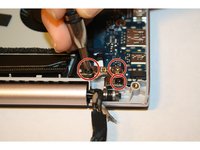
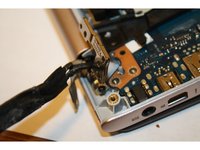
Remove the three screws from the hinges using a PH-1 screwdriver.
-
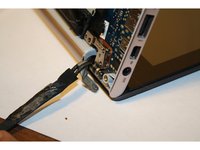
Open the device at a 90 degree angle to free the hinges.
-
-
-
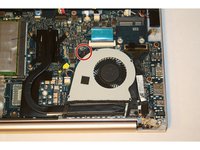
Remove the screw attaching the cooling fan to the motherboard by using a PH-1 screwdriver.
-
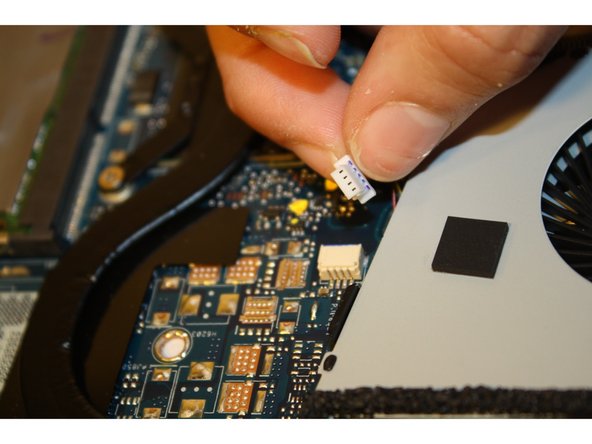
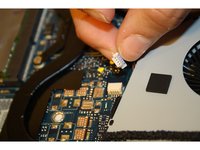
Disconnect the wire attaching the cooling fan to the motherboard.
-
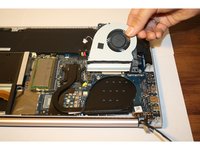
Gently lift and pull out the cooling fan.
-
-
-
-
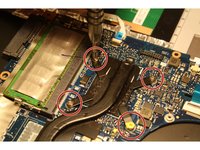
Remove the four screws attached to the black covered copper bar next to the cooling fan using a PH-1 screwdriver.
-
Gently lift and remove the copper bar.
-
-
Tool used on this step:Tweezers$4.99
-
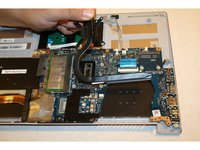
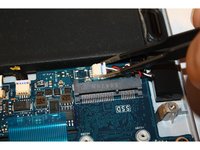
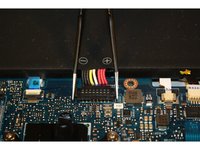
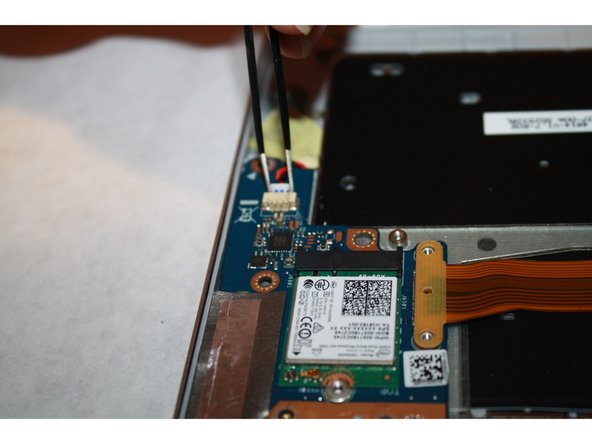
Unhook the black, red, and white switch using the tweezers.
-
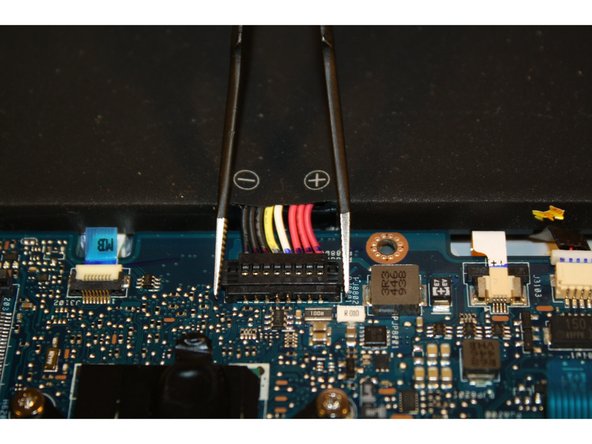
Detach the positive and negative red, white, yellow, and black switch.
-
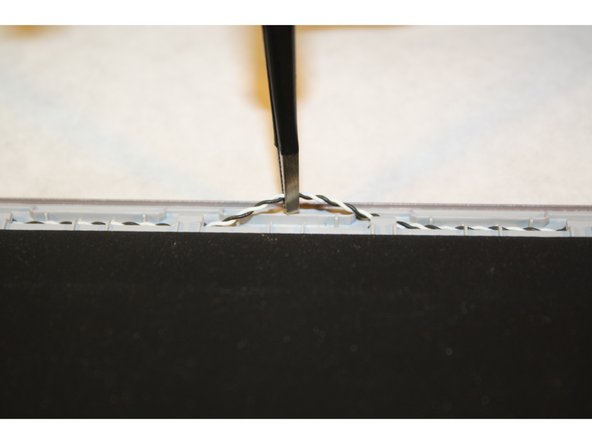
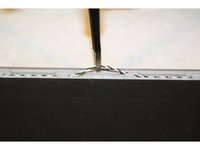
Unhook the black and white coiled wire.
-
Lift and remove the battery pack.
-
-
-
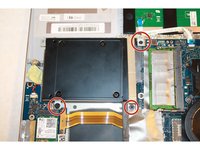
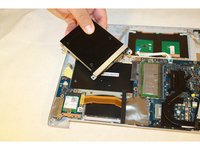
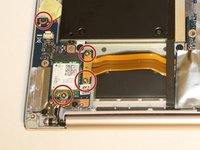
Remove the three screws attaching the drive to the motherboard using a PH-1 screwdriver.
-
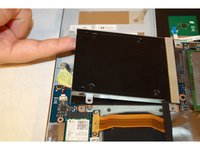
Gently lift and pull out the drive.
-
-
-
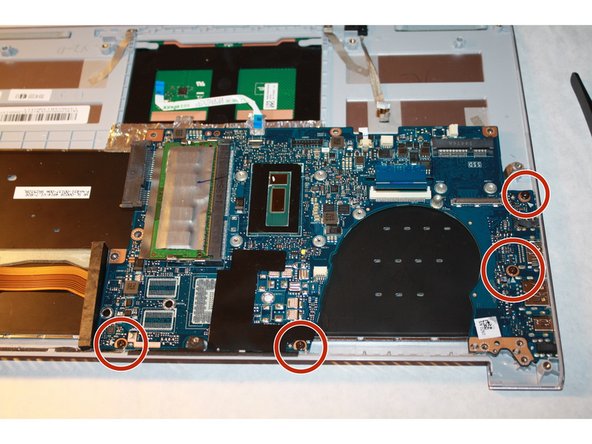
Remove the silver tape to free the fourth screw attaching the motherboard.
-
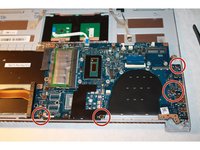
Remove the four screws attaching the motherboard using a PH-1 screwdriver.
-
-
-
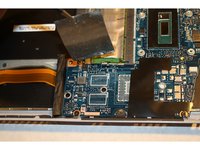
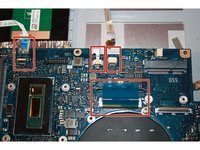
Detach the four wires connected to the motherboard using tweezers.
-
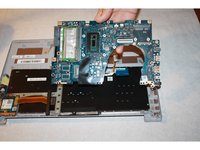
Gently lift up and pull out the motherboard.
-
-
-
Remove the small piece of the motherboard on the lower left hand corner by removing the four screws using a PH-1 screwdriver.
-
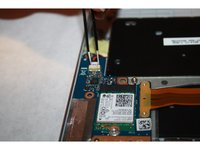
Detach the black and red coiled wire from the motherboard using tweezers.
-
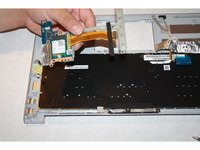
Gently lift and remove the small piece of the motherboard.
-
-
-
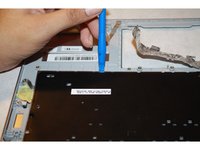
Place the plastic opening tool under the corners of the keyboard and use it to detach the keyboard all around.
-
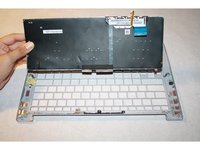
Gently lift and remove the keyboard from its place.
-
-


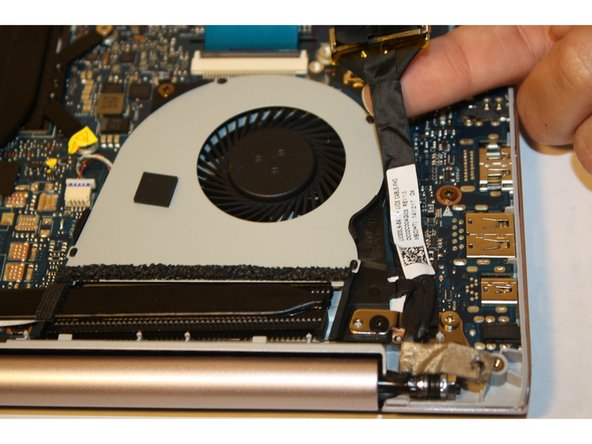
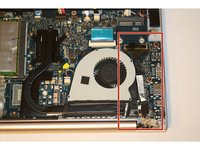
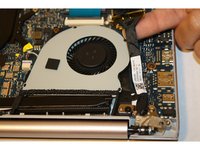


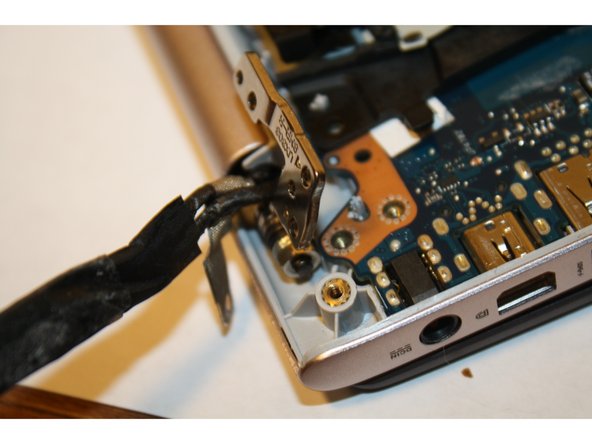
















To reassemble your device, follow these instructions in reverse order.
Cancel: I did not complete this guide.
7 other people completed this guide.

Team

Sam Houston State, Team 1-3, Blackburne Fall 2015 Member of Sam Houston State, Team 1-3, Blackburne Fall 2015
SHSU-BLACKBURNE-F15S1G3
3 Members
48 Guides authored
8 Guide Comments
Step 2: There are screws under the rubber pads (at least on the UX303L).
Step 9: Its removing the hard drive/SSD not RAM.
Step 13: Please show me how to remove the keyboard out. It will break some plastic to pull the keyboard out.
Thanks,
Quang
Battery pack should be removed first (at least before step 3) in order to avoid possible power surge
