
Asus Zenbook UX21e Cooling System Replacement

Zachary Eslick and 5 other contributors
Last updated on Jun 18, 2018
Views: 1.6K
View statistics:
- Past 24 Hours:
- 2
- Past 7 Days:
- 20
- Past 30 Days:
- 79
- All Time:
- 1,618
Comments: 0
No one has left comments on this guide. Will you be first?
Go to guide commentsCompleted: 1 2
1 person has marked this guide "completed." Will you be next?
2 people have marked this guide "completed." Including you — great job!
Favorites: 0 1
No one has favorited (and subscribed to) this guide. Will you be the first?
1 person has favorited (and subscribed to) this guide — and that's you!
Introduction
Go to step 1 ↓The Asus Zenbook UX21e has a simple cooling system that can be quickly removed and cleaned or replaced. This guide involves following the battery replacement guide initially, before removing a protective plastic cover to disconnect the fan. It is then possible to unscrew and disconnect the fan to remove it.
After removing the cooling system, you must clean any theremal paste apply new thermal paste when you reinstall the cooling system.
What you need
Tools


-
-
-
Using a T4 Torx screwdriver, unscrew the ten screws lining the bottom cover. Then, proceed to remove the bottom cover by sliding it out parallel toward the back of the computer.
-
There are two length of screws. Eight screws are 3mm and two are 5mm. The two 5mm screws always go into the two center holes along the back edge.
 Ask FixBot
-
-
-
Using an iFixit opening tool and your other hand, gently lift the connector up from the tape wrapped around the connector wires and pry the connector from the motherboard.
-
-
-
Remove the battery by unscrewing the five 3mm screws using a Phillips #1 screwdriver.
-
-
-
-
-
-
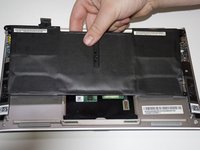
Remove the plastic piece (labeled M3 10) sitting on top of the fan by lifting from one edge and peeling it over.
-
-
-
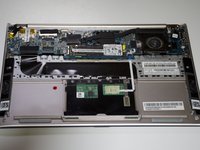
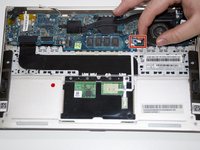
Disconnect fan from motherboard by pulling the small white and blue connector from its socket.
-
-
-
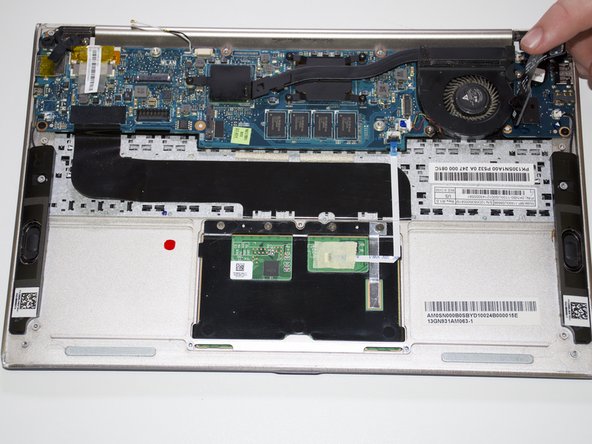
Remove the seven 3mm screws that hold the cooling system down using a Phillips #1 screwdriver.
-
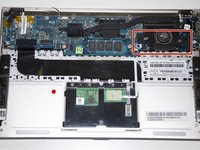
Remove the cooling system from the device.
-
-




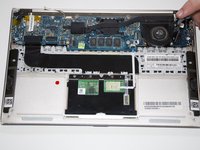
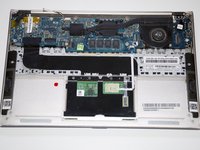

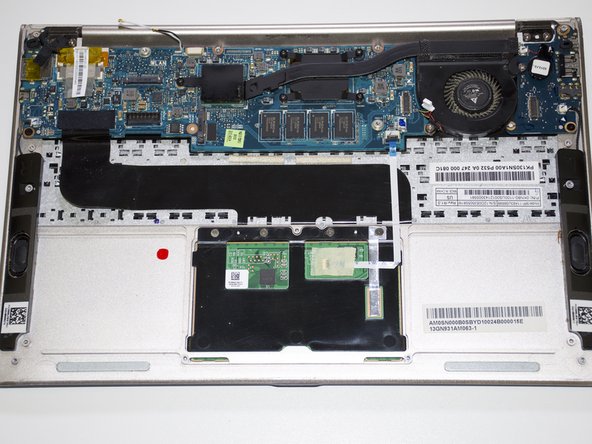
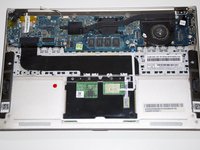


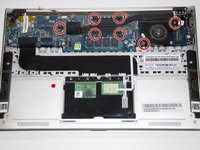
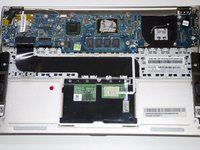
To reassemble your device, follow these instructions in reverse order. Make sure to clean the CPU with a clean and dry cloth and compressed air. You must also squeeze new thermal paste onto the CPU before reassembling.
Cancel: I did not complete this guide.
One other person completed this guide.

Team

Cal Poly, Team S22-G1, Maness Spring 2018 Member of Cal Poly, Team S22-G1, Maness Spring 2018
CPSU-MANESS-S18S22G1
3 Members
60 Guides authored
