Introduction
If your Asus ZenBook Flip (model UX360C) screen isn’t producing clear visuals, distorted images, has a cracked screen, or has no visuals, use this guide to replace the screen.
The laptop transmits information to LCD screen through an auxiliary cord. A faulty or cracked screen will transmit distorted visuals or no visuals at all.
What you need
-
-
-
Use a spudger to pry out the two rubber grommets from the front of the screen.
-
Remove the two 4mm Phillips Head #1 screws behind the grommets.
 Ask FixBot
-
-
-
Use a large plastic opening tool to work around the outside of the screen and gently separate the two halves.
-
-
-
-
Remove the two 2 mm Phillips #00 camera screws.
-
Remove the 2 mm Phillips #0 upper circuit board screw.
-
Remove the 2 mm Phillips #0 lower circuit board screw.
-
-
Tool used on this step:Tweezers$4.99
-
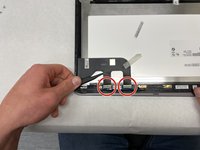
Use tweezers to unplug the two ribbon cables from the top half of the screen.
-
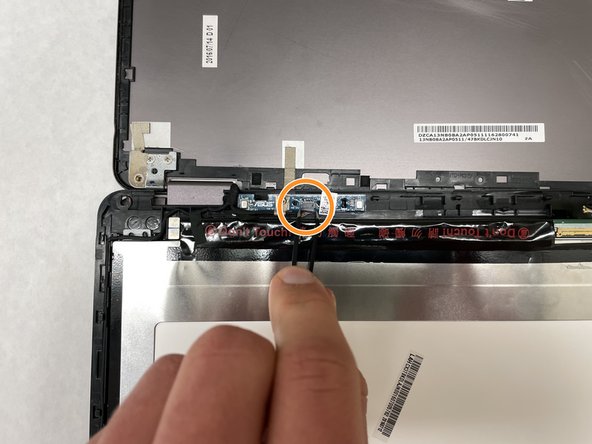
Detach the upper circuit board cable using the same method.
-
-
-
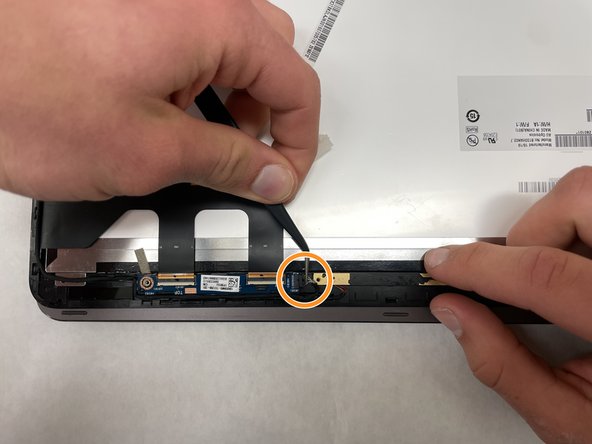
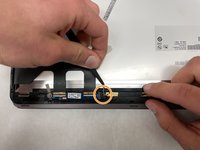
On the bottom half of the screen remove the screen connection.
-
Disconnect the lower circuit board cable.
-
Separate the wiring from the casing, and remove the screen.
-
-




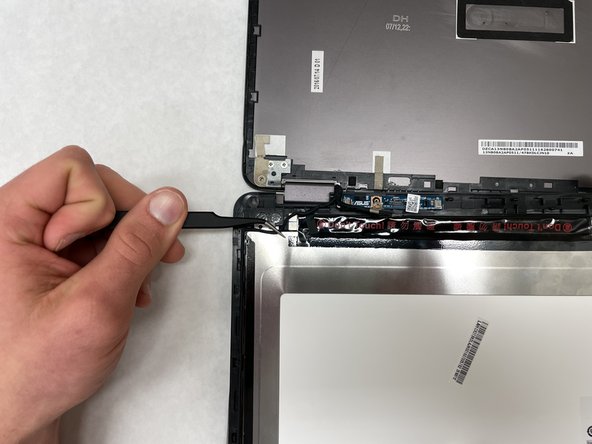
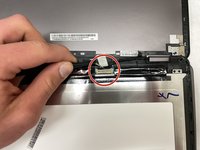
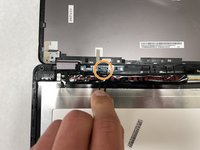
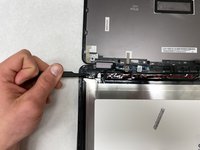
To reassemble your device, follow these instructions in reverse order.

Team

IUPUI, Team 1-4, Harley Spring 2022 Member of IUPUI, Team 1-4, Harley Spring 2022
IUPUI-HARLEY-S22S1G4
3 Members
36 Guides authored
