
Asus Z54C-JS31 WiFi Card Replacement

Mark DeSimone and 2 other contributors
Last updated on Dec 21, 2017
Views: 2.1K
View statistics:
- Past 24 Hours:
- 8
- Past 7 Days:
- 31
- Past 30 Days:
- 114
- All Time:
- 2,107
Comments: 0
No one has left comments on this guide. Will you be first?
Go to guide commentsCompleted: 0 1
No one has marked this guide "completed." Will you be the first?
1 person has marked this guide "completed." It's you — great job!
Favorites: 0 1
No one has favorited (and subscribed to) this guide. Will you be the first?
1 person has favorited (and subscribed to) this guide — and that's you!
Introduction
Go to step 1 ↓The WiFi card allows the laptop to connect to the Internet wirelessly. If you're experiencing network connection issues you may need to replace your WiFi card.
What you need
Tools


-
-
-
Turn the laptop upside down so that the underside is facing up and locate the two switches that are on each side of the battery.
-
Slide the switch on the top right corner to the right.
-
Slide and hold the switch on the top left corner to the left and carefully remove the battery.
 Ask FixBot
-
-
-
-
-
Use a Phillips #000 screwdriver to remove the two 9mm screws from the HDD/RAM cover panel.
-
-
-
-
Slide the back panel off by placing a hand on each corner and pulling the panel towards you.
-
-
-
-
-
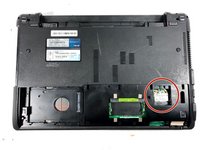
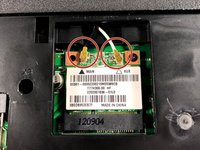
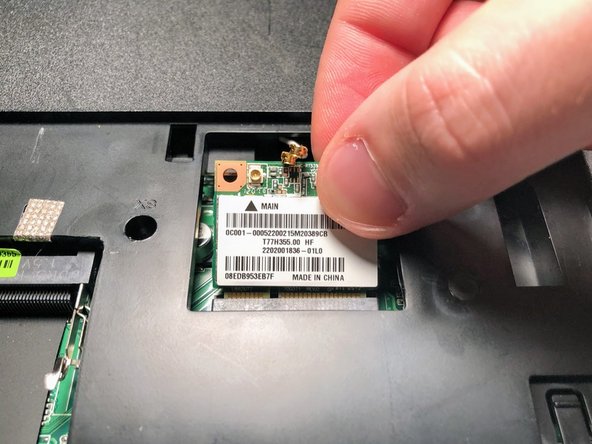
Disconnect both the black and white coaxial connectors from the WiFi card by pulling up on the gold colored piece.
-
-
-
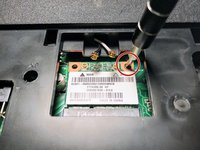
Remove the 3mm screw from the top right corner of the WiFi card using a Phillips #0 screwdriver.
-
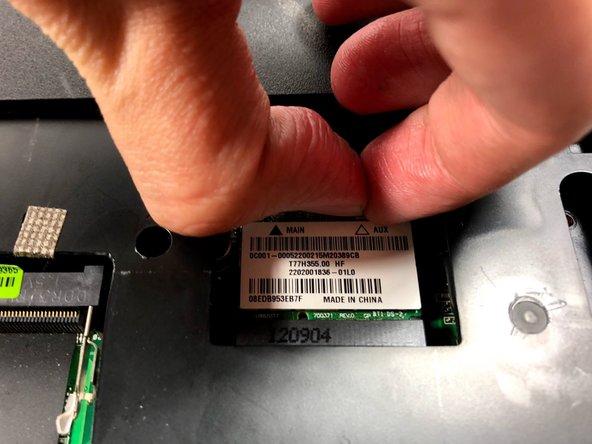
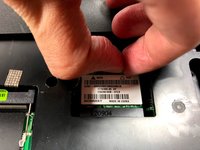
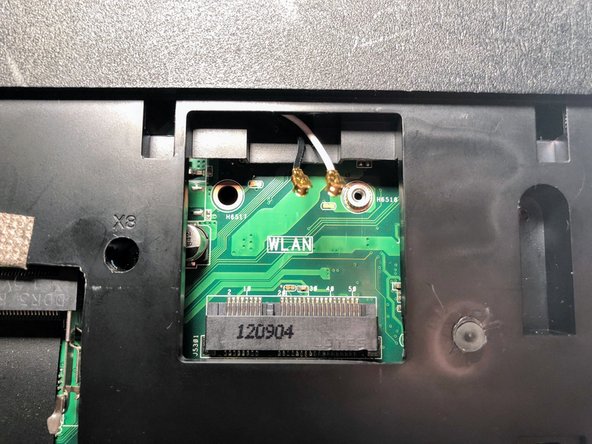
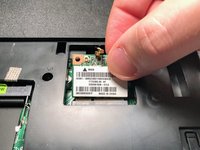
The WiFi card will pop up. Grasp it and pull it out of its slot.
-
-



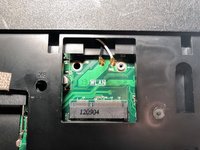
To reassemble your device, follow these instructions in reverse order.

Team

UMass Dartmouth, Team S3-G1, Bailey Fall 2017 Member of UMass Dartmouth, Team S3-G1, Bailey Fall 2017
UMASSD-BAILEY-F17S3G1
2 Members
96 Guides authored
