Introduction
If your Asus VivoBook S14 is no longer holding a charge, you may have a dead battery which requires a replacement.
A punctured or swollen battery can be dangerous, please take the necessary precautions to avoid a fire and safe handling.
Please ensure the device is powered down before you begin.
What you need
-
-
-
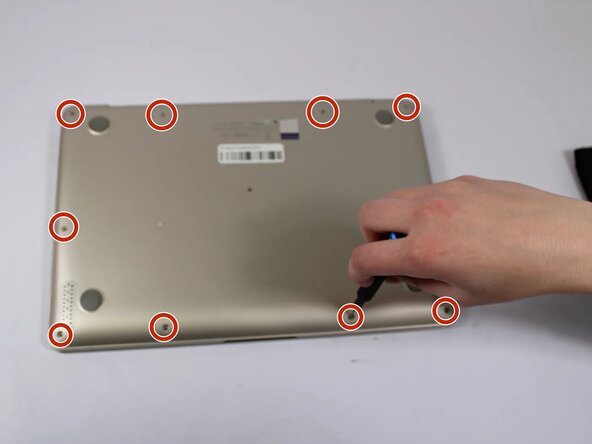
Remove all eleven 5 mm screws on the back panel with a Phillips #0 screwdriver.
-
Insert an iFixit opening tool between the back panel and the chassis. Carefully pry around the edges until the plastic clips release.
-
Lift the back panel off the laptop.
 Ask FixBot
-
-
-
-
-
-
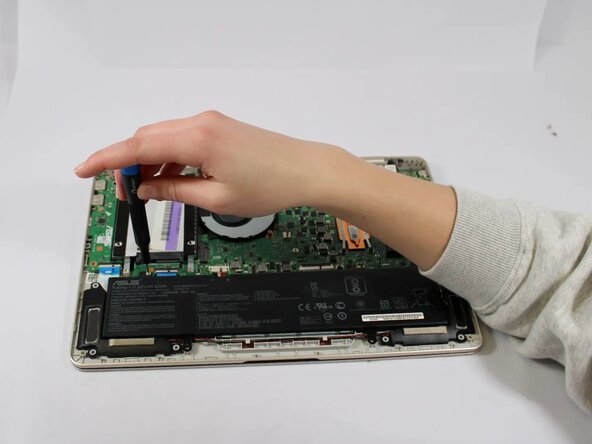
Remove the 5 mm screws holding the battery in place with a JIS #000 screwdriver.
-




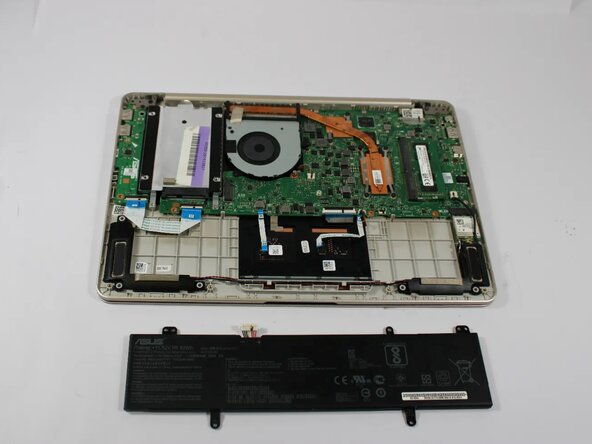
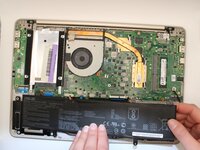
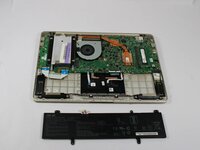
To reassemble your device, follow the above steps in reverse order.
For optimal performance, after completing this guide, calibrate your newly installed battery.
Take your e-waste to an R2 or e-Stewards certified recycler.
Repair didn’t go as planned? Try some basic troubleshooting or ask our Answers community for help.

Team

Idaho State University, Team 1-5, Watkins Spring 2025 Member of Idaho State University, Team 1-5, Watkins Spring 2025
ISU-WATKINS-S25S1G5
4 Members
60 Guides authored
