
Asus UL30VT-X1 Key Replacement

Connor McKee and
Last updated on Jan 12, 2018
Views: 631
View statistics:
- Past 24 Hours:
- 3
- Past 7 Days:
- 16
- Past 30 Days:
- 88
- All Time:
- 631
Comments: 0
No one has left comments on this guide. Will you be first?
Go to guide commentsCompleted: 0 1
No one has marked this guide "completed." Will you be the first?
1 person has marked this guide "completed." It's you — great job!
Favorites: 0 1
No one has favorited (and subscribed to) this guide. Will you be the first?
1 person has favorited (and subscribed to) this guide — and that's you!
What you need
Tools

Introduction
Go to step 1 ↓This guide will show how to replace keys.

 Ask FixBot


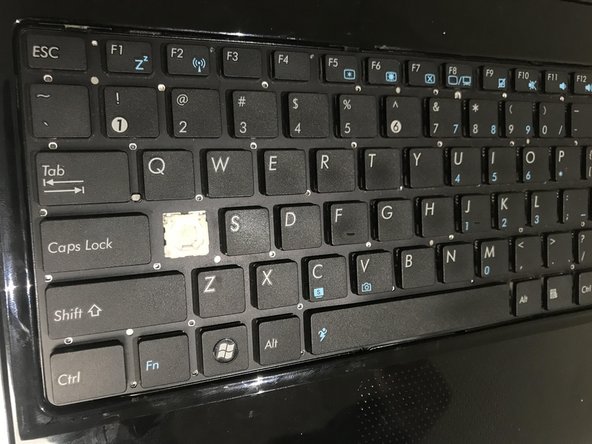


To reassemble your device, follow these instructions in reverse order and pop the cover back into place.

Team

University of North Texas, Team S6-G7, Thomas Fall 2017 Member of University of North Texas, Team S6-G7, Thomas Fall 2017
UNT-THOMAS-F17S6G7
3 Members
48 Guides authored
