
Asus U47VC-DS51 Motherboard Replacement

Murphy Villegas and 4 other contributors
Last updated on May 12, 2017
Views: 1.2K
View statistics:
- Past 24 Hours:
- 1
- Past 7 Days:
- 19
- Past 30 Days:
- 92
- All Time:
- 1,161
Comments: 5
4 comments on steps, 1 guide comment.
Go to guide commentsCompleted: 0 1
No one has marked this guide "completed." Will you be the first?
1 person has marked this guide "completed." It's you — great job!
Favorites: 1 2
1 person has favorited (and subscribed to) this guide. Will you be next?
2 people have favorited (and subscribed to) this guide — including you!
Introduction
Go to step 1 ↓This guide shows how to completely take out the motherboard for a total replacement.
What you need
Tools
-
Spudger4.9


-
-
-
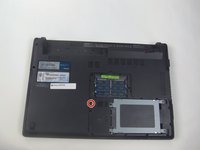
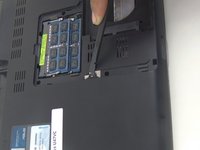
Remove the hard drive cover.
-
Unscrew one 8mm Phillips #00 screw.
-
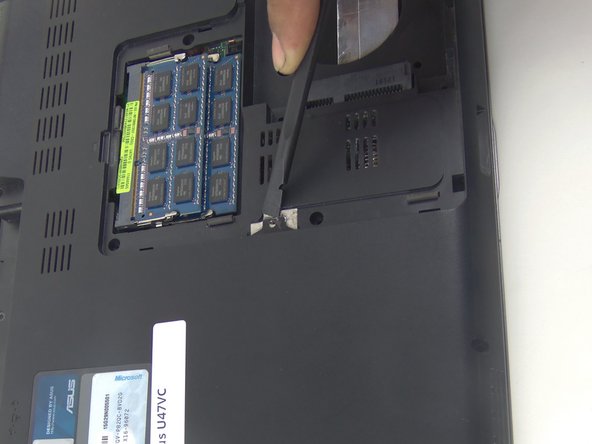
Using the black spudger, insert its flat end under the hard drive's covering, working around to pry it off.
 Ask FixBot
-
-
-
Remove the hard drive.
-
Unscrew the four 3mm Phillips #00 screws.
-
Pull the hard drive's black tab away from the laptop to free it.
-
-
-
-
-
Remove 9 screws from bottom of notebook using PH00 bit + 1 under hard drive bay.
-
Remove 3 screws from bottom of notebook using PH00 bit. 1 is same screw spec as the other 9, and 2 are shorter.
-
-
-
-
Using the black spudger, insert its flat end between the crevice where the color changes from grey to black.
-
Carefully ease the spudger's end along the crevice, going around the entire frame.
-
-
-
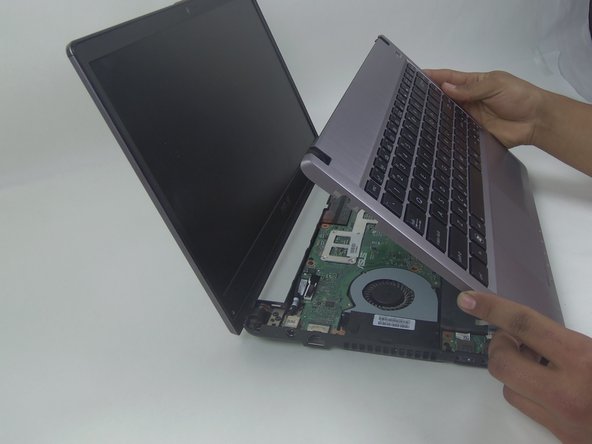
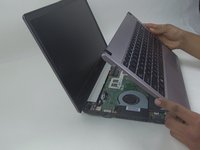
Lift the keyboard from the front where it is closest to the screen.
-
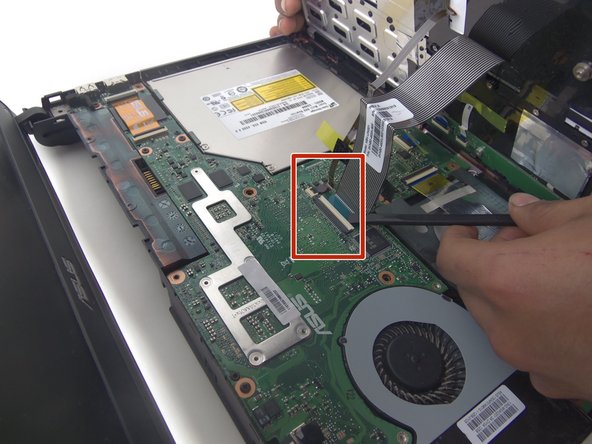
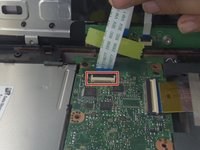
Disconnect the large and small ZIF connectors attached to the motherboard by flipping the light-colored part of the switch.
-
-
-
Remove the third and last ZIF connector on the motherboard by flipping up the dark-colored part of the switch.
-
Now, the component should come completely free.
-
-
-
-
-
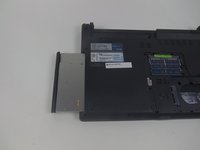
Unscrew the one 8mm screw using a Phillips #00.
-
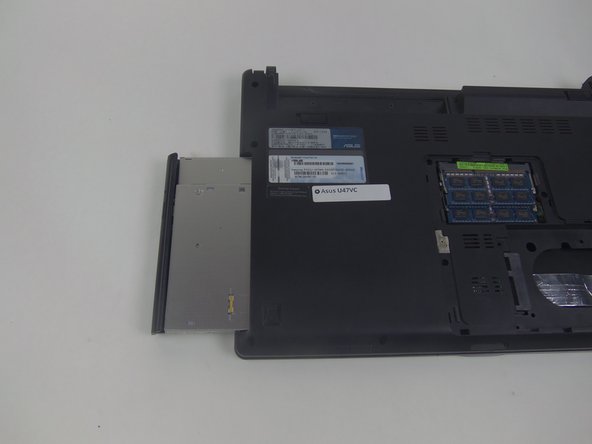
Using the black spudger, slightly pry up on the tab and gently pull the optical drive away from the laptop in order to remove it.
-
-
-
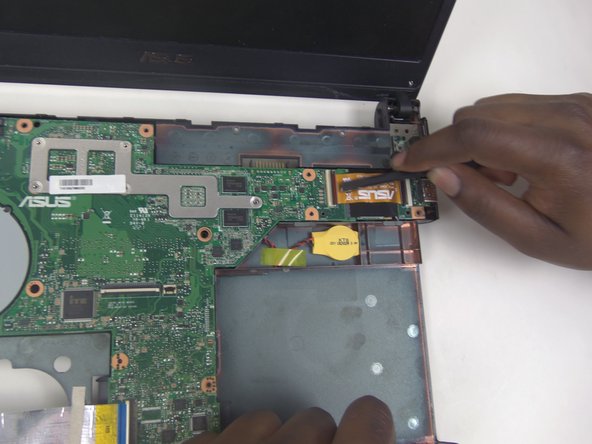
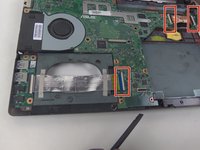
Using the black spudger, slowly lift up on the cable connectors and pull them away from the connectors.
-
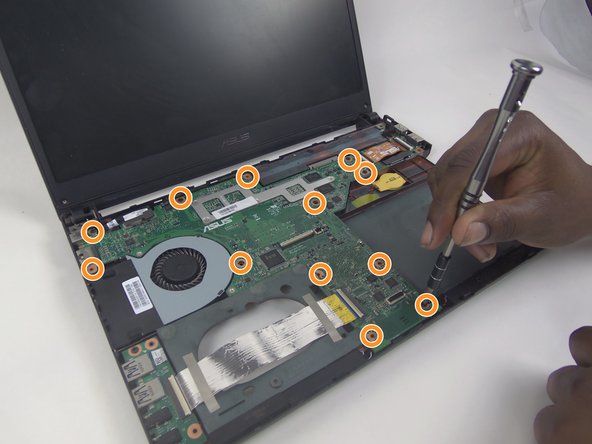
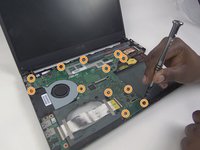
Unscrew the 12 8mm screws using a Phillips #00 screwdriver.
-
-
-
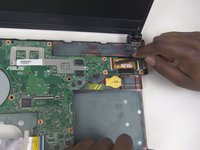
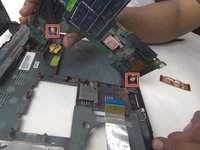
Lift up on the motherboard and disengage the two connectors.
-
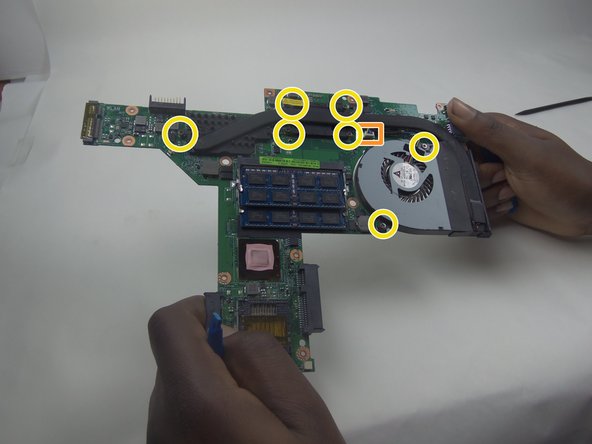
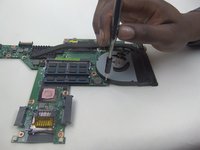
Disconnect the cooling fan connector.
-
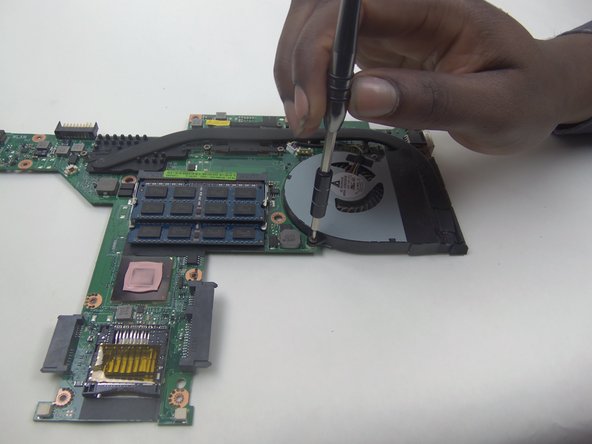
Unscrew the 7 8mm screws holding in the cooling fan using a Phillips #00 screwdriver.
-
-






To reassemble your device, follow these instructions in reverse order.

Team

South Arkansas Community College, Team 1-1, Mitchell Spring 2017 Member of South Arkansas Community College, Team 1-1, Mitchell Spring 2017
SACC-MITCHELL-S17S1G1
5 Members
60 Guides authored
1 Guide Comment
Step#3, You need to remove a total of 13 screws from the bottom of the laptop BEFORE prying the keyboard section off the laptop. See pics https://imgur.com/a/h5d1zJ1
