
Asus ROG Strix GL702VS Trackpad Replacement

Conor H Allen and 5 other contributors
Last updated on May 7, 2024
Views: 1.5K
View statistics:
- Past 24 Hours:
- 1
- Past 7 Days:
- 17
- Past 30 Days:
- 73
- All Time:
- 1,509
Comments: 1
1 comment on steps.
Completed: 0 1
No one has marked this guide "completed." Will you be the first?
1 person has marked this guide "completed." It's you — great job!
Favorites: 0 1
No one has favorited (and subscribed to) this guide. Will you be the first?
1 person has favorited (and subscribed to) this guide — and that's you!
Introduction
Go to step 1 ↓This guide will walk you through the process of replacing your Asus ROG Strix GL702VS trackpad (touchpad) in the event of damage or malfunction. This process is necessary when the trackpad is unable to be used and is unresponsive and updating the drivers fails to solve cursor tracking issues.
What you need
Tools
-
-
Spudger4.9
-


-
-
-
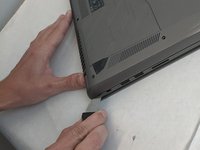
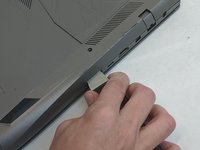
Remove the ten JIS #0 screws around the edge of the laptop.
-
The two bottom screws are slightly shorter
-
-
-
-
-
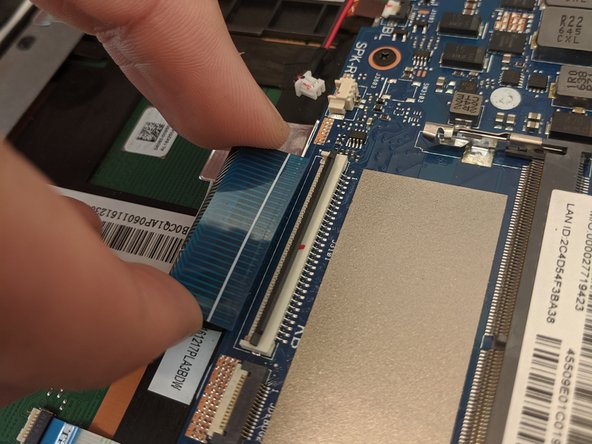
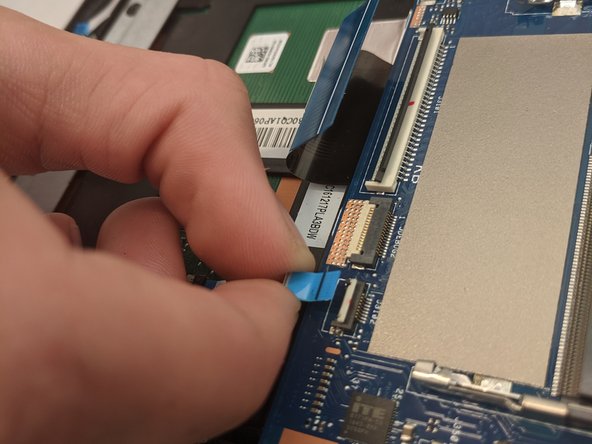
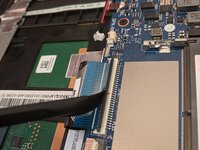
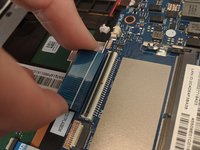
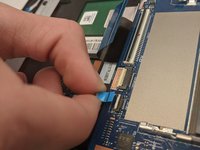
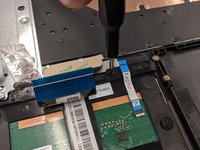
Disconnect the ribbon cables from the connectors at the bottom of the motherboard by lifting up the tabs with a nylon spudger tool.
-
Slide the ribbon cables out of the connectors on the motherboard.
-
-
-
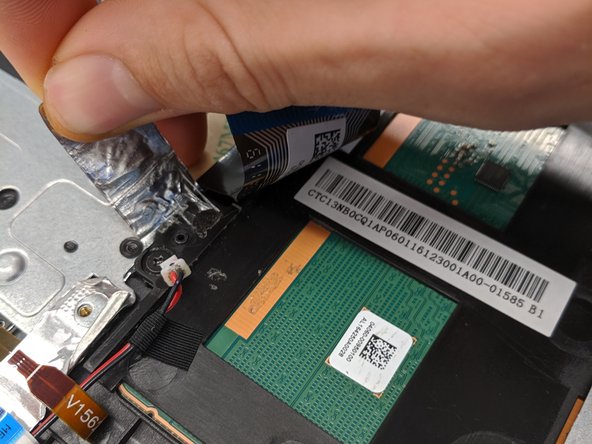
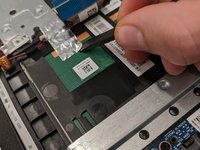
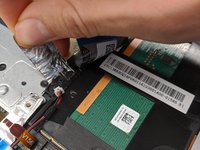
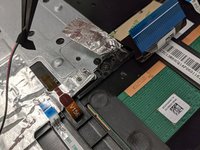
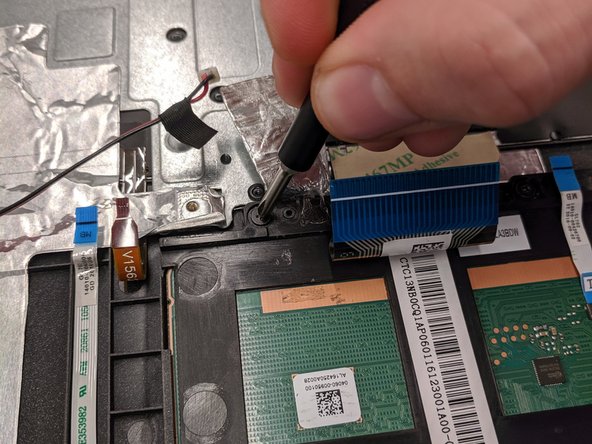
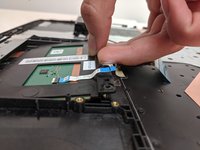
Remove the covering foil holding the trackpad into place.
-
Completely peel the foil back to ensure it does not interfere with the following processes.
-
-
Tool used on this step:Tweezers$4.99
-
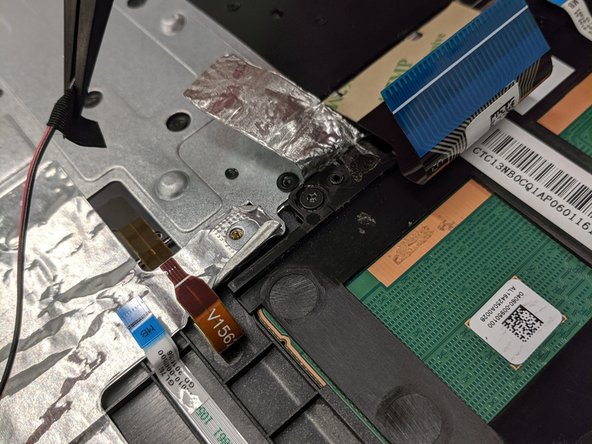
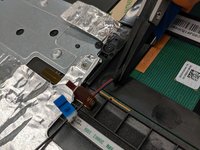
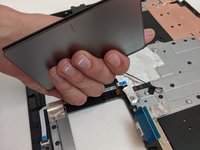
Lift up speaker cable that is laying overtop using a pair of tweezers.
-
-

 Ask FixBot










To reassemble your device, follow these instructions in reverse order.

Team

Embry-Riddle Aeronautical University, Team S8-G6, Salas Fall 2019 Member of Embry-Riddle Aeronautical University, Team S8-G6, Salas Fall 2019
ERAU-SALAS-F19S8G6
4 Members
84 Guides authored
