
Asus Q551L Repair Optical Drive Replacement

Drew Lawson and 4 other contributors
Last updated on Jul 15, 2024
Views: 1.1K
View statistics:
- Past 24 Hours:
- 3
- Past 7 Days:
- 21
- Past 30 Days:
- 67
- All Time:
- 1,111
Comments: 0
No one has left comments on this guide. Will you be first?
Go to guide commentsCompleted: 0 1
No one has marked this guide "completed." Will you be the first?
1 person has marked this guide "completed." It's you — great job!
Favorites: 0 1
No one has favorited (and subscribed to) this guide. Will you be the first?
1 person has favorited (and subscribed to) this guide — and that's you!
Introduction
Go to step 1 ↓This guide will describe how to remove and replace the optical drive on the Asus Q551L. It is a simple procedure that involves unscrewing a few screws and sliding the optical drive out. The optical drive may need to be replaced if disks are not being read in the device, or if disks are continually getting stuck or jammed in the optical drive. The optical drive is the component of the device where disks are inserted.
What you need


-
-
-
Unscrew the 10 screws around the edge of the back panel. Eight of the screws are 0.0793mm T5 , two of them are 0.0793 JIS #0.
 Ask FixBot
-
-
-
-
Use the plastic opening tool to pry the back panel off the base of the laptop.
-
-
-
-
-
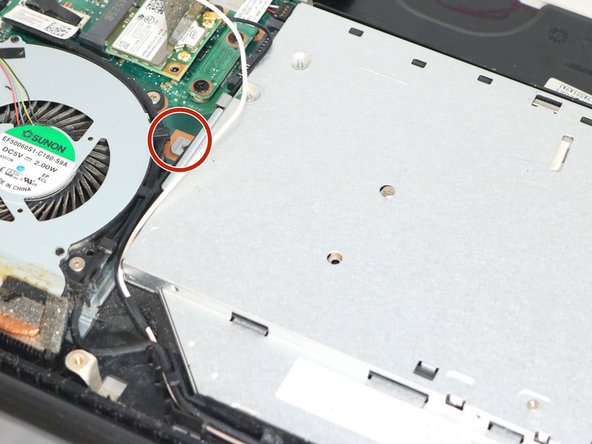
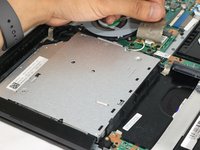
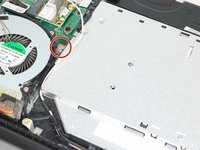
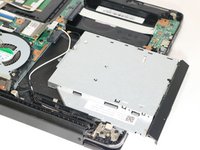
Lift up the sticker that sticks between the motherboard and the optical drive. Then, unscrew the one screw where it is marked and slide it out gently.
-
-



To reassemble your device, follow these instructions in reverse order.

Team

Eastern Washington University, Team S3-G2, Rowley Spring 2018 Member of Eastern Washington University, Team S3-G2, Rowley Spring 2018
EWU-ROWLEY-S18S3G2
3 Members
48 Guides authored
