Introduction
This guide is for the Asus Q524U (Asus Q524UQ). It aims to help those seeking to replace the battery. The battery is what stores the charge and distributes it to the rest of the computer in order for it to power on. Below is a link to our troubleshooting page regarding the Asus Q524U.
What you need
-
-
-
-
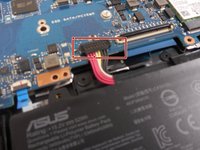
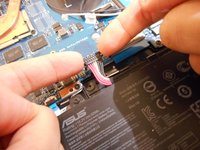
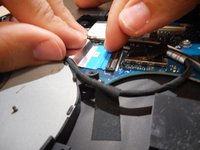
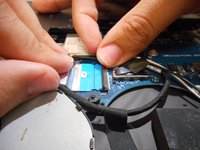
Using your fingers, grip onto both sides of the wire harness and push it upwards.
-
-
-
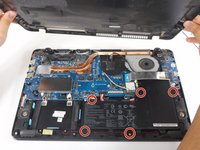
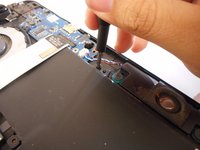
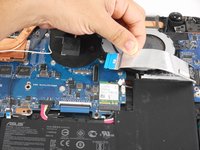
Remove the five 3 mm screws holding the battery in place using a Phillips #0 screwdriver.
-
-


 Ask FixBot







To reassemble your device, follow these instructions in reverse order.
Cancel: I did not complete this guide.
One other person completed this guide.

Team

University of New Orleans, Team 3-1, McDonald Spring 2023 Member of University of New Orleans, Team 3-1, McDonald Spring 2023
UNO-MCDONALD-S23S3G1
2 Members
60 Guides authored
