
Asus Q325U Motherboard Replacement

Miriam Miller and 4 other contributors
Last updated on May 23, 2024
Views: 1.4K
View statistics:
- Past 24 Hours:
- 1
- Past 7 Days:
- 18
- Past 30 Days:
- 69
- All Time:
- 1,365
Comments: 3
2 comments on steps, 1 guide comment.
Go to guide commentsCompleted: 0 1
No one has marked this guide "completed." Will you be the first?
1 person has marked this guide "completed." It's you — great job!
Favorites: 0 1
No one has favorited (and subscribed to) this guide. Will you be the first?
1 person has favorited (and subscribed to) this guide — and that's you!
Introduction
Go to step 1 ↓This guide will show you the steps to replace the motherboard in an ASUS Q325U.
What you need
Tools
-
-
-
Spudger4.9


-
-
-
-
-
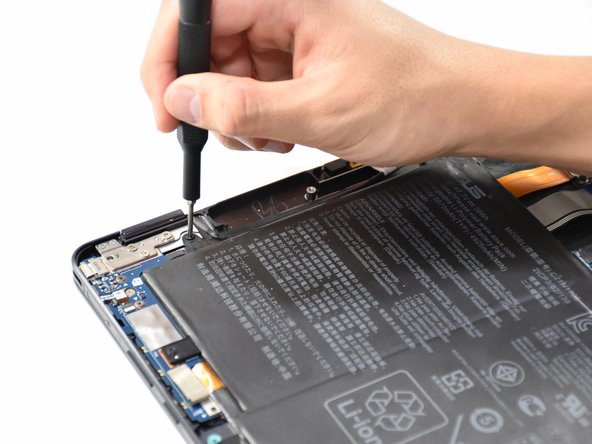
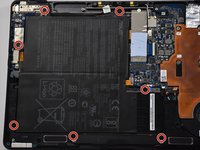
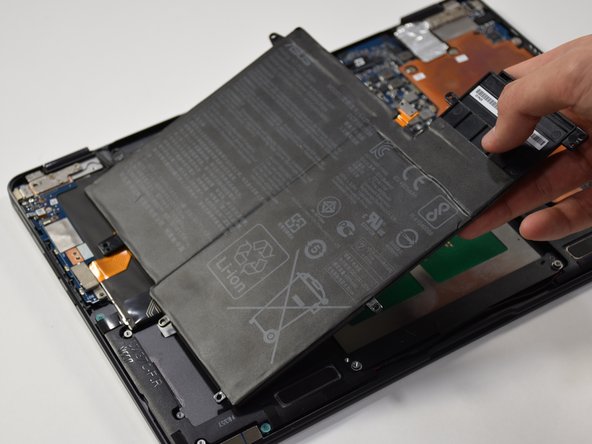
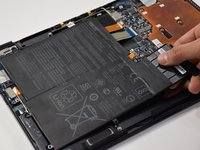
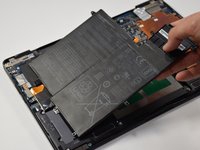
Remove the seven 5mm screws around the battery using a Phillips #00 screwdriver.
-
-
-
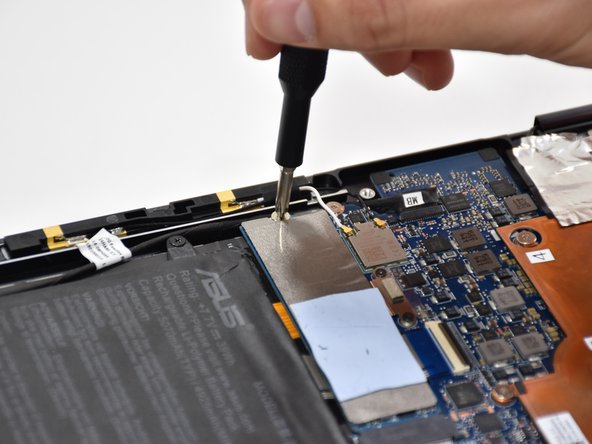
Using a Phillips #000 screwdriver, remove the two 3mm screws on top of the orange battery connector.
-
-
-
-
-
-
Tool used on this step:Halberd Spudger$2.99
-
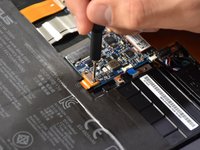
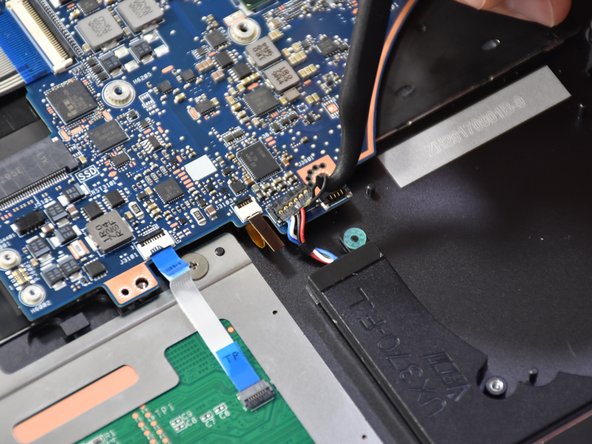
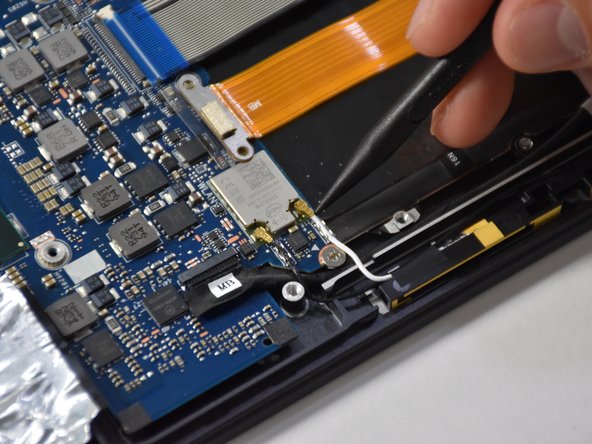
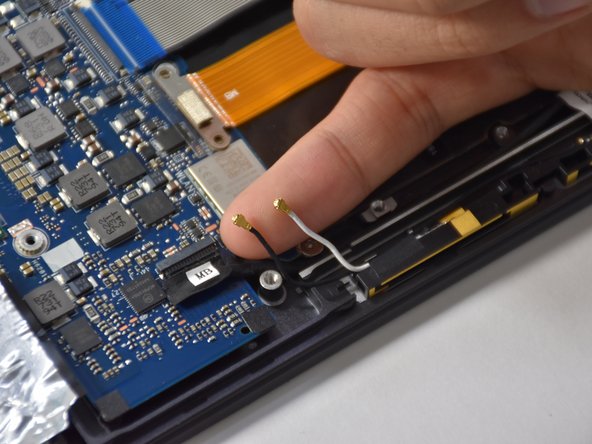
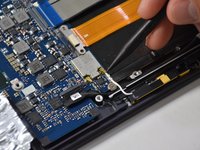
Remove the first connection wire by pulling the small back loop with the Halberd Spudger.
-
-
Tool used on this step:Tweezers$4.99
-
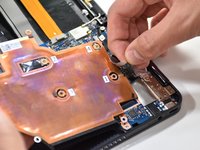
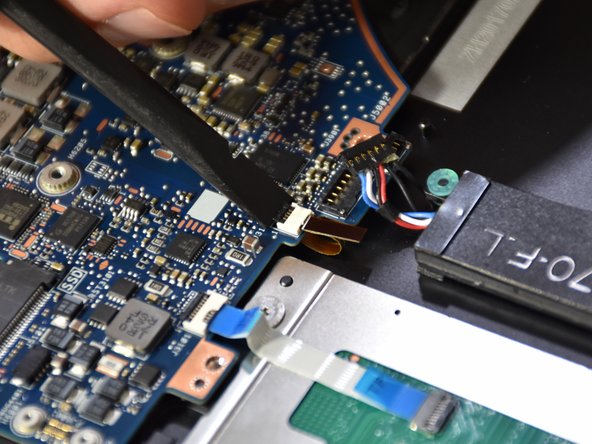
Lift the small black tab of the orange connector with your fingers or a plastic opening tool.
-
Remove the orange connector by pulling with tweezers.
-
-
-
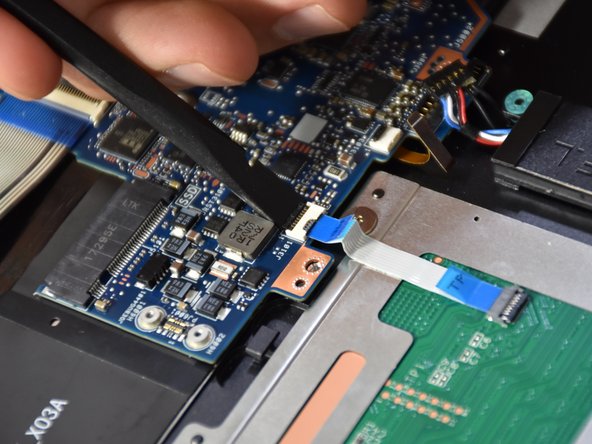
Lift the small black tab on the white plastic piece of the touch pad connector with a spudger.
-
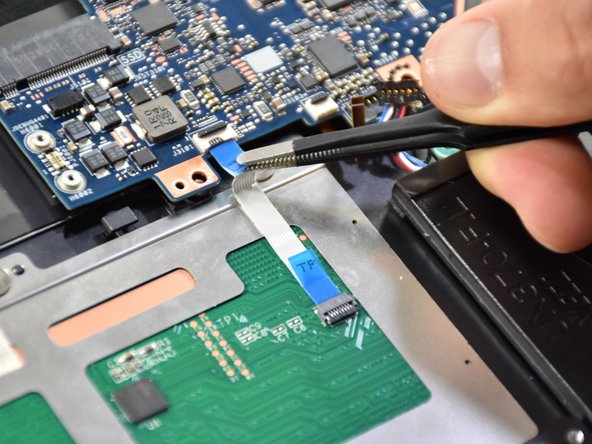
Remove the touch pad connector by pulling with tweezers.
-
-
-
-
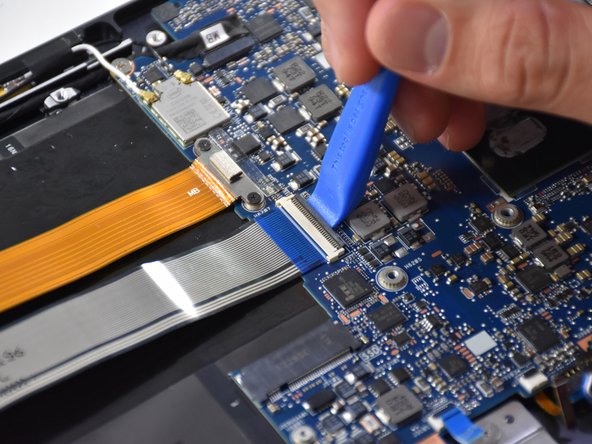
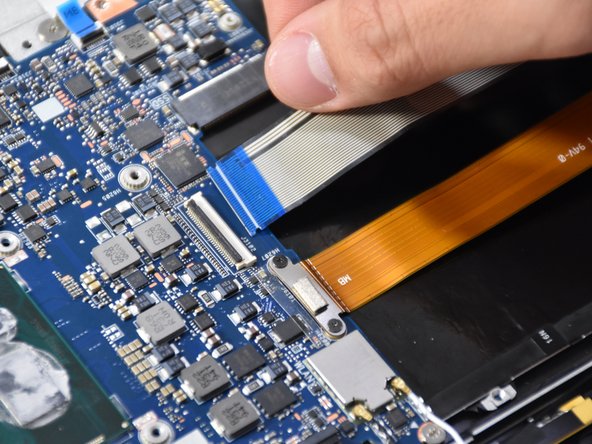
Lift the black tab on the long white plastic piece of the thick blue band.
-
Remove the thick blue band by pulling.
-
-
-
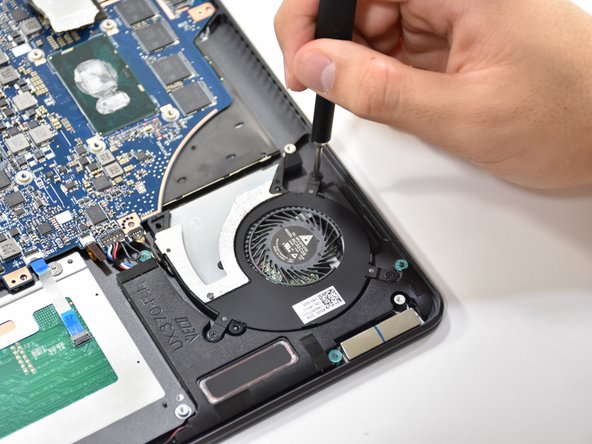
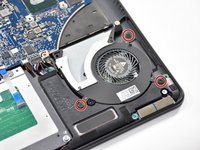
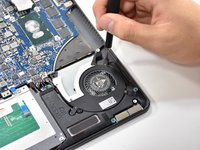
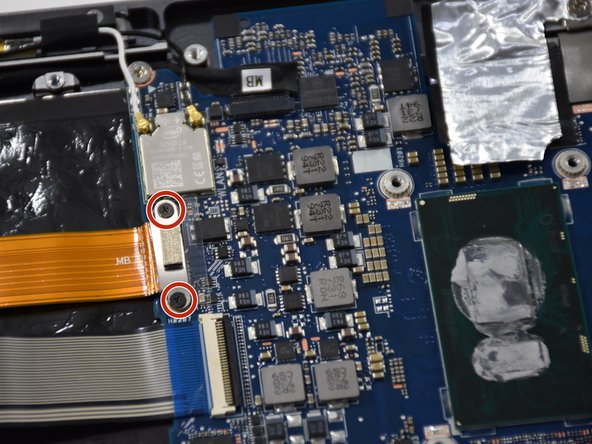
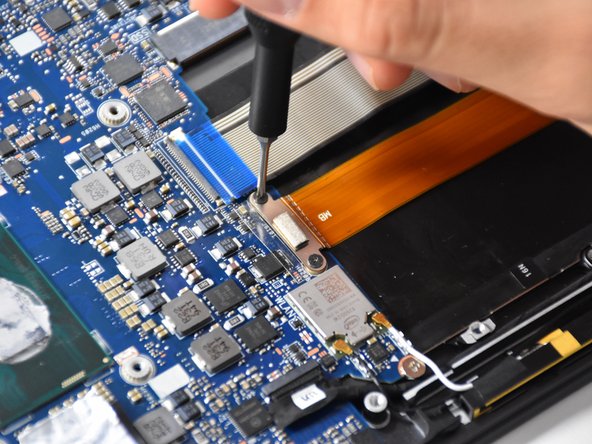
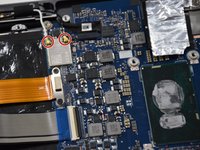
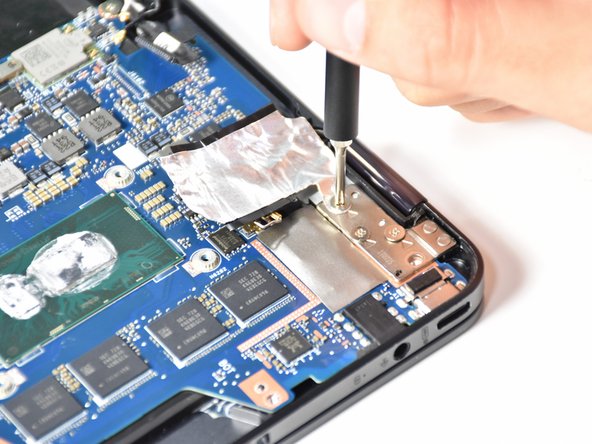
Remove the two Phillips #000 screws on the metal connector above the thick orange band.
-
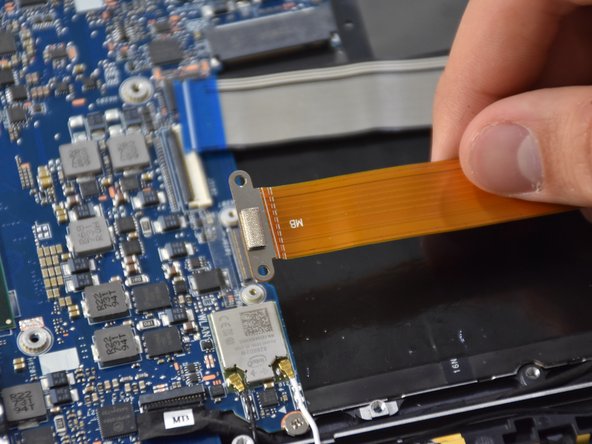
Lift up the thick orange band.
-
-
-
Gently lift up the two smallest connectors using your fingers or a plastic opening tool.
-
-
-
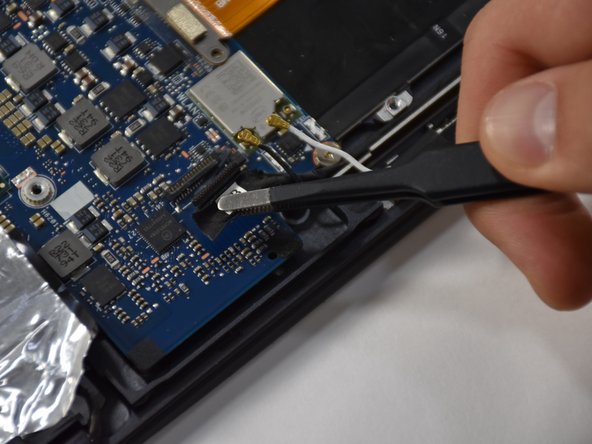
Lift up the black hinge of the connector using a plastic opening tool.
-
Remove the connector using a tweezer.
-
-
-
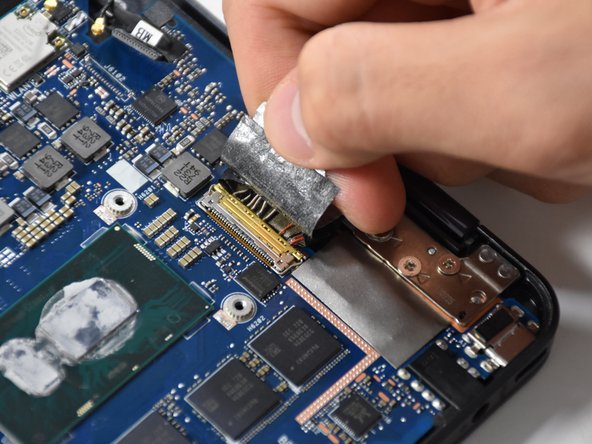
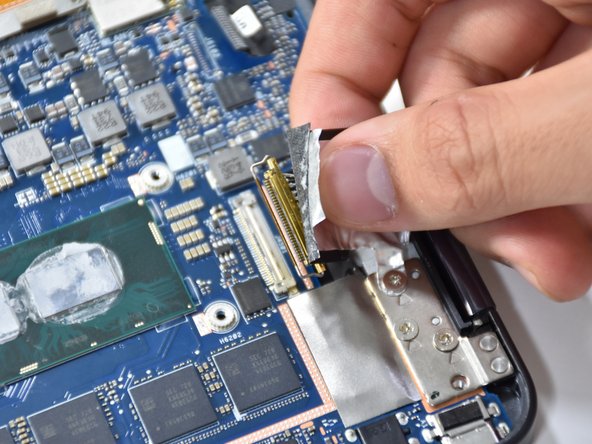
Pull up the tap of the biggest connector using your fingers.
-
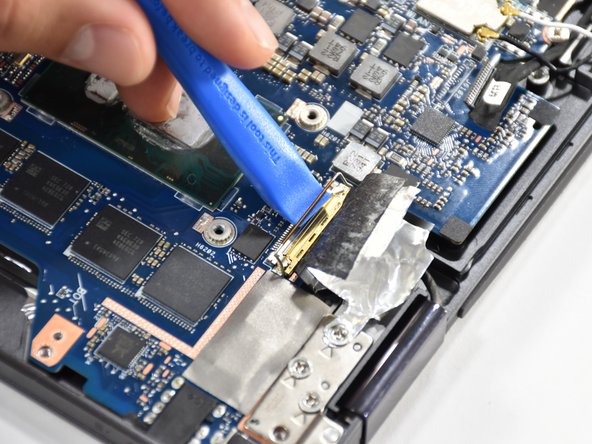
Lift the gold hinge using a plastic opening tool.
-
Lift the connector up with your fingers to remove.
-
-
-
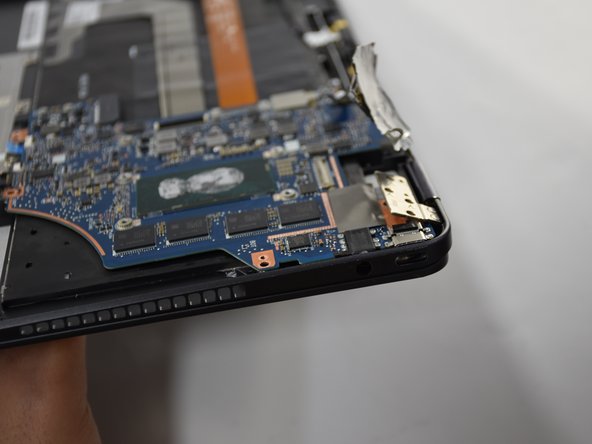
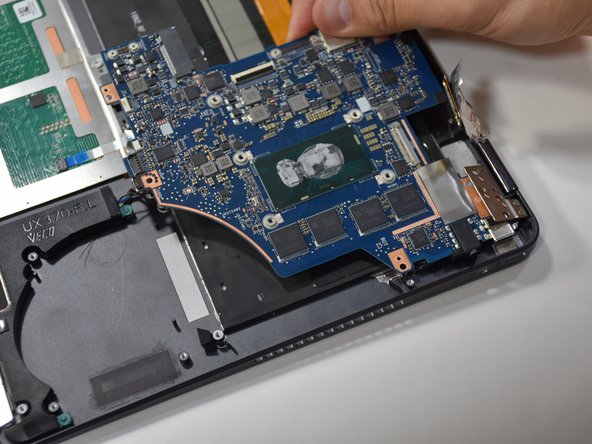
Slightly open up the laptop. This will lift up the hinge at the corner and free the motherboard.
-
-


 Ask FixBot






































To reassemble your device, follow these instructions in reverse order.

