What you need
-
-
-
Remove ten Phillips #0 screws that secure the plastic bottom cover to the chassis.
-
Six 9.6 mm screws
-
Four 4.6 mm screws
 Ask FixBot
-
-
-
Use a plastic pry tool to get in-between the bottom cover and the lower case assembly.
-
-
-
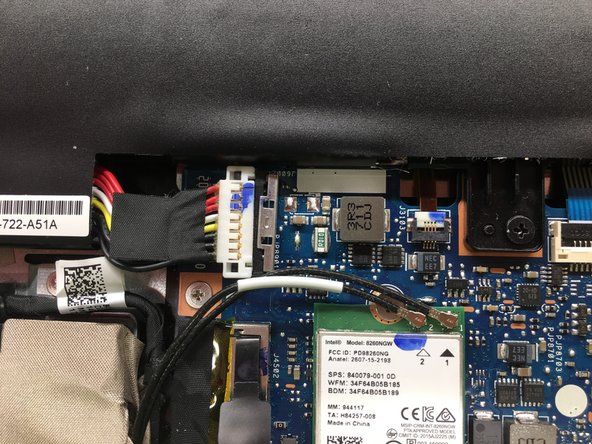
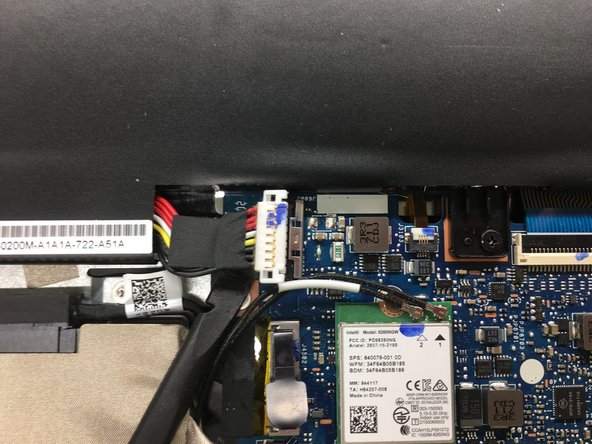
Push metal bracket away from battery connector.
-
Use a spudger to push the battery connection straight up.
-
-
-
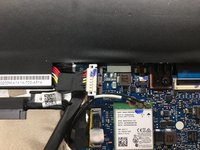
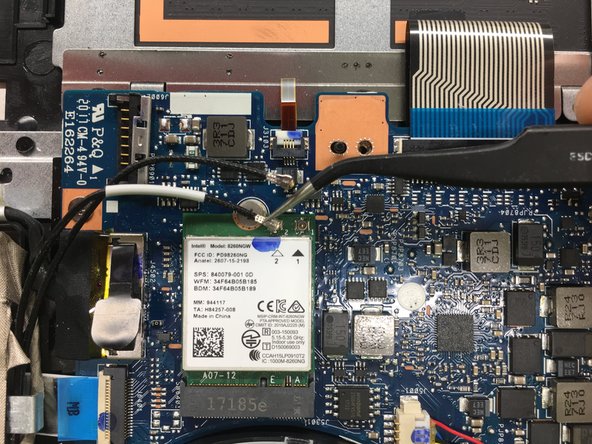
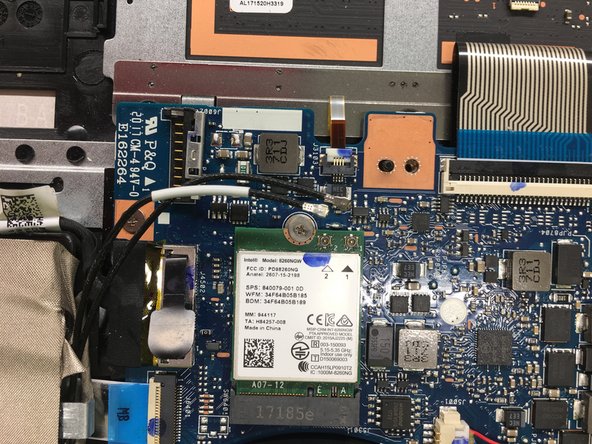
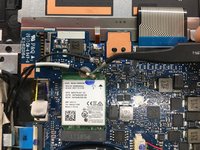
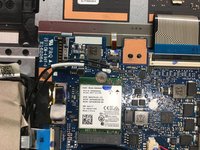
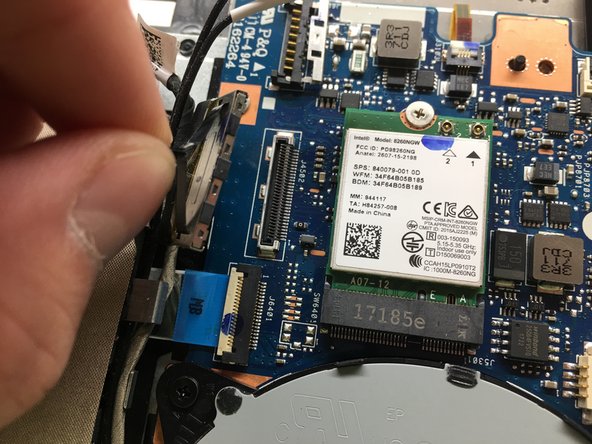
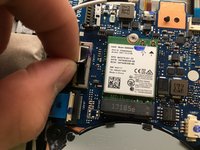
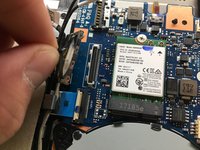
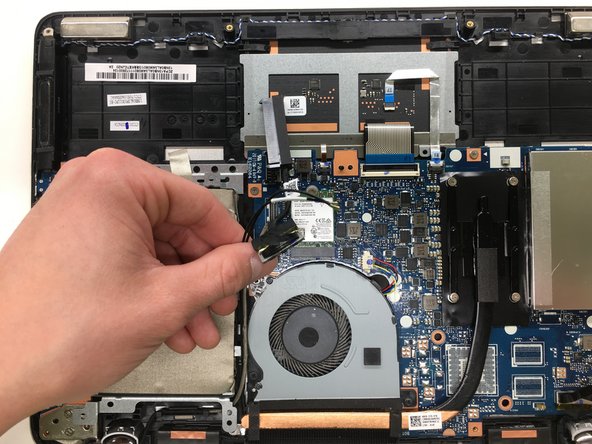
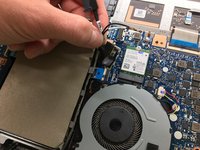
Disconnect the Wifi/Bluetooth RF cables from the wireless card.
-
Pull the RF cables by the metal connector, not by the rubber shielding. This avoids damaging the connector and the cable.
-
-
-
-
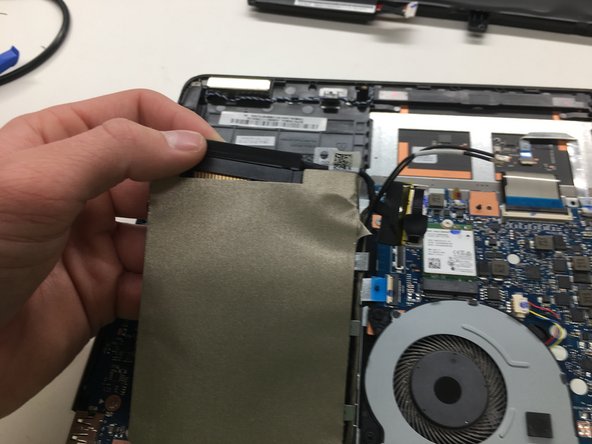
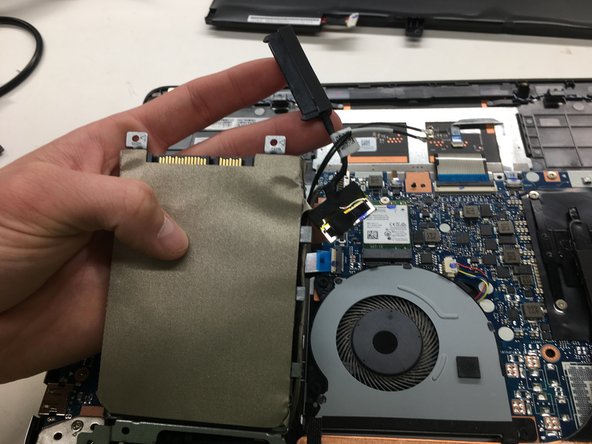
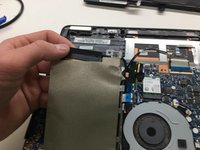
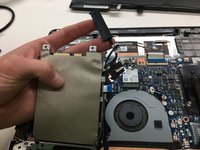
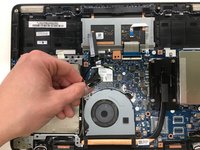
Pull straight up to disconnect the SATA combo cable from the motherboard.
-
-
-
Remove three Phillips #0 that secure the hard drive bracket to the chassis, of the following lengths:
-
Two 2.3 mm screws
-
One 5.6 mm screw
-
-
-
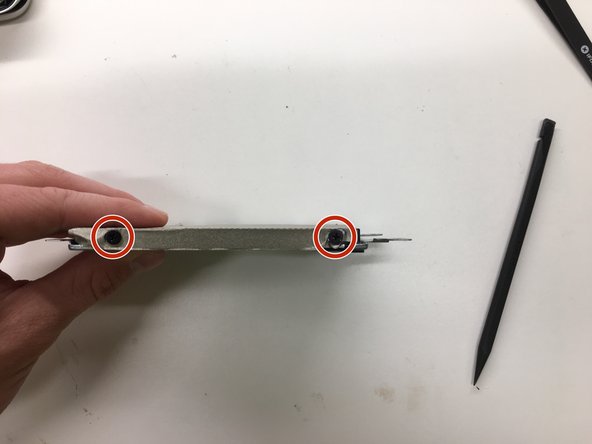
Remove the four Phillips #0 screws that secure the hard drive to the hard drive bracket.
-
Four 3.7 mm screws
-
-










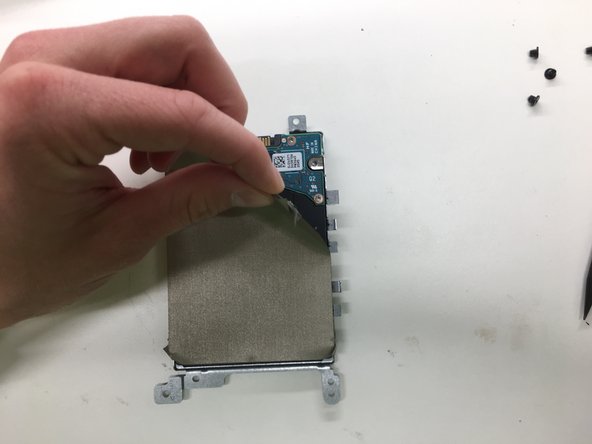
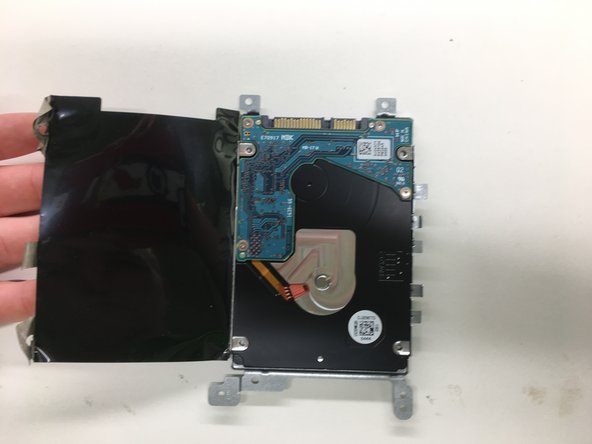
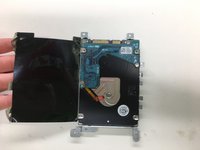

To reassemble your device, follow these instructions in reverse order.
Cancel: I did not complete this guide.
3 other people completed this guide.

Team

2 Guide Comments
This should be rated moderate. Easy is sliding out a drive bay on a old Dell laptop from 15 years ago. :)
I just wanted to disconnect the battery to reset the BIOS. Old machine. But when I did step 3 (Push metal bracket away from battery connector) the metal bracket touched something on the board and created a small spark. The machine would no longer power up. I must have fried the power supply. If I had to do it over, I would have put tape on the board near the metal bracket so it couldn't touch anything. Also, trying to get that bracket back on was super difficult.
