Introduction
This guide will show you how to replace the logic board of your Asus PadFone S. Some common tools are required for this replacement so make sure you have them before you start. This guide requires some skill and you must be careful when following directions. This guide will help you with other replacement guides for the Asus PadFone S.
What you need
-
-
-
Place your thumb in the charging port and pry the back cover off of the phone.
 Ask FixBot
-
-
-
Remove all screws using the T5 Torx screwdriver
-
Lift the back panel off the phone.
-
-
-
Tool used on this step:Tweezers$4.99
-
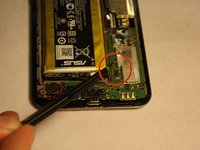
Disconnect the battery from the logic board using tweezers
-
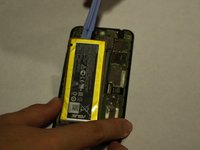
Using the plastic opening tools, lift the battery up from its slot
-
-
-
-
-
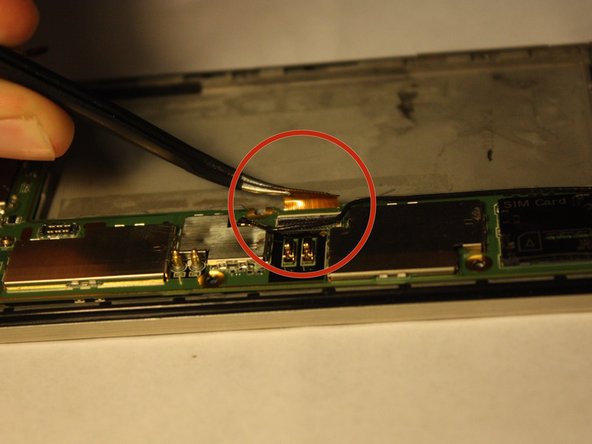
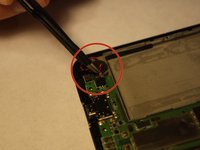
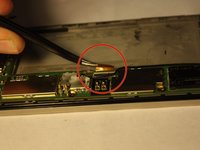
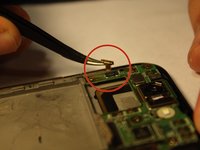
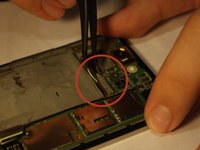
Disconnect all wires and bands from microphone, SIM card port and side bottons
-
-
-
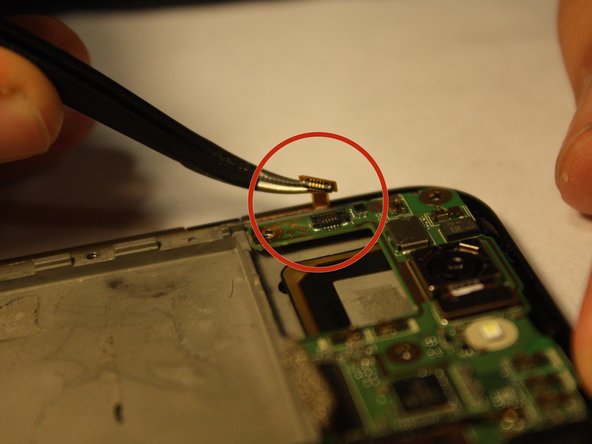
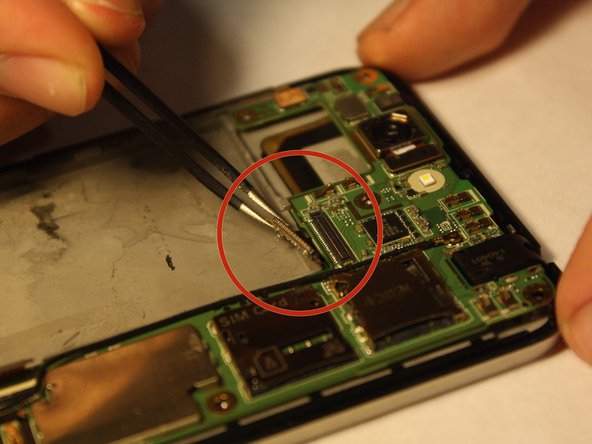
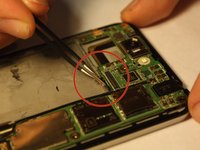
Disconnect remaining band from the logic board
-
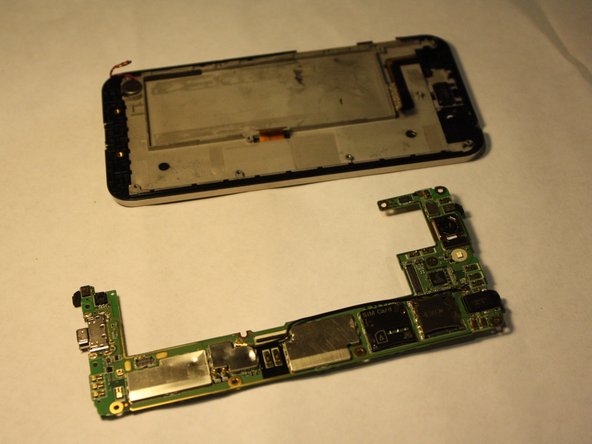
Lift the logic board out of the phone
-
-




To reassemble your device, follow these instructions in reverse order.
Cancel: I did not complete this guide.
2 other people completed this guide.

Team

UMass Dartmouth, Team 6-1, Vijaybhaskar Fall 2014 Member of UMass Dartmouth, Team 6-1, Vijaybhaskar Fall 2014
UMASSD-VIJAYBHASKAR-F14S6G1
3 Members
60 Guides authored
