Free Shipping on Domestic Orders $75+

Asus MeMO Pad 7 ME170C Motherboard Replacement

What you need

  1. Asus MeMO Pad 7 ME170C  Motherboard  Replacement, Motherboard: step 1, image 1 of 3 Asus MeMO Pad 7 ME170C  Motherboard  Replacement, Motherboard: step 1, image 2 of 3 Asus MeMO Pad 7 ME170C  Motherboard  Replacement, Motherboard: step 1, image 3 of 3
    • Power off the device before disassembly.

    • Be gentle; excessive force can result in a damaged or cracked screen.

    • Gently pry a Jimmy all around the seam of the device until the back panel detaches.

    Ask FixBot

    Add Comment

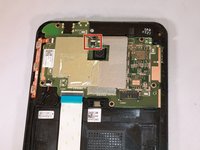
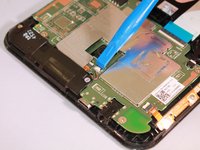
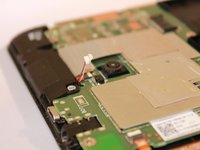
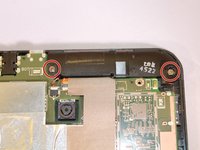
  2. Asus MeMO Pad 7 ME170C  Motherboard  Replacement: step 2, image 1 of 3 Asus MeMO Pad 7 ME170C  Motherboard  Replacement: step 2, image 2 of 3 Asus MeMO Pad 7 ME170C  Motherboard  Replacement: step 2, image 3 of 3
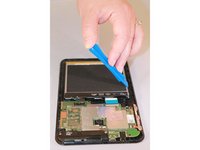
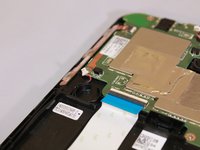
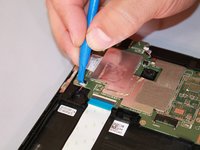
    • Use an iFixit opening tool to gently push the black bundle cable connector in a forward motion until it loosens without pushing down on the bundle cable connector.

    Ask FixBot

    Add Comment

  3. Asus MeMO Pad 7 ME170C  Motherboard  Replacement: step 3, image 1 of 3 Asus MeMO Pad 7 ME170C  Motherboard  Replacement: step 3, image 2 of 3 Asus MeMO Pad 7 ME170C  Motherboard  Replacement: step 3, image 3 of 3
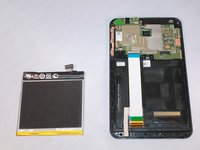
    • Use the plastic opening tool to pry around the edges of the battery.

    • The battery should be laying freely in its port.

    • Lift the battery out of its port.

    Ask FixBot

    Add Comment

  4. Asus MeMO Pad 7 ME170C  Motherboard  Replacement: step 4, image 1 of 3 Asus MeMO Pad 7 ME170C  Motherboard  Replacement: step 4, image 2 of 3 Asus MeMO Pad 7 ME170C  Motherboard  Replacement: step 4, image 3 of 3
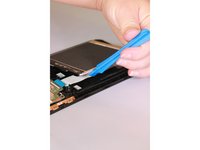
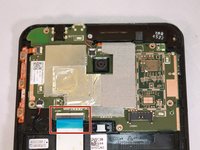
    • Use a plastic opening tool to slide the white cable connector completely out of the port.

    Ask FixBot

    Add Comment

  5. Asus MeMO Pad 7 ME170C  Motherboard  Replacement: step 5, image 1 of 3 Asus MeMO Pad 7 ME170C  Motherboard  Replacement: step 5, image 2 of 3 Asus MeMO Pad 7 ME170C  Motherboard  Replacement: step 5, image 3 of 3
    Tool used on this step:
    Tweezers
    $4.99
    Buy
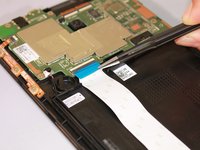
    • Flip up the beige clip to loosen the cable.

    • Use the wide nosed tweezers to pinch the blue tab attached to the ribbon cable.

    • Pull the blue tab gently in a lateral motion until it is completely out of its port.

    Ask FixBot

    Add Comment

  6. Asus MeMO Pad 7 ME170C  Motherboard  Replacement: step 6, image 1 of 3 Asus MeMO Pad 7 ME170C  Motherboard  Replacement: step 6, image 2 of 3 Asus MeMO Pad 7 ME170C  Motherboard  Replacement: step 6, image 3 of 3
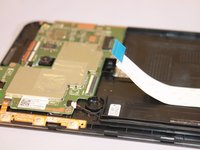
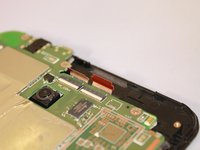
    • Use the wide nosed tweezers to gently pull out the orange ribbon inserted in the port on the motherboard.

    Ask FixBot

    Add Comment

  7. Asus MeMO Pad 7 ME170C  Motherboard  Replacement: step 7, image 1 of 3 Asus MeMO Pad 7 ME170C  Motherboard  Replacement: step 7, image 2 of 3 Asus MeMO Pad 7 ME170C  Motherboard  Replacement: step 7, image 3 of 3
    • Use a plastic opening tool to push the white cable connector out of its port in a side to side motion.

    Ask FixBot

    Add Comment

  8. Asus MeMO Pad 7 ME170C  Motherboard  Replacement: step 8, image 1 of 2 Asus MeMO Pad 7 ME170C  Motherboard  Replacement: step 8, image 2 of 2
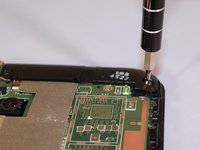
    • Use the Phillips #000 screwdriver to unscrew the seven screws.

    • There should be two silver and five black screws.

    Ask FixBot

    Add Comment

  9. Asus MeMO Pad 7 ME170C  Motherboard  Replacement: step 9, image 1 of 2 Asus MeMO Pad 7 ME170C  Motherboard  Replacement: step 9, image 2 of 2
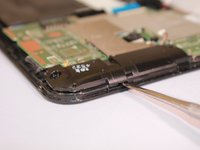
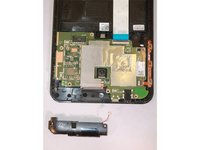
    • Once the screws are removed, the speaker component will be loosely laying in the track.

    • Use the metal spudger tool to remove the speaker by gently lifting the edge of it.

    Ask FixBot

    Add Comment

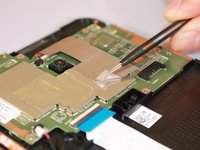
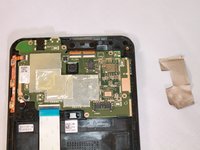
  10. Asus MeMO Pad 7 ME170C  Motherboard  Replacement: step 10, image 1 of 3 Asus MeMO Pad 7 ME170C  Motherboard  Replacement: step 10, image 2 of 3 Asus MeMO Pad 7 ME170C  Motherboard  Replacement: step 10, image 3 of 3
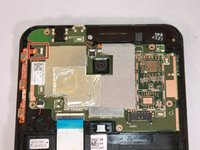
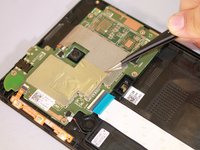
    • Remove the silver tape on one corner with the needle nosed tweezers, and remove the tape from the motherboard.

    Ask FixBot

    Add Comment

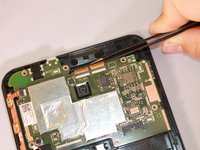
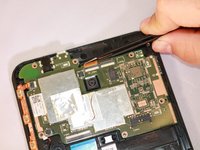
  11. Asus MeMO Pad 7 ME170C  Motherboard  Replacement: step 11, image 1 of 3 Asus MeMO Pad 7 ME170C  Motherboard  Replacement: step 11, image 2 of 3 Asus MeMO Pad 7 ME170C  Motherboard  Replacement: step 11, image 3 of 3
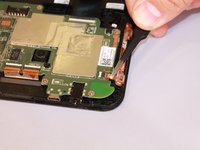
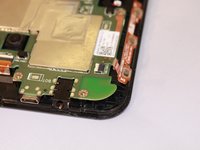
    • Use the needle nosed tweezers to gently pull both of the orange ribbon cables out of their ports.

    Ask FixBot

    Add Comment

  12. Asus MeMO Pad 7 ME170C  Motherboard  Replacement: step 12, image 1 of 3 Asus MeMO Pad 7 ME170C  Motherboard  Replacement: step 12, image 2 of 3 Asus MeMO Pad 7 ME170C  Motherboard  Replacement: step 12, image 3 of 3
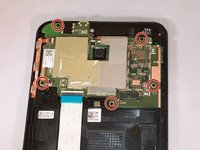
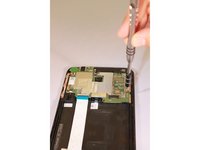
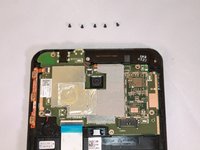
    • Use the Phillips #000 screwdriver to unscrew all five screws.

    Ask FixBot

    Add Comment

  13. Asus MeMO Pad 7 ME170C  Motherboard  Replacement: step 13, image 1 of 2 Asus MeMO Pad 7 ME170C  Motherboard  Replacement: step 13, image 2 of 2
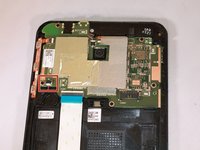
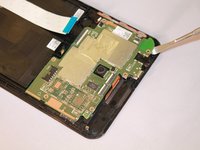
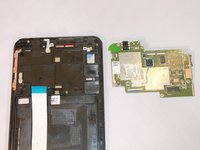
    • To uninstall the motherboard, use the metal spudger tool to lift it out of the device.

    Ask FixBot

    Add Comment

Conclusion

To reassemble your device, follow these instructions in reverse order.

Cancel: I did not complete this guide.

6 other people completed this guide.

1 Guide Comment

You are amazing!! Please make the tutorial "how change ASUS ME170 Touch Screen Digitizer". Thanks!!!

Walter Tejerina - Reply Share

Add Comment

View Statistics:

Past 24 Hours: 2

Past 7 Days: 11

Past 30 Days: 44

All Time: 3,731