Introduction
If you need to access laptop internals such as the RAM, hard drive, or the motherboard, this guide will show you how to safely open the laptop for access to these components.
What you need
-
-
-
Flip the laptop over, such that the bottom of the laptop is facing upwards.
 Ask FixBot
-
-
-
-
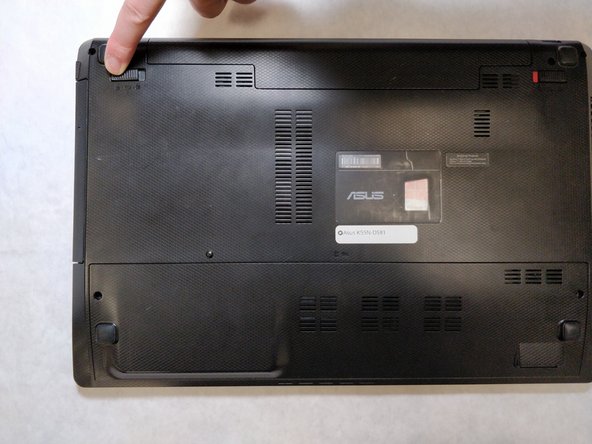
Pull the latch to the left of the battery to the left. Hold the latch open with a finger to prevent it from closing.
-
-
-
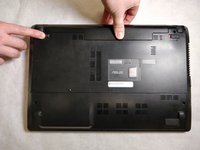
While holding the second latch from the previous step, use another hand to reach underneath the battery.
-
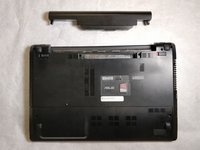
Pull the battery upwards and away from the laptop to remove it.
-
-
-
-
-
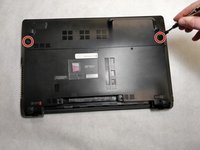
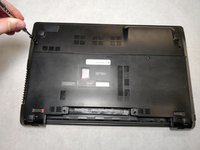
Using a JIS #00 screwdriver, unscrew the two 5 mm screws on either side of the laptop panel.
-
-
-
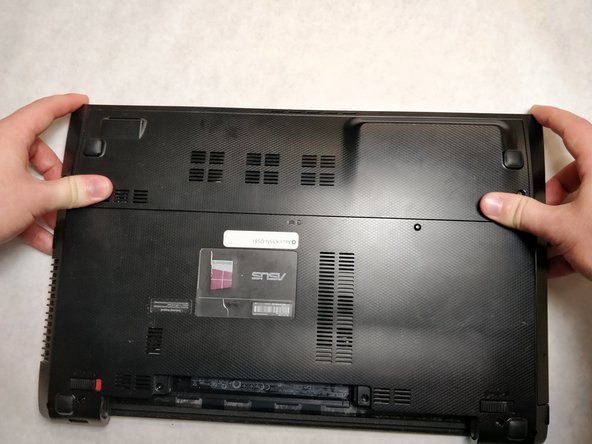
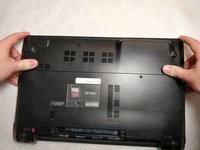
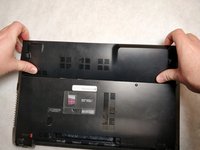
Remove the panel by pushing away from the laptop until the panel is free of the laptop.
-
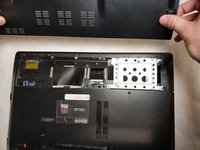
Lift to remove the panel.
-
-








To reassemble your device, follow these instructions in reverse order.
Cancel: I did not complete this guide.
One other person completed this guide.

