Introduction
Requires removal of keyboard and battery before attempting
What you need
-
-
-
Unscrew the 2 screws on the CPU/Access panel on the back of the device
 Ask FixBot
-
-
-
-
Unscrew the 8 screws on the back chassis and the 7 screws on the keyboard area
-
-
-
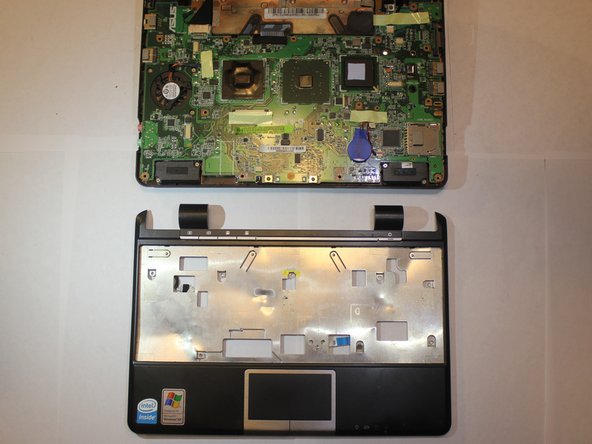
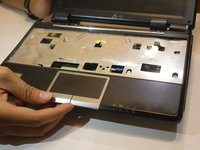
Remove the touchpad chassis to fully separate it from the device
-
Follow steps in reverse when inserting a new keyboard
-
-


To reassemble your device, follow these instructions in reverse order.
Cancel: I did not complete this guide.
2 other people completed this guide.

Team

UC Santa Barbara, Team S2-G6, Weedon Fall 2017 Member of UC Santa Barbara, Team S2-G6, Weedon Fall 2017
UCSB-WEEDON-F17S2G6
5 Members
36 Guides authored
