Free Shipping on Domestic Orders $75+

Asus Chromebook C300MA-DH02 Display Replacement

What you need

    1. Asus Chromebook C300MA-DH02 Display Replacement, Keyboard Panel: step 1, image 1 of 3 Asus Chromebook C300MA-DH02 Display Replacement, Keyboard Panel: step 1, image 2 of 3 Asus Chromebook C300MA-DH02 Display Replacement, Keyboard Panel: step 1, image 3 of 3
      • Flip the Chromebook over so that the underside is facing up.

      • Using the Phillips PH #000 screwdriver, remove the 11 "4mm" screws on the back of the device.

      Ask FixBot

      Add Comment

    2. Asus Chromebook C300MA-DH02 Display Replacement: step 2, image 1 of 1
      • Wedge the plastic opening tool between the bottom cover of the laptop and the keyboard panel.

      • Apply pressure and move the plastic opening tool around the border of the laptop until it pops out.

      Ask FixBot

      Add Comment

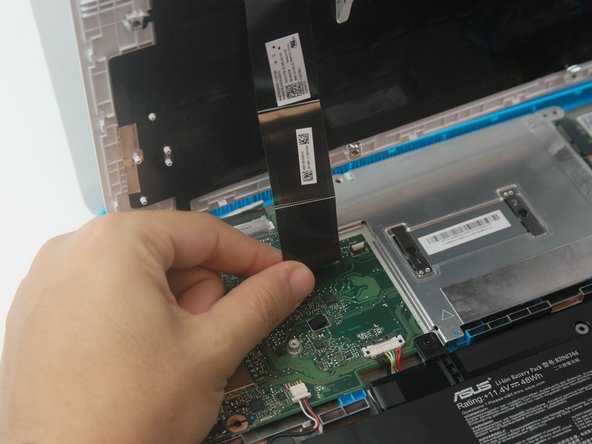
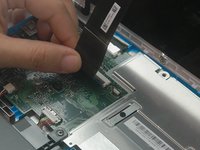
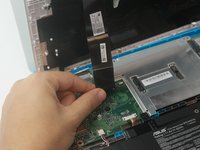
    3. Asus Chromebook C300MA-DH02 Display Replacement: step 3, image 1 of 2 Asus Chromebook C300MA-DH02 Display Replacement: step 3, image 2 of 2
      • Once the keyboard panel pops out, slowly move it upwards so that the keyboard connection is visible.

      • Remove the keyboard connection from the motherboard by pulling it outwards from the connector.

      Ask FixBot

      Add Comment

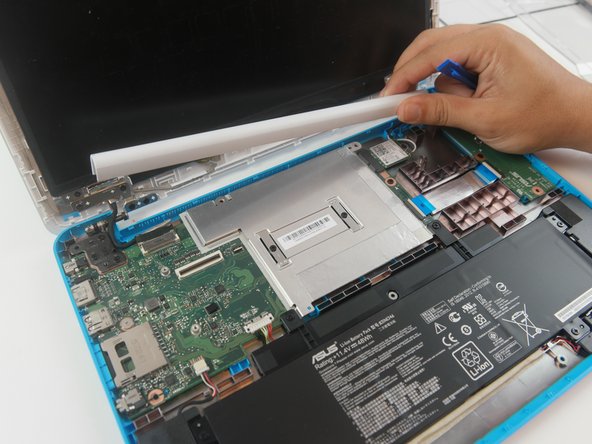
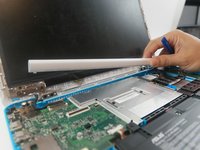
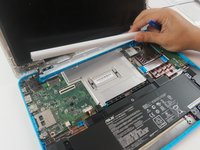
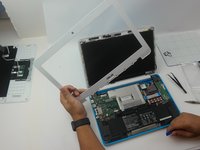
    1. Asus Chromebook C300MA-DH02 Display Replacement, Display: step 4, image 1 of 2 Asus Chromebook C300MA-DH02 Display Replacement, Display: step 4, image 2 of 2
      • Remove the hinge protector by using the plastic opening tool to gently lift it up. It should come up easily.

      Ask FixBot

      Add Comment

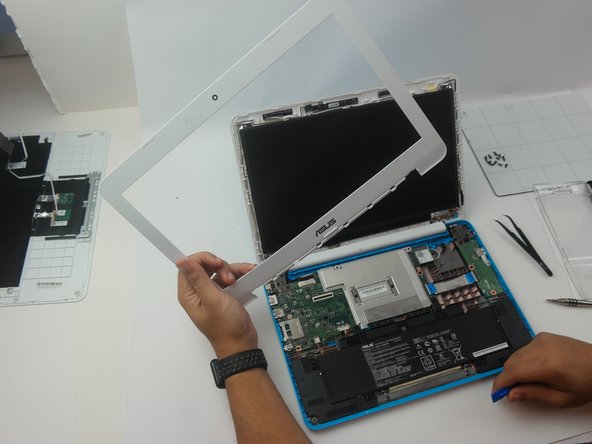
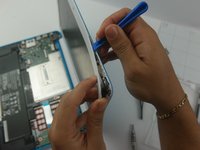
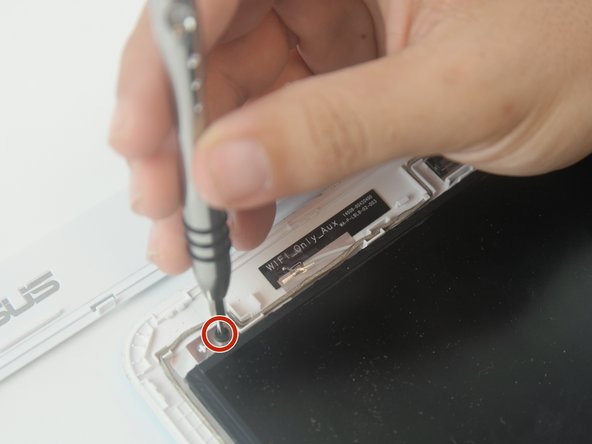
    2. Asus Chromebook C300MA-DH02 Display Replacement: step 5, image 1 of 2 Asus Chromebook C300MA-DH02 Display Replacement: step 5, image 2 of 2
      • Using the plastic opening tool, separate the display cover bracket from the back of the display. Start from the top.

      Ask FixBot

      Add Comment

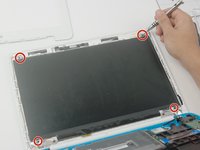
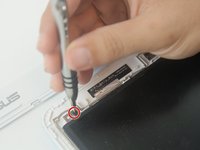
    3. Asus Chromebook C300MA-DH02 Display Replacement: step 6, image 1 of 2 Asus Chromebook C300MA-DH02 Display Replacement: step 6, image 2 of 2
      • Remove the (4) four "4mm" screws in each corner that hold the display using the Phillips #000 screwdriver.

      Ask FixBot

      Add Comment

    4. Asus Chromebook C300MA-DH02 Display Replacement: step 7, image 1 of 1
      • Lower the display to allow access to connector in back.

      Ask FixBot

      Add Comment

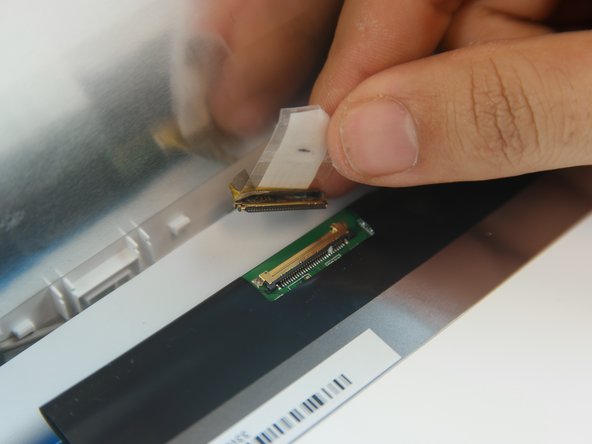
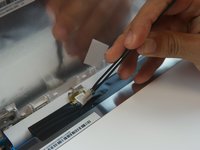
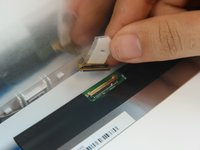
    5. Asus Chromebook C300MA-DH02 Display Replacement: step 8, image 1 of 2 Asus Chromebook C300MA-DH02 Display Replacement: step 8, image 2 of 2
      Tool used on this step:
      Tweezers
      $4.99
      Buy
      • Lift the tape covering the connector with the tweezers.

      • Gently remove the display connector from the motherboard.

      Ask FixBot

      Add Comment

Conclusion

To reassemble your device, follow these instructions in reverse order.

Cancel: I did not complete this guide.

Zachary Leonard

Member since: 10/02/17

304 Reputation

3 Guides authored

Team

USF Tampa, Team S6-G4, Remmell Fall 2017 Member of USF Tampa, Team S6-G4, Remmell Fall 2017

USFT-REMMELL-F17S6G4

4 Members

69 Guides authored

0 Guide Comments

Add Comment

View Statistics:

Past 24 Hours: 1

Past 7 Days: 8

Past 30 Days: 30

All Time: 442