Introduction
If your Asus Chromebook C300MA DB01 is not displaying a clear image, use this guide to replace the screen.
The screen transmits visual imagery through the wires connected to the screen. A faulty connection will transmit distorted images or no images at all.
What you need
-
-
-
-
Run the Jimmy along the edges of the screen frame to unsnap it from the connectors.
-
Remove the screen frame manually.
-
-
-
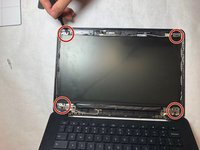
Use a Phillips #1 screwdriver to remove the four screws on each corner of the screen.
-
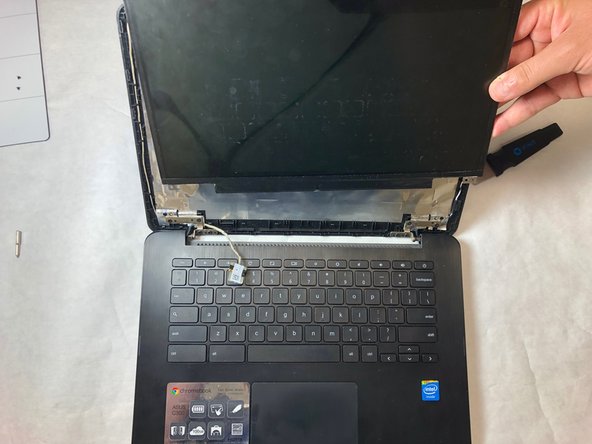
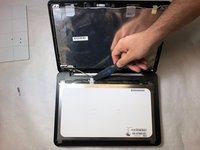
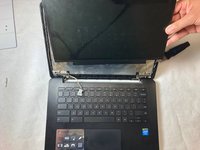
Separate the screen from the top of the Chromebook with the Jimmy.
-
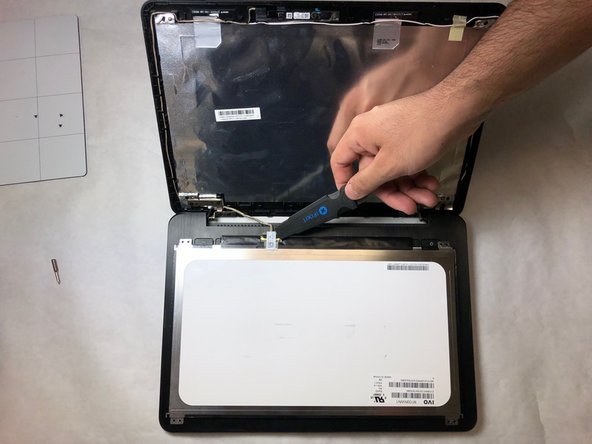
Use the Jimmy to lift the latch on the wire jack.
-
Remove the wires and detach the screen from the device manually.
-


 Ask FixBot


To reassemble your device, follow these instructions in reverse order.

Team

IUPUI, Team S10-G10, Wilson Spring 2019 Member of IUPUI, Team S10-G10, Wilson Spring 2019
IUPUI-WILSON-S19S10G10
3 Members
24 Guides authored
