
Asus CM1745 CD Drive Replacement

TC Fowlar and 2 other contributors
Last updated on Apr 27, 2020
Views: 2.4K
View statistics:
- Past 24 Hours:
- 2
- Past 7 Days:
- 15
- Past 30 Days:
- 78
- All Time:
- 2,427
Comments: 1
1 guide comment.
Go to guide commentsCompleted: 3 4
3 people have marked this guide "completed." Will you be next?
4 people have marked this guide "completed." Including you — great job!
Favorites: 0 1
No one has favorited (and subscribed to) this guide. Will you be the first?
1 person has favorited (and subscribed to) this guide — and that's you!
Action Shots
Be an action hero! This guide needs images that better demonstrate how to perform specific actions.
Needs Better Images
Better photos will improve this guide. Help out by taking, editing, or uploading new ones!
Introduction
Go to step 1 ↓This replacement guide requires working on your Asus CM1745 CD Drive.
A CD drive, or compact disc drive, is a device that lets you access a compact disc from a computer. Some CD drives are built into computers, but if your computer doesn't have one, you can usually attach an external one that connects to a USB port. Many modern CD drives also support other types of discs, including DVDs and Blu-ray discs. Uses of CD drives include reading and writing files, as well as playing and recording music to writable CDs. A bad disc drive can cause an assortment of different issues on your computer for example
- Error when reading CD or DVD.
- CDs or DVDs may not play audio or video properly.
- CD or DVD programs may not install or encounter errors after being installed.
CD and DVD drives can sometimes get dusty and dirty inside, causing problems with reading discs. If your CD drive is having some listed issues, you may want to consider upgrading your CD drive. Follow instructions here to know how to properly replace a CD drive.
Please be advised that this replacement guide requires working on the PC; this could void any remaining warranty.
This guide also requires close-proximity to exposed electronics.
Please ensure that the PC is both powered off and disconnected from any external power source prior to beginning the process. You will need a Philips #0 Screwdriver to be successful.
What you need

-
-
-
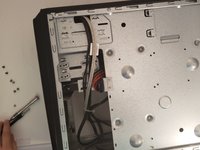
Remove the sidepanel by unscrewing the two screws fastening the panel on the rear. Once unscrewed, slide the panel towards the rear until it releases then lift away.
 Ask FixBot
-
-
-
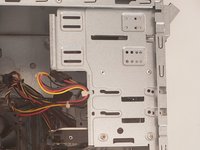
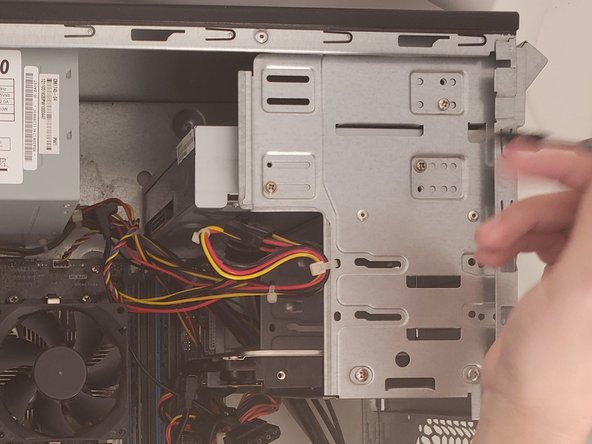
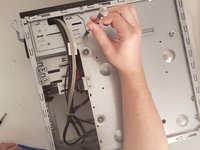
Remove the two cables connected to the CD Tray
-
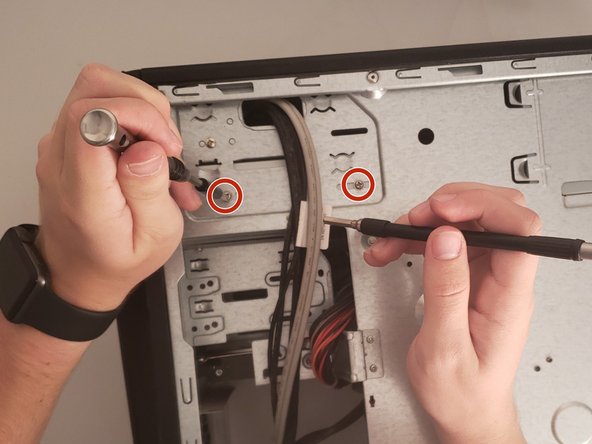
Remove the two screws with a Phillips #0 screwdriver.
-
-
-
Flip the computer over and remove the other side panel by unscrewing the two screws on the rear.
-
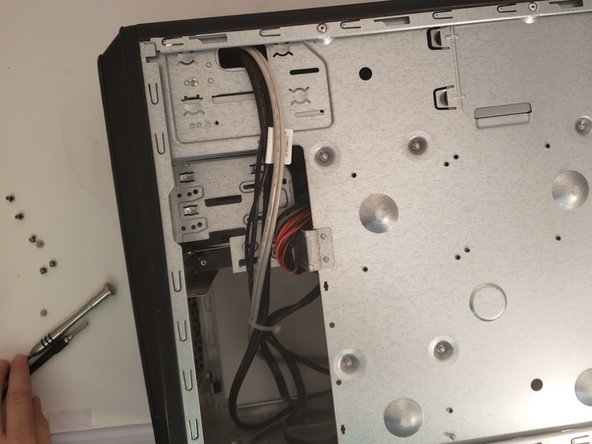
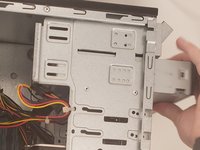
Slide the side panel off and remove the two screws that are attached to the CD Tray with a Phillips #0 screwdriver.
-
-
-
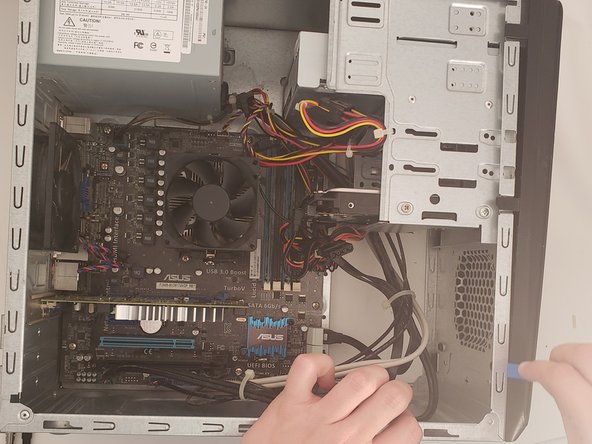
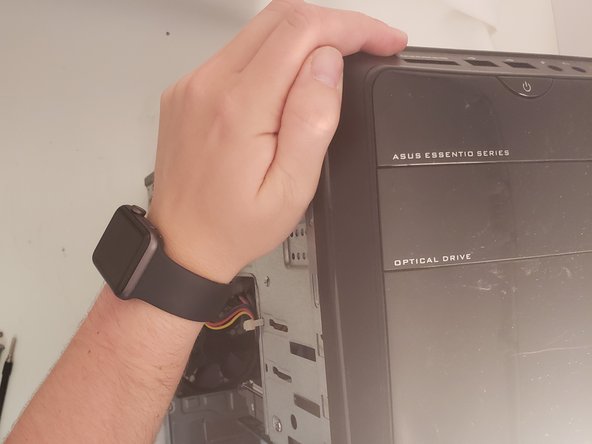
Remove the front panel using the iFixit opening tool.
-
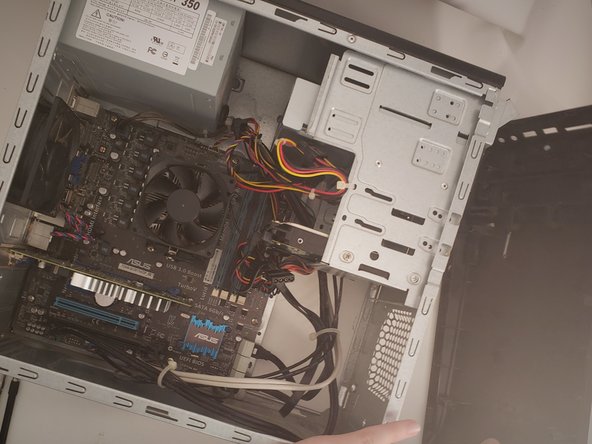
Once a few of the clips pop open, pull the front panel off with relative ease.
-
-
-
-
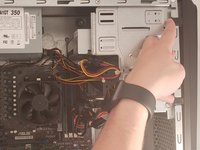
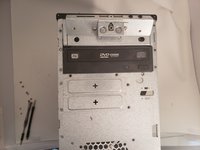
With the front panel removed, push the CD tray from the back, outwards. If no screws are left, it should slide right out.
-
-
-
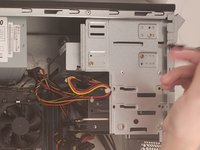
Place the new CD Drive in the place of the old one and secure it by rescrewing the previous screws. Reattach the two connectors for power and data on the back.
-
Reattach the front panel after reinstalling the CD Drive by orienting the panel with the chassis and pressing it into place.
-
Make sure all clips are re-secured by pushing around the perimeter.
-
-



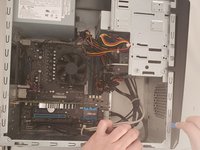
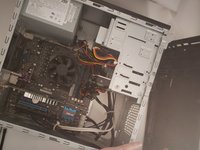

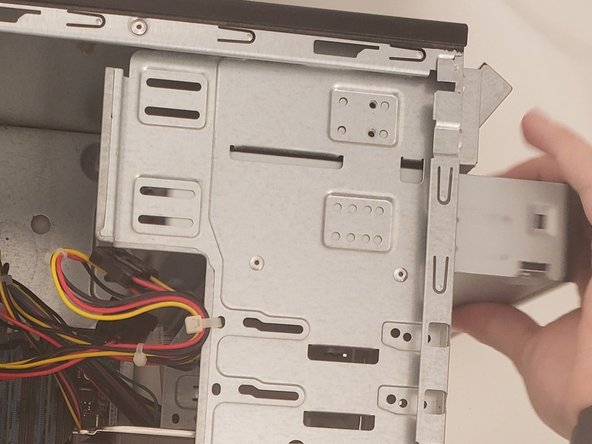
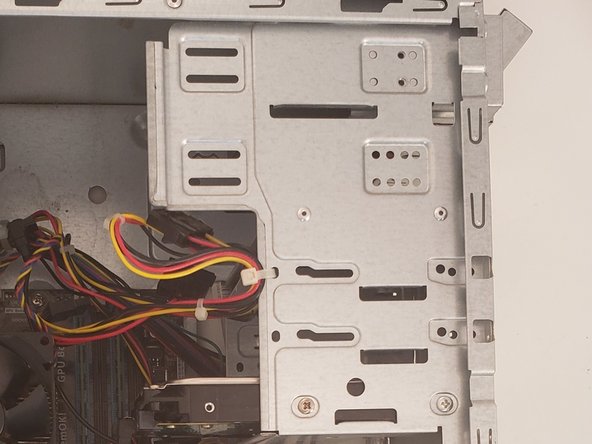

If everything looks correct, boot the computer and check to see if the CD Tray works as intended. If so, reassemble the case.
Cancel: I did not complete this guide.
3 other people completed this guide.

Team

University of Memphis, Team S4-G2, Kim Fall 2019 Member of University of Memphis, Team S4-G2, Kim Fall 2019
UM-KIM-F19S4G2
4 Members
60 Guides authored
1 Guide Comment
This knowledge can also help you to develop technology-based solutions on your own, should you develop an interest in it.
Coding teaches you how to think
As some of the most successful people in business today are those having majors in computer science and having sufficient background in programming, it is clear that programming also helps you to think logically, use essay writer services, which can be a valuable asset no matter where you are working. It enables people to think clearly and make correct decisions.
It is clear that for several reasons, coding has become one of the most important skills needed nowadays, and it will be best to encourage children to learn this skill as soon as they can.
