Introduction
A malfunctioning hard drive can be the underlying cause of many issues with your laptop. This guide will explain how to replace your hard drive.
What you need
-
-
-
Move the two sliders towards the outer edge of the laptop.
-
Pull the battery out with your left hand while holding the right slider.
-
-
-
-
-
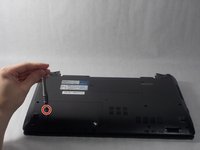
Remove the 5mm screw using a Phillips #1 screwdriver.
-
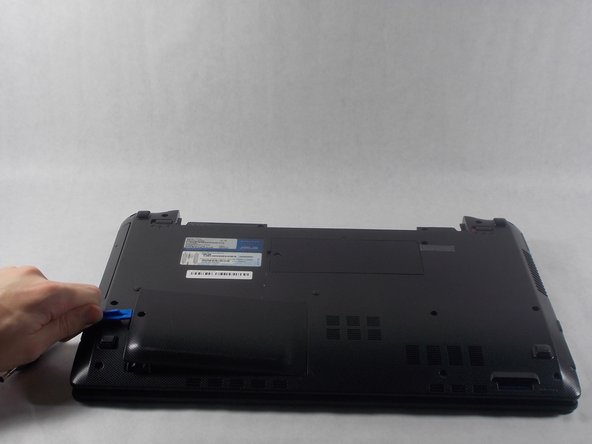
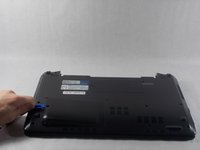
Use the iFixit opening tools to remove the hard drive panel.
-
-
-
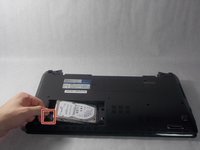
Pull upwards on the black ribbon on the end of the hard drive.
-
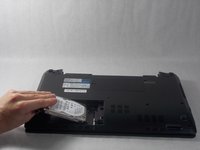
Pull the hard drive out from its socket and remove it from the device.
-
-


 Ask FixBot




To reassemble your device, follow these instructions in reverse order.
Cancel: I did not complete this guide.
One other person completed this guide.

Team

UMass Dartmouth, Team S1-G3, Simcock Fall 2018 Member of UMass Dartmouth, Team S1-G3, Simcock Fall 2018
UMASSD-SIMCOCK-F18S1G3
3 Members
84 Guides authored
