Introduction
In this step we will be removing all parts necessary to reach the speaker inside each headset. Remember that you can repeat these same steps for each side of the headset if either side needs replacement.
What you need
-
-
-
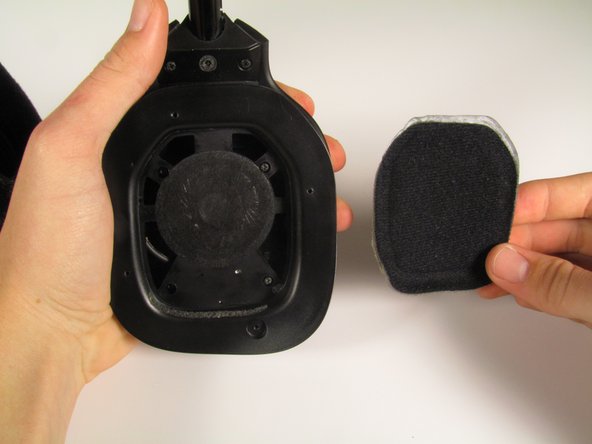
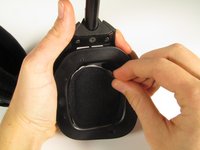
Pull one corner of the pad to release it from the headset.
-
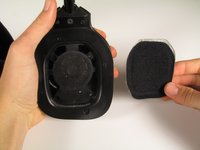
Pull the rest of the ear pad off.
 Ask FixBot
-
-
-
-
-
Locate the four 4.5 mm Philips #0 screws on the panel shown.
-
Remove them using a Phillips #0 head screwdriver.
-
Remove the panel.
-
-
-
-
Using either your fingers or a plastic opening tool, pry off the speaker cover.
-
-
-
Locate the four 4.5 mm Philips #0 screws as shown on the speaker housing.
-
Remove the four screws using a Phillips #0 head screwdriver.
-
-




To reassemble your device, follow these instructions in reverse order.
Cancel: I did not complete this guide.
One other person completed this guide.

Team
Cal Poly, Team 20-18, Maness Winter 2015 Member of Cal Poly, Team 20-18, Maness Winter 2015
CPSU-MANESS-W15S20G18
4 Members
60 Guides authored
2 Guide Comments
Where do you buy the replacement speaker ? Thanks.
what speakers can these be replaced with? this guide is a little short on details about the actual removal and replacement of the speakers. the information here is just the start
