
Arlo Ultra 2 Camera Lens Replacement

Xavier Feaster-Rivera and 4 other contributors
Last updated on May 16, 2024
Views: 2.7K
View statistics:
- Past 24 Hours:
- 3
- Past 7 Days:
- 22
- Past 30 Days:
- 98
- All Time:
- 2,711
Comments: 9
9 guide comments.
Go to guide commentsCompleted: 0 1
No one has marked this guide "completed." Will you be the first?
1 person has marked this guide "completed." It's you — great job!
Favorites: 0 1
No one has favorited (and subscribed to) this guide. Will you be the first?
1 person has favorited (and subscribed to) this guide — and that's you!
Introduction
Go to step 1 ↓If the camera lens on your Arlo Ultra 2 is not functioning properly. For issues such as a blurry image you will want to refer to the troubleshooting guide before replacing the Camera lens. In this guide you will replace the camera lens on your Arlo Ultra 2 camera. The camera lens is what records on the Arlo Ultra 2, and if it is not working properly it's important that it be replaced if the troubleshooting steps did not resolve your problem.
What you need
Tools
-
Spudger4.9
-


-
-
-
Press the button on the bottom of the camera to release the housing.
-
Pull the white housing off the camera.
 Ask FixBot
-
-
-
-
-
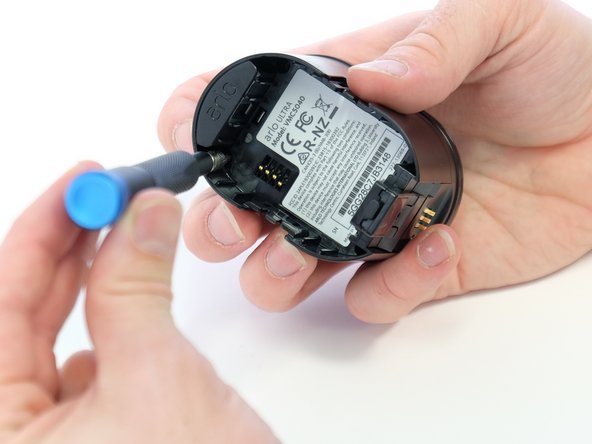
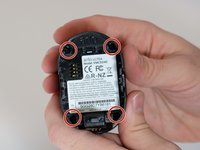
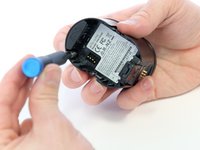
Use a Phillips #0 screwdriver to remove the four 20.0 mm screws from the battery cavity. They are found in each corner.
-
-
-
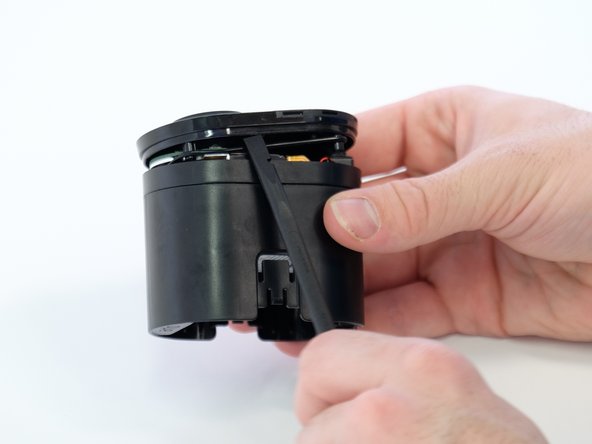
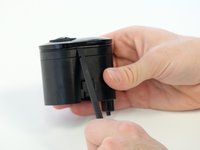
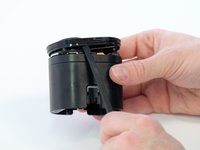
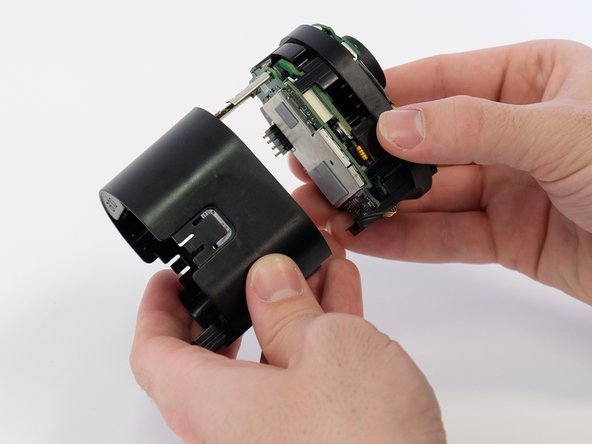
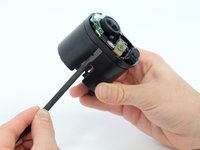
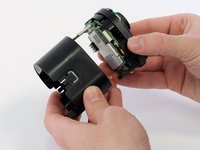
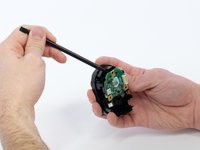
Using the spudger, loosen and remove the back casing to expose the camera hardware.
-
-
-
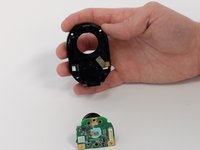
Very gently, pry the circuit boards apart from the white connector, removing the upper circuit board.
-
-
-
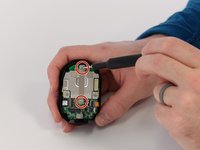
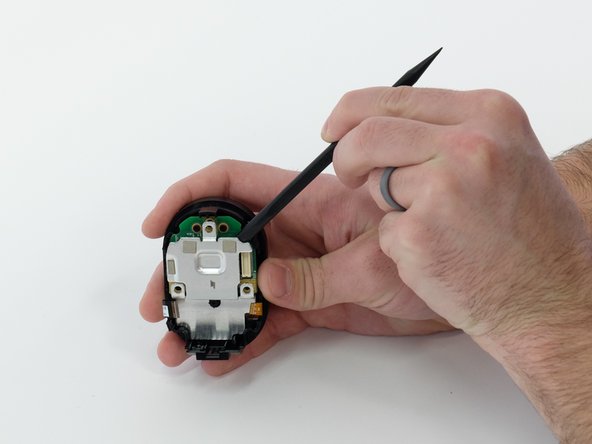
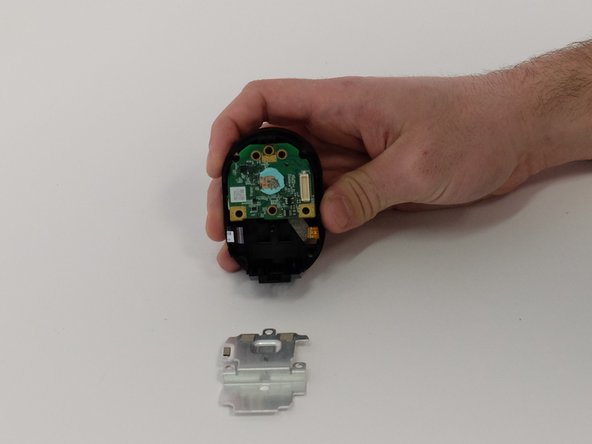
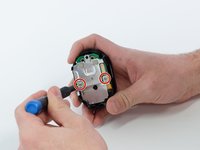
Use a Phillips #00 screwdriver to remove two 5.0 mm screws from the metal bracket.
-
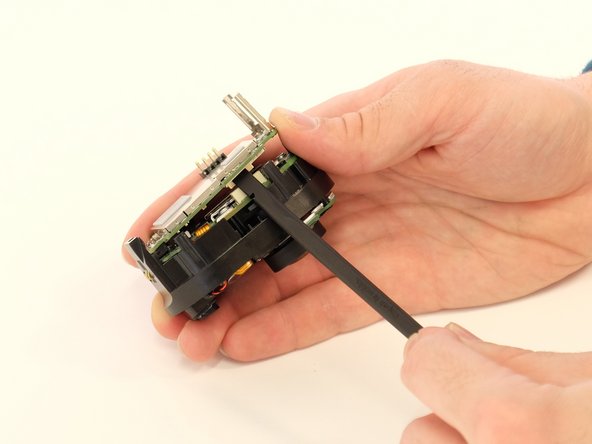
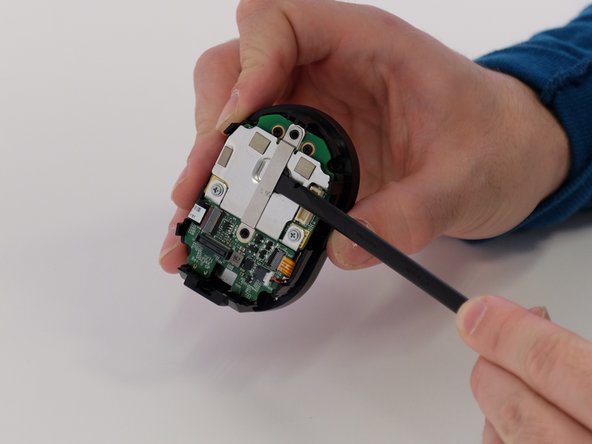
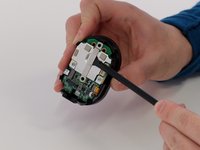
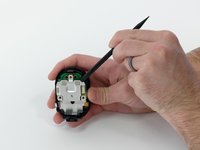
Use a spudger to separate the long metal bracket.
-
-
-
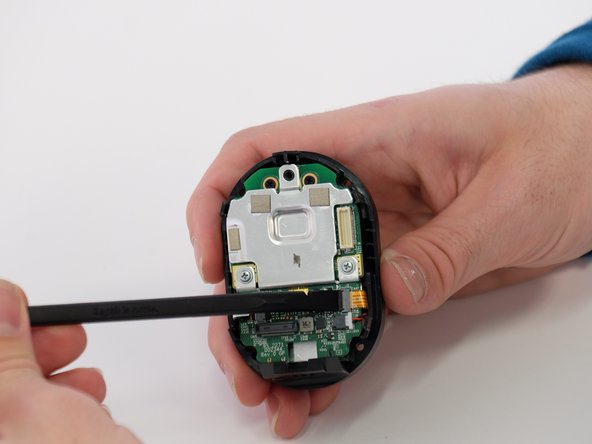
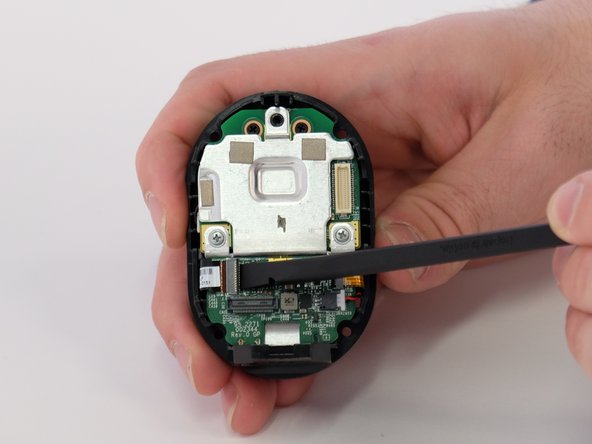
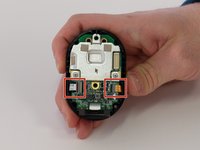
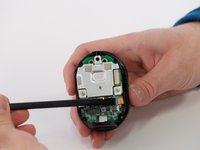
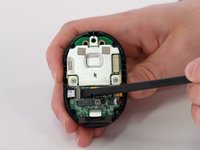
Use the tip of a spudger or your fingernail to flip up the small locking flap on each ZIF connector. Then, you can safely pull the cables out.
-
-
-
Use a spudger to carefully push on each side of the speaker cable connector until it's out of its socket.
-
-
-
-
-
Use a Phillips #00 screwdriver to remove the two 5.0 mm screws from both sides of the metal plate.
-
Pry the metal plate away from circuit board underneath.
-
-
-
-
Use a Phillips #00 screwdriver to remove three black 5.0 mm screws from back of the circuit board.
-
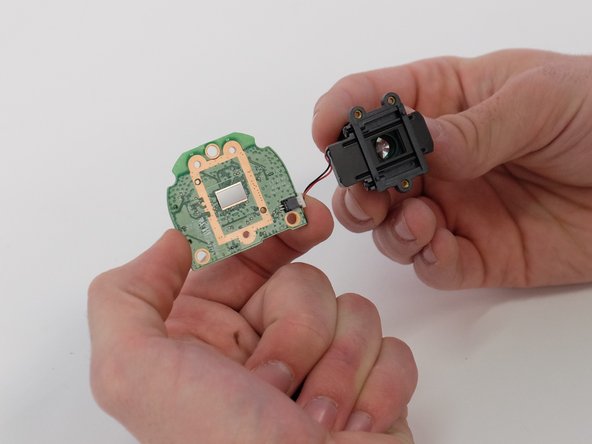
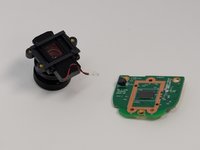
Separate the lens from the circuit board.
-
-
-
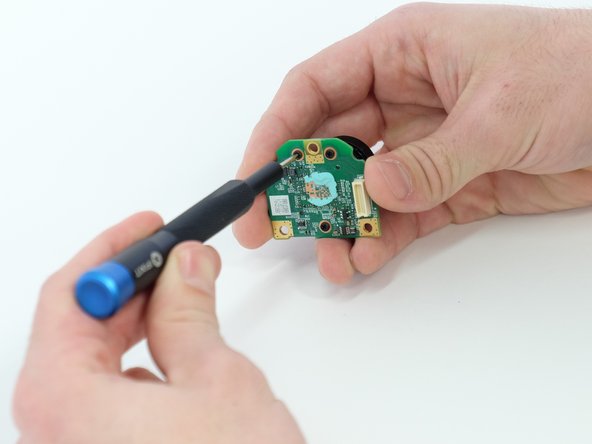
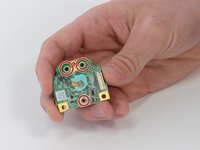
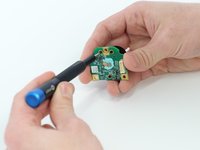
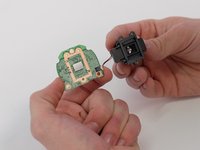
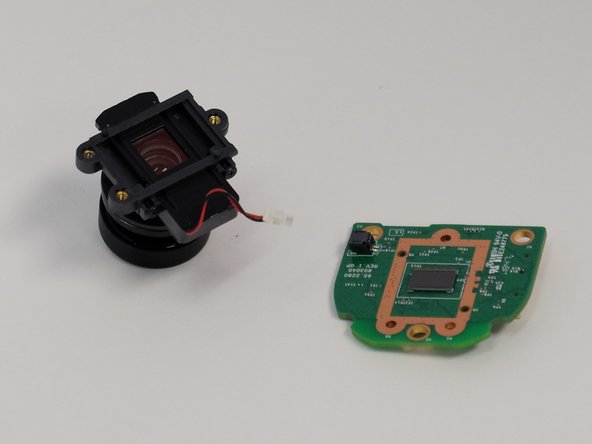
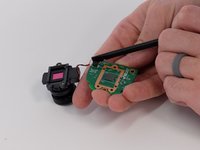
Use a spudger to carefully push on each side of the white cable connector to remove it from the socket and separate the camera lens from the board.
-
-
-
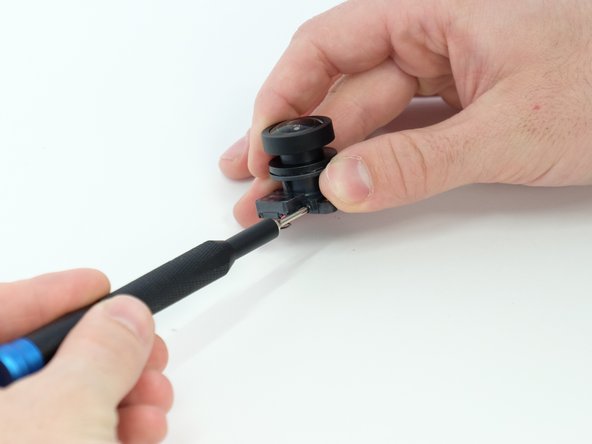
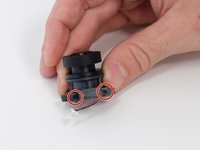
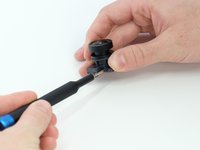
Use a Phillips #00 screwdriver to remove the two 4.0 mm screws from the side of the lens body.
-
-
Tool used on this step:Tweezers$4.99
-
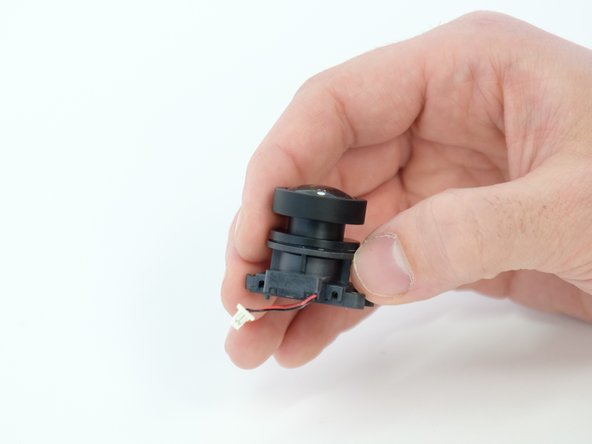
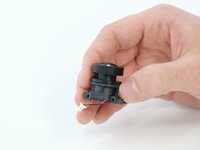
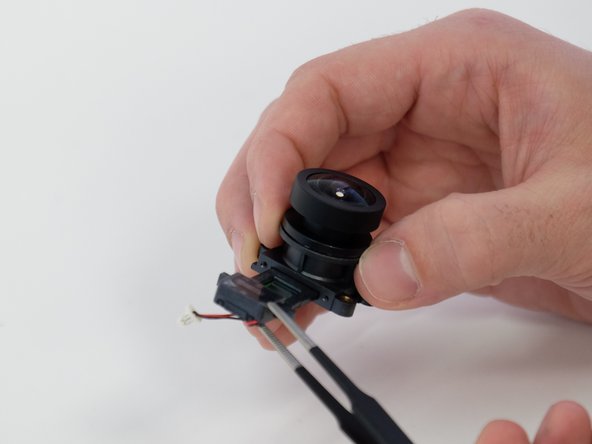
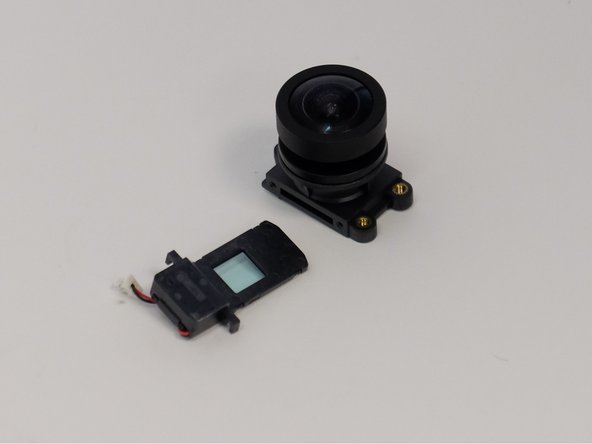
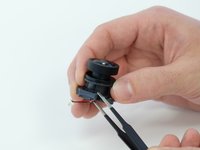
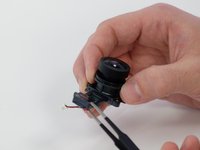
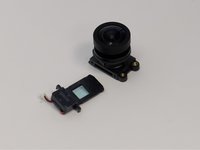
Use the blunt tweezers to remove the focus motor control insert from the main lens body.
-
-








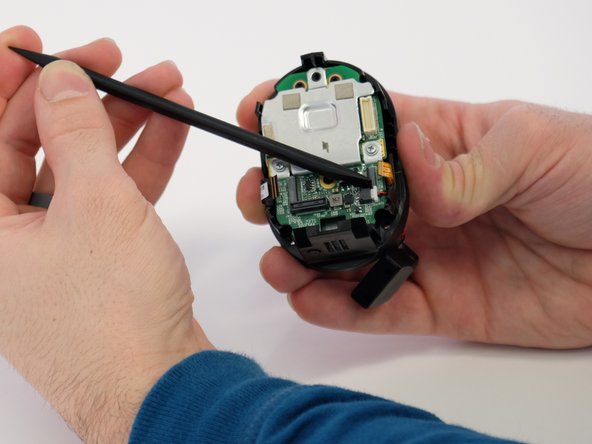
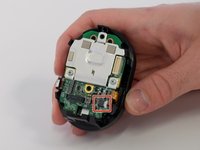
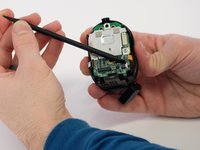


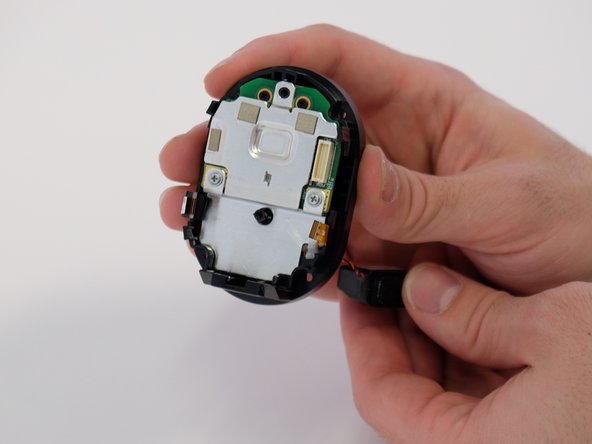
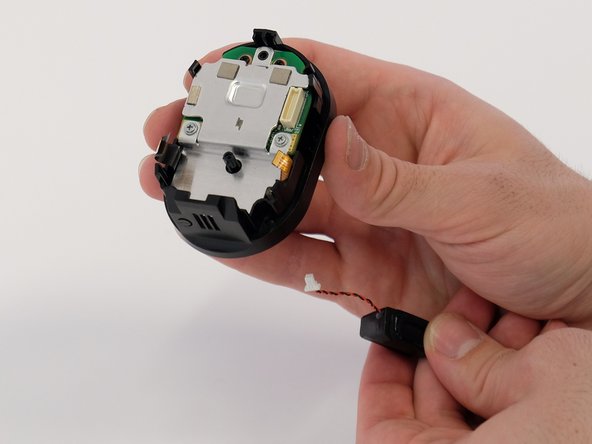

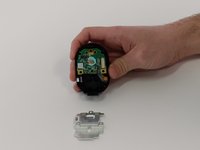

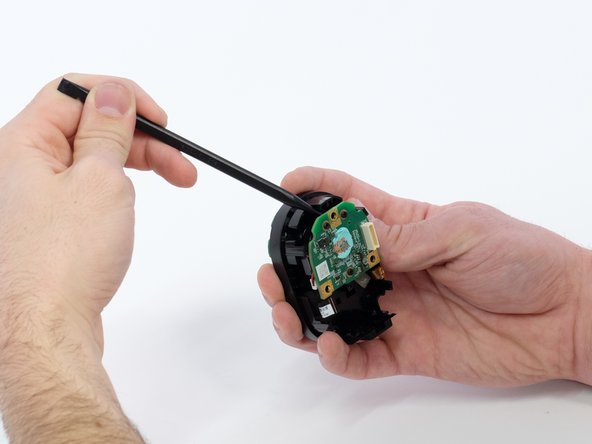
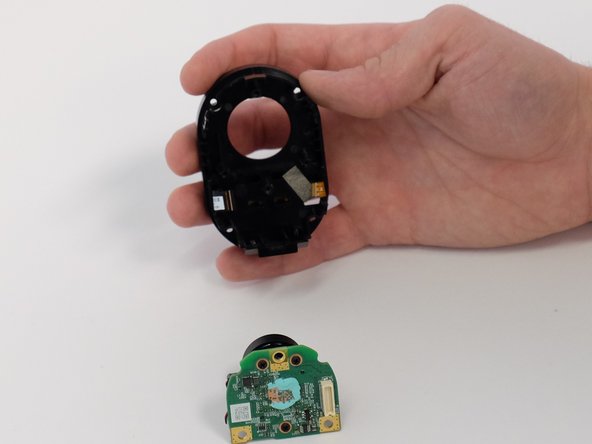
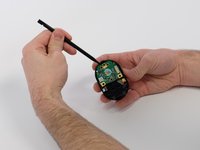




To reassemble your device, follow these instructions in reverse order.
Team

Linn Benton Community College, Team 1-4, Karnes Winter 2023 Member of Linn Benton Community College, Team 1-4, Karnes Winter 2023
LBCC-KARNES-W23S1G4
4 Members
48 Guides authored
9 Guide Comments
Any ideas on where to get the lens ordered?
I called Arlo and they said they don’t sell a replacement. I couldn’t find it anywhere online either. Does anybody know where to get a replacement?
Has anyon found where to buy a replacement lens? Mine is cracked and unusable without a new lens.
My Arlo ultra lens fell out and smashed whilst swapping out the battery, the inertia from the tap dislodged the poorly fix lens, now I cant find a replacement
