Free Shipping on Domestic Orders $75+

This teardown is not a repair guide. To repair your Apple Watch SE, use our service manual.

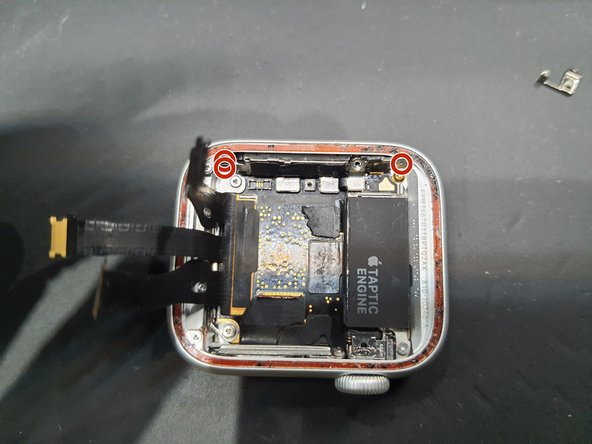
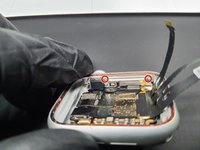
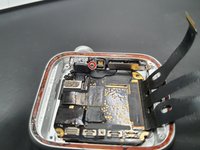
  1. Apple Watch SE Mother Board Removal, Removing the Taptic Engine: step 1, image 1 of 2 Apple Watch SE Mother Board Removal, Removing the Taptic Engine: step 1, image 2 of 2
    • Unscrew Tri-screw and remove small plate cover.

    • Then, remove these two Tri-screws.

    Ask FixBot
    Add Comment

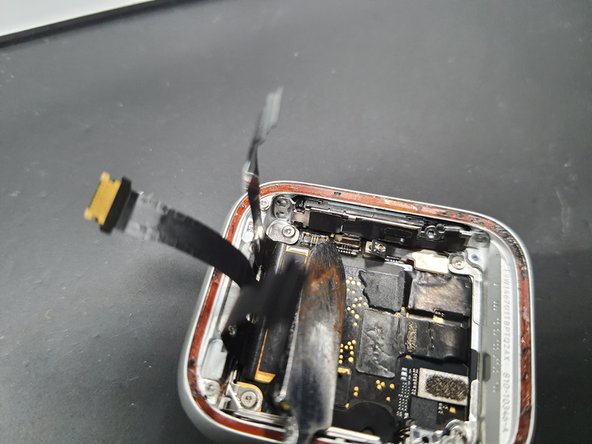
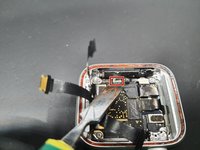
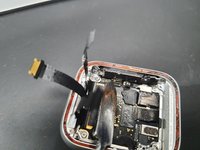
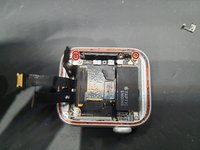
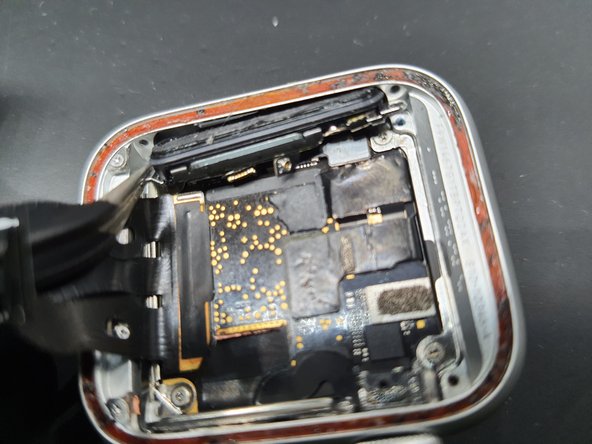
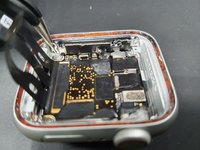
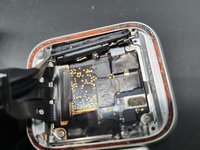
  2. Apple Watch SE Mother Board Removal, Removing the Taptic Engine pt. 2: step 2, image 1 of 3 Apple Watch SE Mother Board Removal, Removing the Taptic Engine pt. 2: step 2, image 2 of 3 Apple Watch SE Mother Board Removal, Removing the Taptic Engine pt. 2: step 2, image 3 of 3
    • Undo both connectors highlighted.

    • Then the Taptic engine should be able to be lifted out.

    • The Taptic engine has some adhesive on the cable outlined in blue that sticks it to the speaker.

    Ask FixBot
    Add Comment

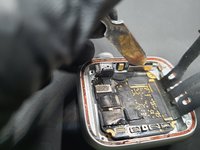
  3. Apple Watch SE Mother Board Removal, Removing the Speaker: step 3, image 1 of 3 Apple Watch SE Mother Board Removal, Removing the Speaker: step 3, image 2 of 3 Apple Watch SE Mother Board Removal, Removing the Speaker: step 3, image 3 of 3
    • Disconnect this connector.

    • Then remove these 3 tri-screws.

    Ask FixBot
    Add Comment

  4. Apple Watch SE Mother Board Removal, Removing the Speaker pt. 2: step 4, image 1 of 2 Apple Watch SE Mother Board Removal, Removing the Speaker pt. 2: step 4, image 2 of 2
    Tool used on this step:
    Tweezers
    $4.99
    Buy
    • Remove the speaker slowly.

    • Where my tweezers are located seems to be the best place to remove the speaker.

    Ask FixBot

    Add Comment

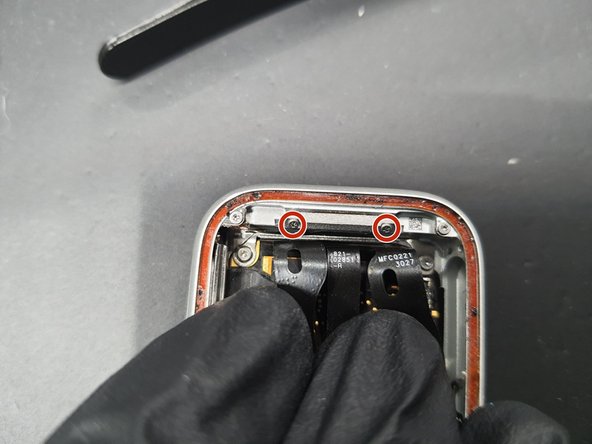
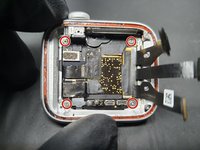
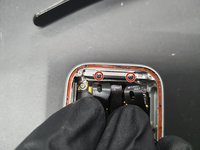
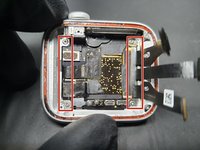
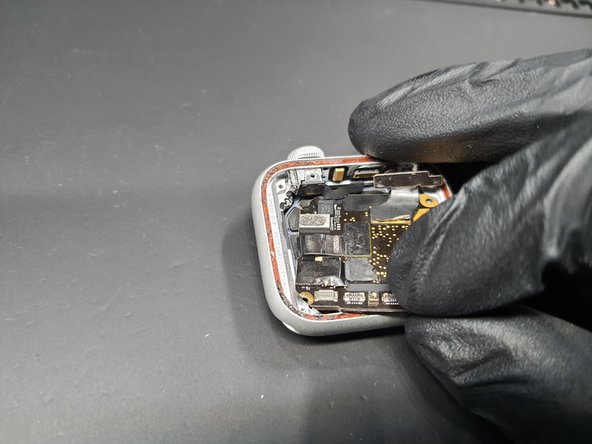
  5. Apple Watch SE Mother Board Removal, Removing Brackets around the MB: step 5, image 1 of 3 Apple Watch SE Mother Board Removal, Removing Brackets around the MB: step 5, image 2 of 3 Apple Watch SE Mother Board Removal, Removing Brackets around the MB: step 5, image 3 of 3
    • 4 more Tri-screws are removed here.

    • Gently pulling back the screen flex cables reveals 2 more Tri-screws that should be removed.

    • Then the brackets can be removed with tweezers.

    Ask FixBot
    Add Comment

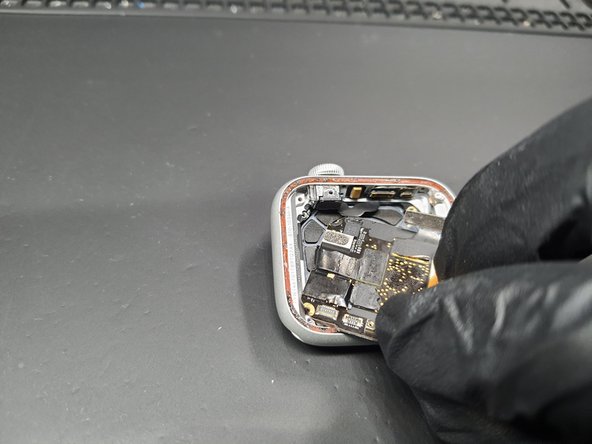
  6. Apple Watch SE Mother Board Removal, Removing Brackets around the Power Button: step 6, image 1 of 2 Apple Watch SE Mother Board Removal, Removing Brackets around the Power Button: step 6, image 2 of 2
    • Remove these 2 Tri-screws.

    • After taking off the first bracket, take of the next Tri-screw and remove the second bracket.

    Ask FixBot
    Add Comment

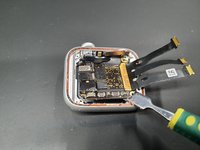
  7. Apple Watch SE Mother Board Removal, Disconnecting Power button: step 7, image 1 of 2 Apple Watch SE Mother Board Removal, Disconnecting Power button: step 7, image 2 of 2
    • Disconnect the Power button FPC.

    • The FPC here has 2 connections. DO NOT pry in the middle as it may bend.

    Ask FixBot
    Add Comment

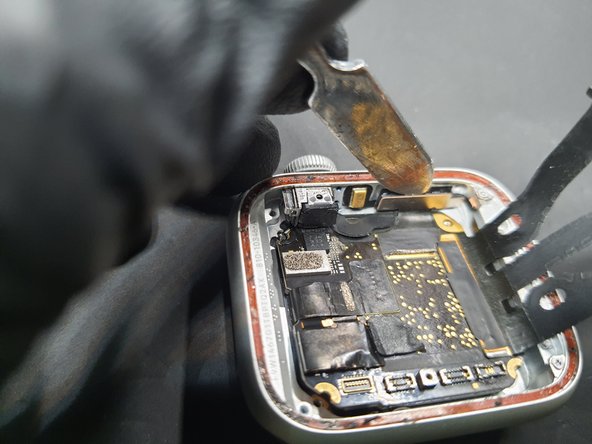
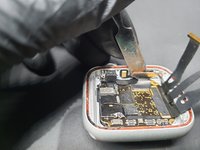
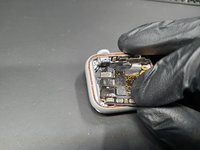
  8. Apple Watch SE Mother Board Removal, Removing the MB.: step 8, image 1 of 3 Apple Watch SE Mother Board Removal, Removing the MB.: step 8, image 2 of 3 Apple Watch SE Mother Board Removal, Removing the MB.: step 8, image 3 of 3
    • Starting in the bottom right corner as show here. Gently wedge in a spudger and pry up on the board.

    • Once you are able to get a good hold on the board move try pulling down and to the right in a clockwork motion.

    • Do this motion slowly as there is a final connector under the board.

    Ask FixBot
    Add Comment

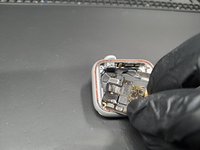
  9. Apple Watch SE Mother Board Removal, Completion: step 9, image 1 of 1
    • Once the board is lifted out, the final connector is highlighted.

    • Disconnect and you are all done!

    • Repeat steps backwards to put everything back together.

    Ask FixBot
    Add Comment

jessepugsley

Member since: 01/21/20

181 Reputation

1 Guide authored

1 Guide Comment

thank you so much

Wesleyfraga - Reply Share

Add Comment

View Statistics:

Past 24 Hours: 6

Past 7 Days: 30

Past 30 Days: 140

All Time: 8,669