
Apple IIc Power Converter Replacement

Josiah and 5 other contributors
Last updated on May 14, 2020
Views: 5.2K
View statistics:
- Past 24 Hours:
- 1
- Past 7 Days:
- 20
- Past 30 Days:
- 128
- All Time:
- 5,222
Comments: 1
1 comment on steps.
Completed: 7 8
7 people have marked this guide "completed." Will you be next?
8 people have marked this guide "completed." Including you — great job!
Favorites: 7 8
7 people have favorited (and subscribed to) this guide. Will you be next?
8 people have favorited (and subscribed to) this guide — including you!
Introduction
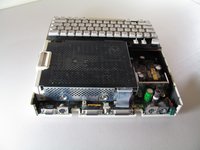
Go to step 1 ↓If you are having trouble with powering your computer, it is possible that your power converter needs to be replaced. If that is the case, this guide will show you how to locate and carefully remove the power converter step by step.
What you need
Tools


-
-
-
Remove the six 19 mm long screws with a #2 Phillips head screwdriver.
 Ask FixBot
-
-
-
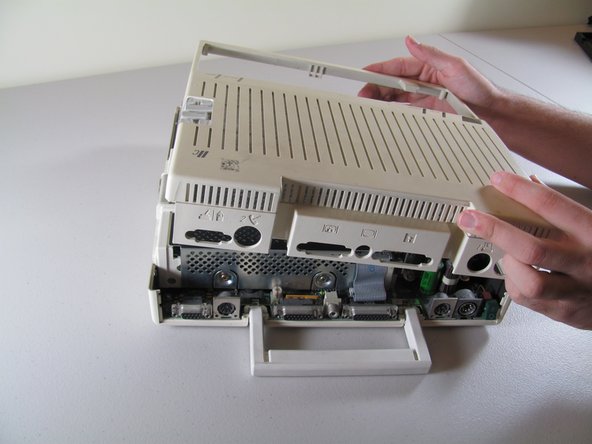
Slide the case toward the ports on the back, then grip under the catch and pull up while moving toward the ports to remove.
-
-
-
-
-
-
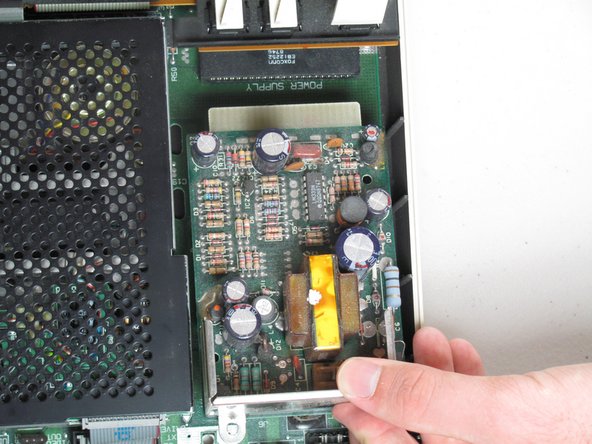
Remove the two 7.7mm length Phillips screws that secure the power converter.
-
-
-
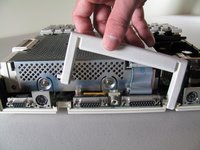
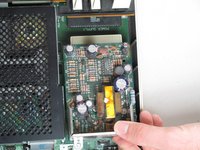
Grab the back of the power supply and pull out while lifting up so that it will clear the other components.
-
-






To reassemble your device, follow these instructions in reverse order.
Cancel: I did not complete this guide.
7 other people completed this guide.

Team

Cal Poly, Team 21-23, Maness Fall 2011 Member of Cal Poly, Team 21-23, Maness Fall 2011
CPSU-MANESS-F11S21G23
4 Members
72 Guides authored
