
Apple IIc Keyboard Replacement

Last updated on Jan 28, 2014
Views: 4.4K
View statistics:
- Past 24 Hours:
- 2
- Past 7 Days:
- 21
- Past 30 Days:
- 105
- All Time:
- 4,417
Comments: 1
1 comment on steps.
Completed: 4 5
4 people have marked this guide "completed." Will you be next?
5 people have marked this guide "completed." Including you — great job!
Favorites: 8 9
8 people have favorited (and subscribed to) this guide. Will you be next?
9 people have favorited (and subscribed to) this guide — including you!
What you need
Tools


Introduction
Go to step 1 ↓Replacing the keyboard is an easy repair that is unfortunately necessary in certain cases. This guide will take you through the process of removing your keyboard step by step.
-
-
-
Remove the six 19 mm long screws with a #2 Phillips head screwdriver.
 Ask FixBot
-
-
-
-
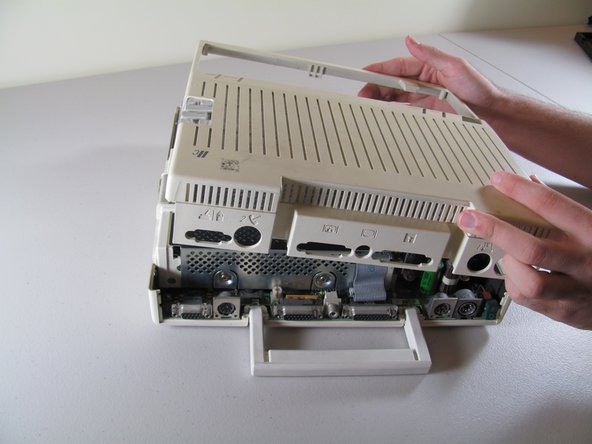
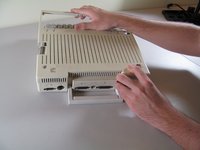
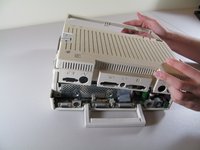
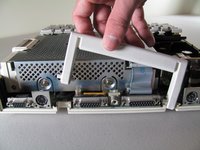
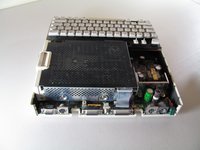
Slide the case toward the ports on the back, then grip under the catch and pull up while moving toward the ports to remove.
-
-
-
-
-
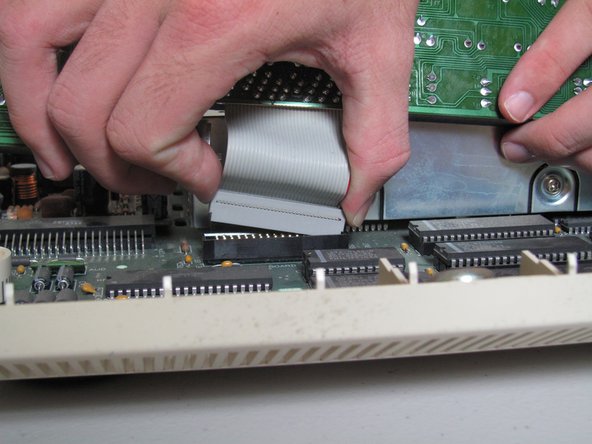
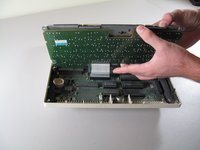
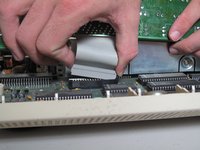
Tilt the keyboard up while detaching the ribbon connection by pulling it straight up. You may have to wiggle the connector sideways to loosen it.
-
-





To reassemble your device, follow these instructions in reverse order.
Cancel: I did not complete this guide.
4 other people completed this guide.

Team

Cal Poly, Team 21-23, Maness Fall 2011 Member of Cal Poly, Team 21-23, Maness Fall 2011
CPSU-MANESS-F11S21G23
4 Members
72 Guides authored
