Introduction
If your Anki Cozmo robot is emitting muffled or little to no sound, follow this guide. This guide is to assist users in replacing the speaker in an Anki Cozmo robot, so it can make noise again. The speaker, located in Cozmo’s head, allows it to make noise. Before beginning, make sure to power off your Anki Cozmo robot and disconnect it from the Anki Cozmo app.
WARNING: when using hands to remove any component, be careful not to cut yourself or rip your fingernail.
What you need
-
-
Remove the two black rubber treads from the wheels using your hands to pull them off.
-
-
-
-
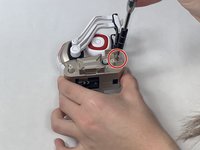
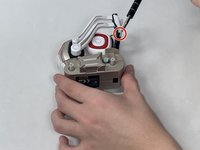
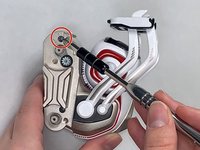
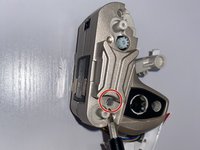
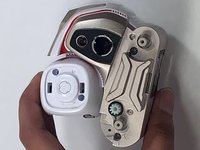
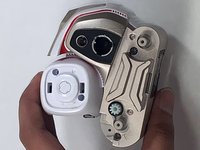
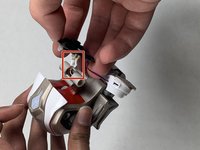
The thinner upper arms have a small hole on the bottom of the rotating hub, allowing you to press the retaining clip in while pulling the arm outward to remove it.
-
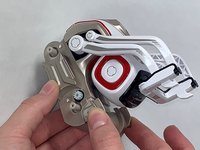
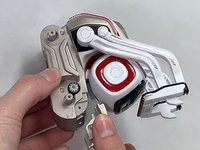
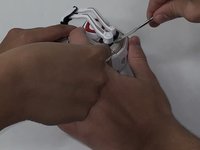
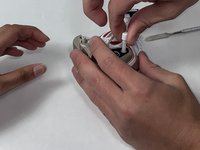
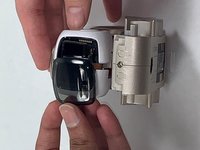
The thicker lower arms have indexed slots that align with retaining tabs internally. Rotate the arm to its topmost position, where it touches the upper axle. Apply gentle pressure outward to remove the arm.
-










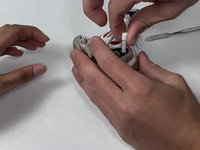
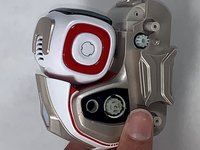
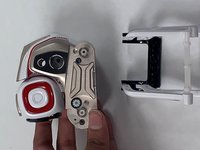


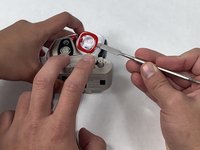




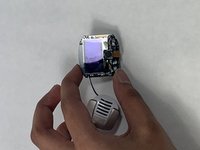
To reassemble your device, follow these instructions in reverse order.
Cancel: I did not complete this guide.
3 other people completed this guide.

Team

UMass Dartmouth, Team 4-8, Gulbrandsen Fall 2021 Member of UMass Dartmouth, Team 4-8, Gulbrandsen Fall 2021
UMASSD-GULBRANDSEN-F21S4G8
3 Members
7 Guides authored
2 Guide Comments
Great, do you know where to buy the speaker ?
This is the one I’ve bought
