Introduction
Is the Charging Port on your Anker Soundcore Motion 3000 speaker loose, broken, or not charging the device properly? Then all you need is your Philip’s head screwdriver #0, the blue plastic opening tool, a heating gun (if necessary) and this replacement guide to help you fix this issue.
What you need
-
-
-
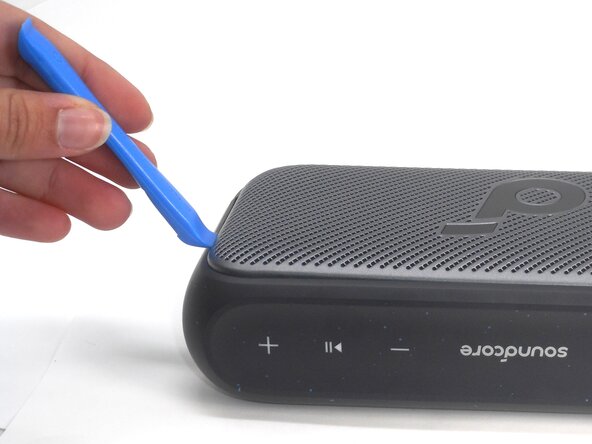
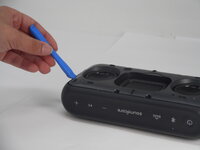
Insert an opening tool into a seam between the grille and chassis.
-
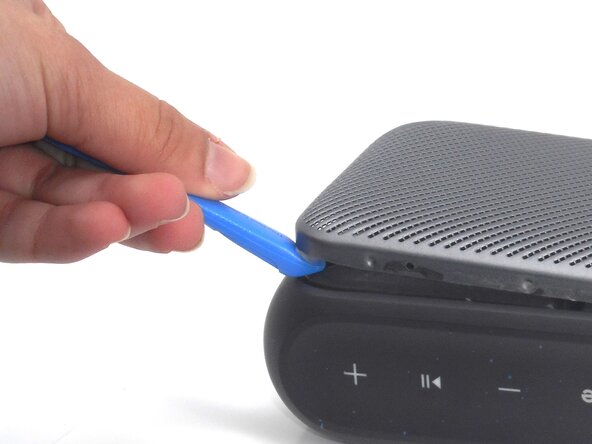
Gently pry the grille up to begin disengaging the retaining clip.
-
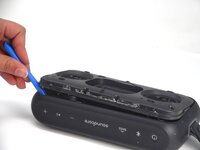
Once a corner starts to lift, slowly slide the tool along the edge to loosen more of the grille.
 Ask FixBot
-
-
-
-
-
-
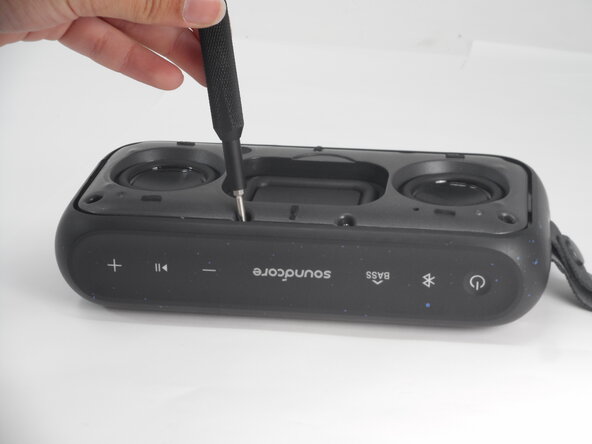
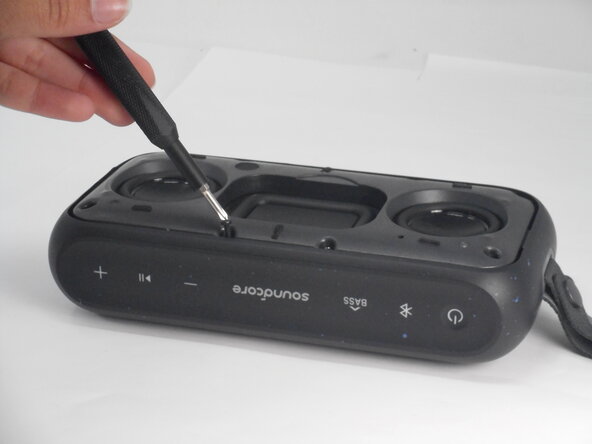
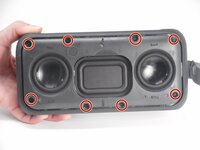
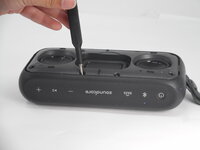
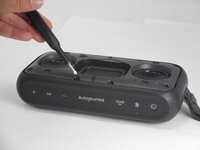
Use a Phillips #0 screwdriver to remove all eight 11.5 mm screws that secure the speaker housing.
-
-
-
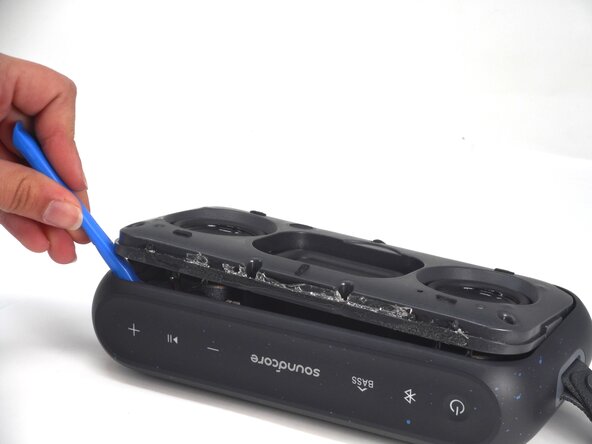
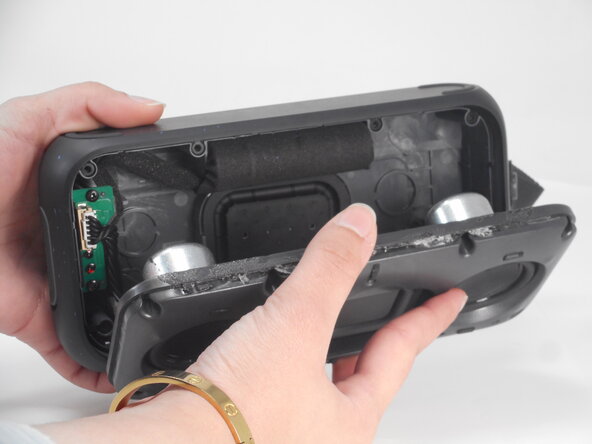
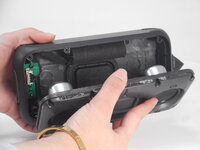
Use an opening tool to pry up the speaker housing.
-
Set the speaker housing beside the speaker, with care not to strain the cables connected to the drivers.
-
-
-
Use tweezers to scrape off the sealant that secures the charging port connector.
-
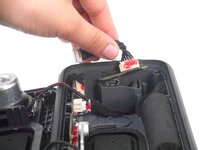
Pull the charging port connector directly out of its socket.
-
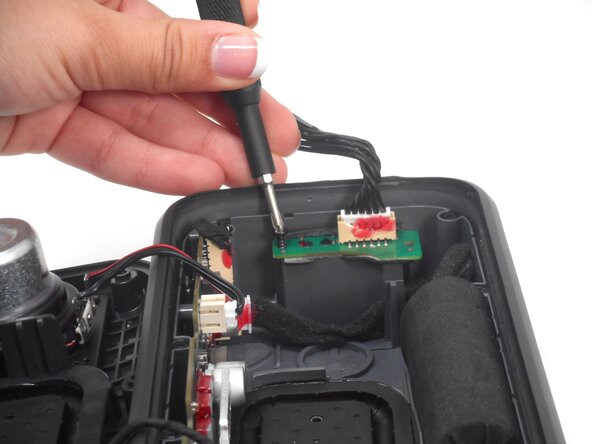
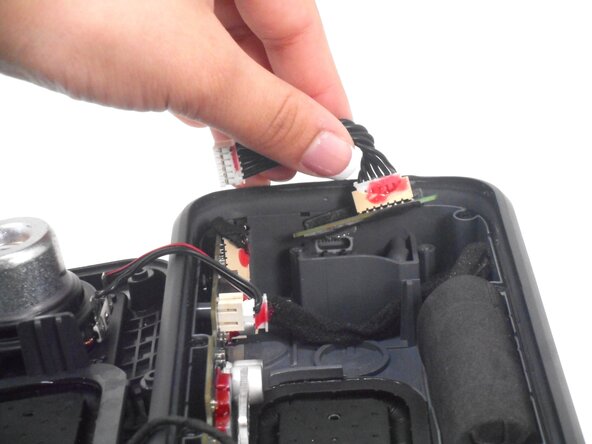
Use a Phillips #0 screwdriver to remove the two 7.5 mm screws securing the charging port PCB to the housing.
-
-







To reassemble your device, follow the above steps in reverse order.
Take your e-waste to an R2 or e-Stewards certified recycler.
Repair didn’t go as planned? Try some basic troubleshooting or ask our Answers community for help.

Team

University of Memphis, Team 1-2, Sneed Spring 2025 Member of University of Memphis, Team 1-2, Sneed Spring 2025
UM-SNEED-S25S1G2
4 Members
60 Guides authored
