
Anker Soundcore Motion 300 Battery Replacement

Holly Hoffman and 3 other contributors
Last updated on Jul 15, 2025
Views: 1.1K
View statistics:
- Past 24 Hours:
- 2
- Past 7 Days:
- 24
- Past 30 Days:
- 107
- All Time:
- 1,085
Comments: 1
1 comment on steps.
Completed: 1 2
1 person has marked this guide "completed." Will you be next?
2 people have marked this guide "completed." Including you — great job!
Favorites: 0 1
No one has favorited (and subscribed to) this guide. Will you be the first?
1 person has favorited (and subscribed to) this guide — and that's you!
Featured Student Guide
This guide has been the hard work of our awesome students and is found to be exceptionally cool by the iFixit staff.
Introduction
Go to step 1 ↓Is the battery in your Anker Soundcore Motion 3000 overheating, depleting fast, or overall needs to be changed? This guide will show you how to replace the battery in your Anker Soundcore Motion 3000 Bluetooth speaker.
Check the troubleshooting pages first to confirm that your speaker needs a new battery.
Before beginning this repair, make sure to power off your speaker and unplug it from the charger.
What you need
Tools


-
-
-
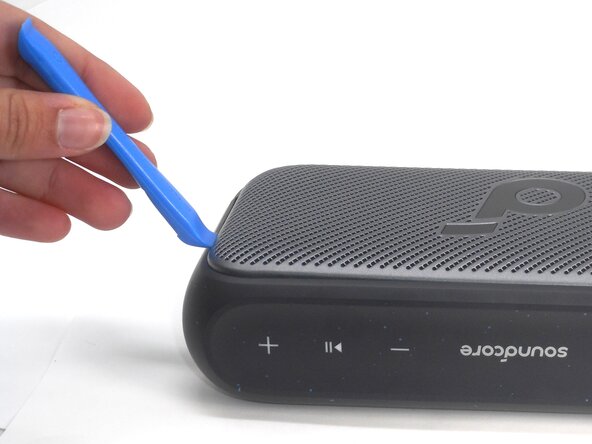
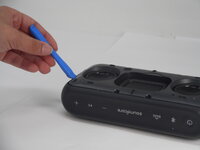
Insert an opening tool into a seam between the grille and chassis.
-
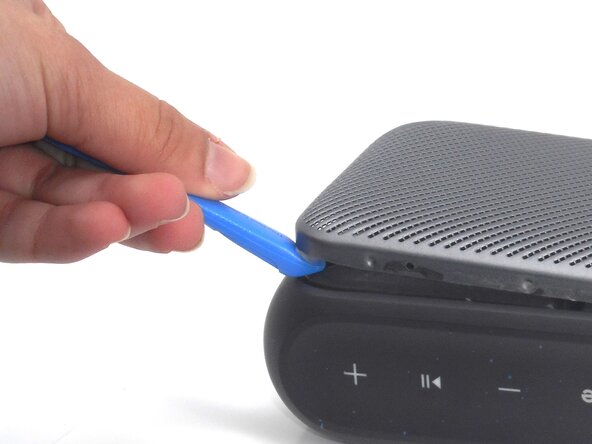
Gently pry the grille up to begin disengaging the retaining clip.
-
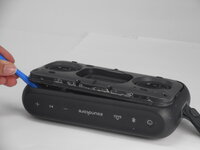
Once a corner starts to lift, slowly slide the tool along the edge to loosen more of the grille.
 Ask FixBot
-
-
-
-
-
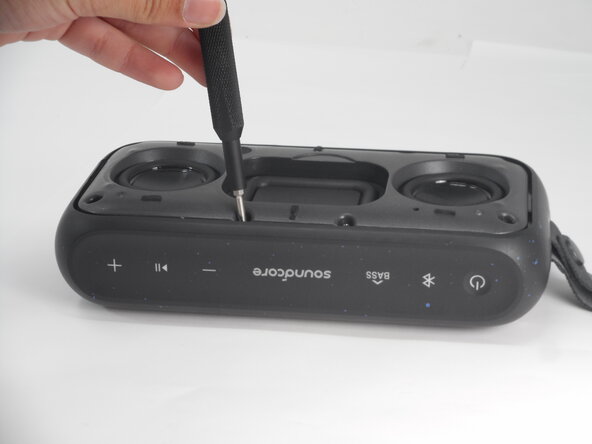
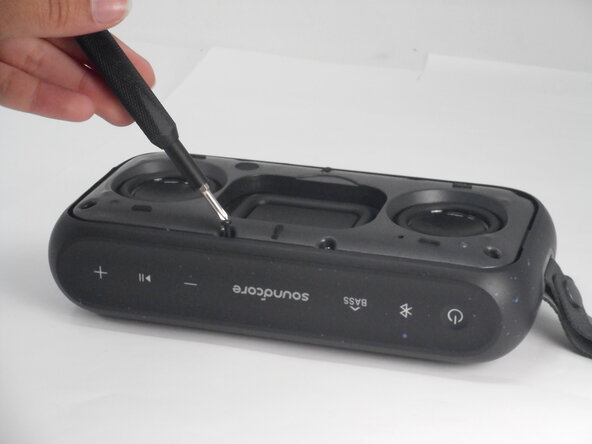
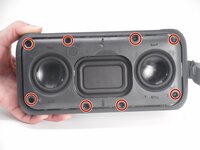
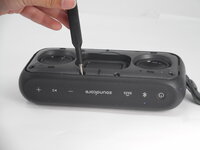
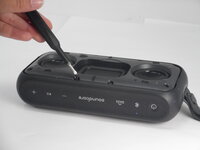
Use a Phillips #0 screwdriver to remove all eight 11.5 mm screws that secure the driver housing.
-
-
-
-
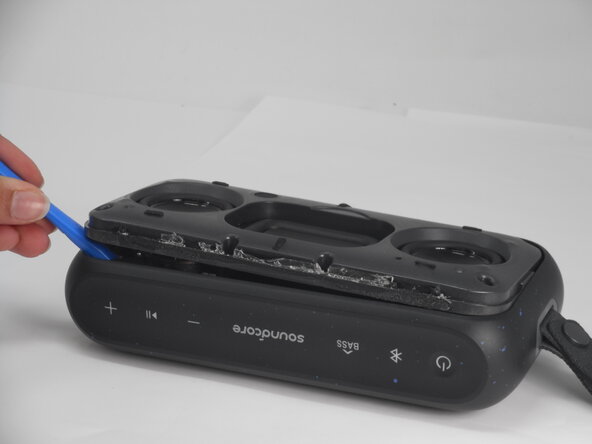
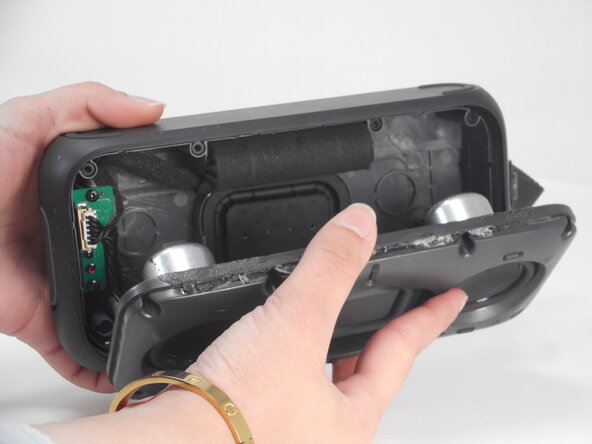
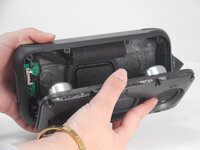
Use an opening tool to pry up the speaker housing.
-
Set the speaker housing beside the speaker, with care not to strain the cables connected to the drivers.
-
-
-
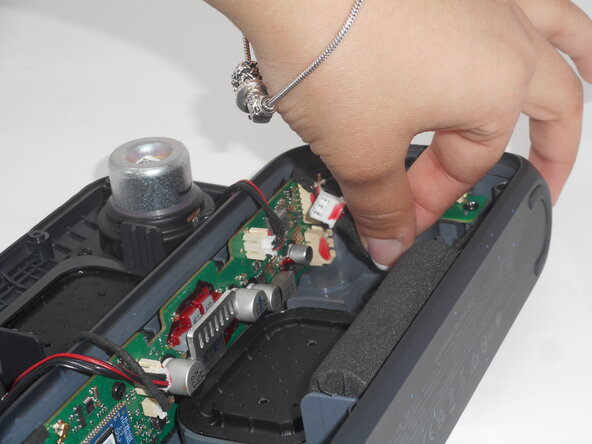
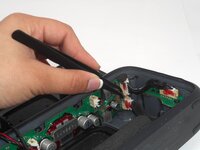
Use tweezers to remove the sealant that secures the battery connector.
-
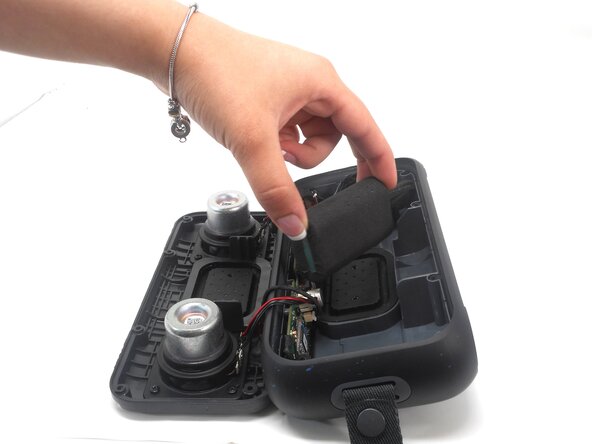
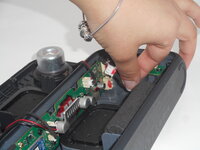
Pull the battery connector directly out of its port.
-
Lift the battery up and out of the chassis.
-
-







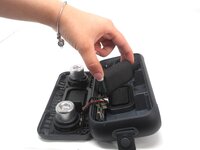
To reassemble your device, follow the above steps in reverse order.
For optimal performance, after completing this guide, calibrate your newly installed battery.
Take your e-waste to an R2 or e-Stewards certified recycler.
Repair didn’t go as planned? Try some basic troubleshooting or ask our Answers community for help.
Cancel: I did not complete this guide.
One other person completed this guide.

Team

University of Memphis, Team 1-2, Sneed Spring 2025 Member of University of Memphis, Team 1-2, Sneed Spring 2025
UM-SNEED-S25S1G2
4 Members
60 Guides authored
