Introduction
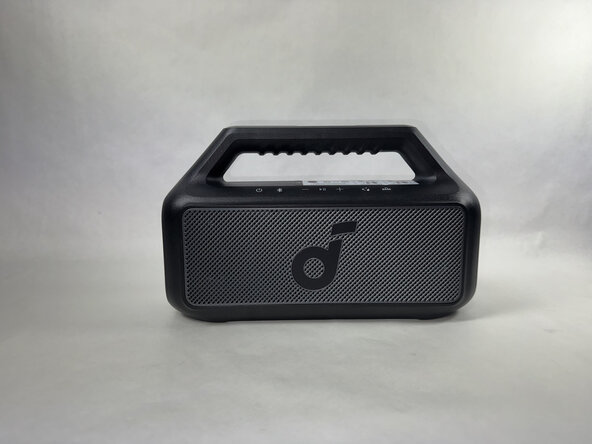
This guide applies to the Anker Soundcore Boom 2 Speaker, model number A3138.
The following replacement guide covers how to remove and replace the battery of the device. This part powers the entire device when it's disconnected from a power outlet.
Signs that it's time to replace the battery are the device dying early and power related issues.
What you need
-
-
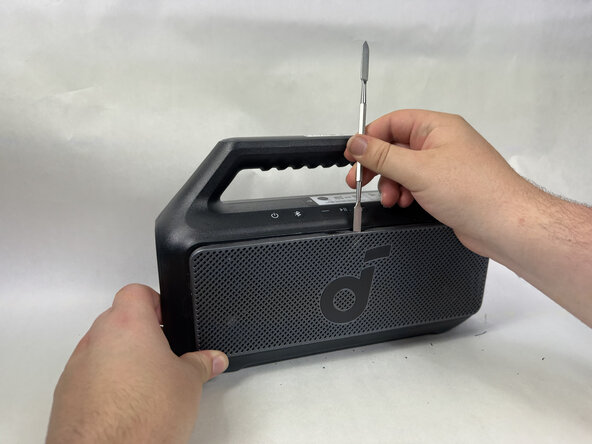
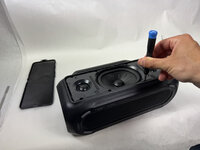
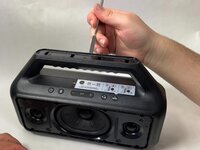
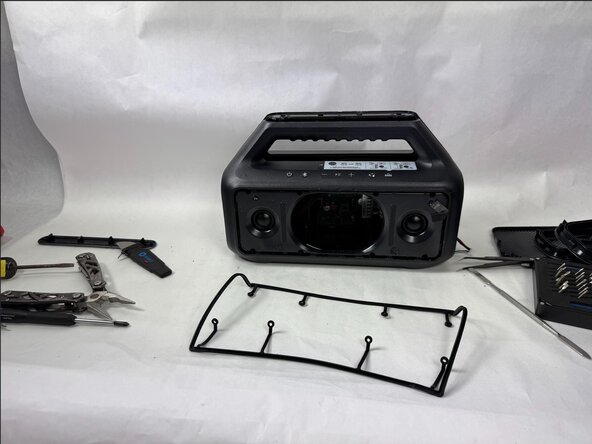
Use a metal spudger to gently pry the front panel off of the speaker.
-
Start with the top of the panel, pressing in and down on the middle of the top of the panel to release the tab holding it in place.
 Ask FixBot
-
-
-
Continue around edge of the front panel, releasing each tab until the panel is loose and comes free.
-
-
-
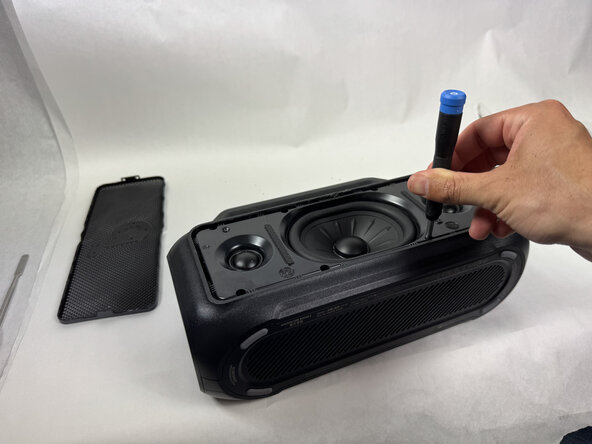
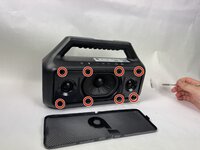
Use a Phillips head screwdriver to remove the 8 screws surrounding the speaker head on the front facing panel.
-
-
-
Use a spudger to separate the front facing panel from the rear facing panel.
-
Follow the seam all the way around the device, prying gently until a gap appears before moving further along.
-
-
-
-
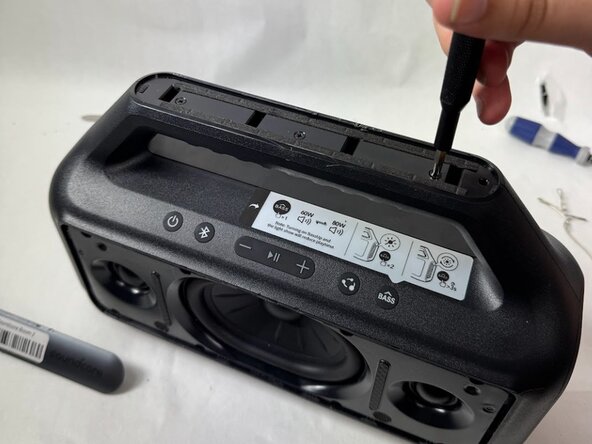
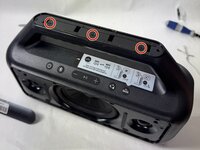
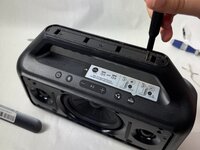
Use a Phillips head screwdriver to remove the 6 screws around the backside of the speaker head.
-
-
-
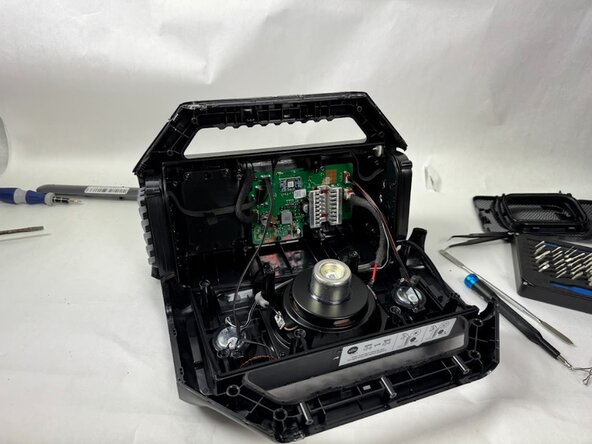
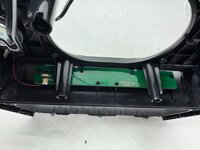
Use your fingers to gently disconnect the motherboard ribbon cable from the button panel.
-
-
-
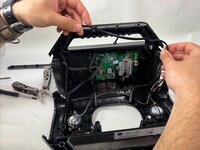
Use pliers or tweezers to disconnect the microphone cable and the button wire from the motherboard.
-
-
-
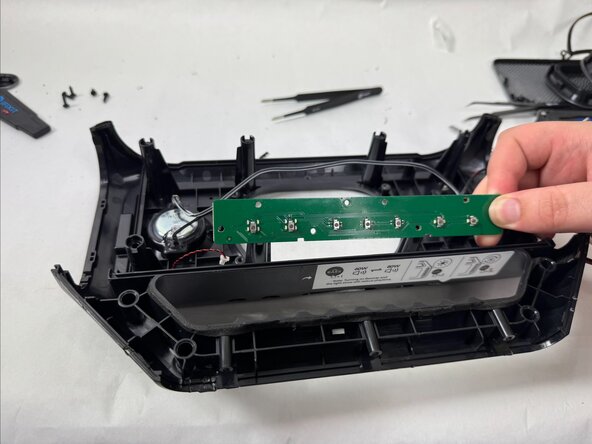
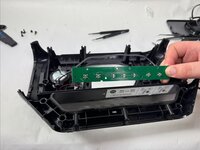
Use a Phillips head screwdriver to remove the 8 screws from the button panel.
-
Carefully slide the button panel out of place.
-
-
-
With the device pulled apart and the wires to the speaker head and button panel disconnected, remove the gasket from around the edge of the internal compartment.
-
-
-
Use pliers or tweezers to disconnect the battery from the motherboard.
-
-
-
Use a Phillips head screwdriver to remove the 6 screws that hold the battery in place.
-








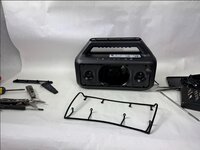


To reassemble your device, follow these instructions in reverse order.
Cancel: I did not complete this guide.
2 other people completed this guide.

Team

UMass Dartmouth, Team 5-3, Biswokarma Spring 2025 Member of UMass Dartmouth, Team 5-3, Biswokarma Spring 2025
UMASSD-BISWOKARMA-S25S5G3
4 Members
6 Guides authored
5 Guide Comments
I just returned mine and got a refund.
Bonjour,
Google on my phone lets me take a picture of things and then search. These batteries are not too hard to find the on internet. The difficult part is you may need to use a “point soldering” machine to attach the battery. I found a computer repair club to help me replace batteries in Bose speaker and a drill.
