Free Shipping on Domestic Orders $75+

Angry Miao Xmas Key Switch Replacement

What you need

  1. Angry Miao Xmas Key Switch Replacement, Key Switch: step 1, image 1 of 3 Angry Miao Xmas Key Switch Replacement, Key Switch: step 1, image 2 of 3 Angry Miao Xmas Key Switch Replacement, Key Switch: step 1, image 3 of 3
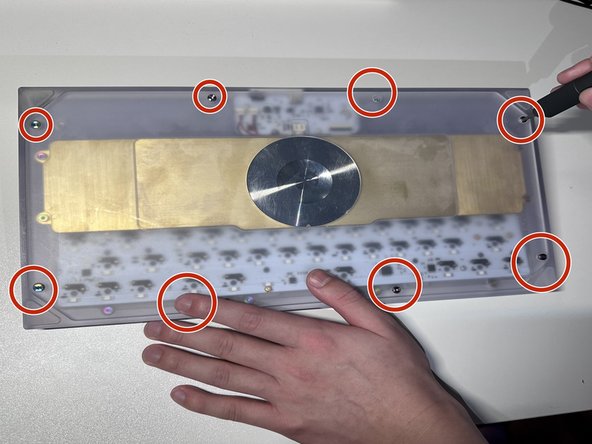
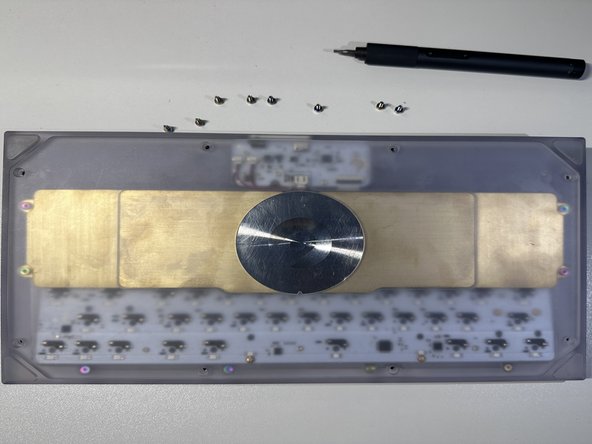
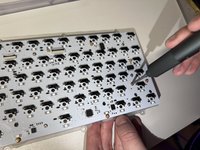
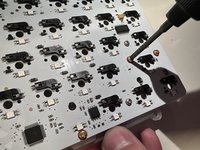
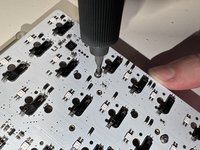
    • Facing the keyboard downwards, remove eight 26 mm screws holding the keyboard together.

    • Rotate the screws in a counterclockwise motion to unscrew.

    Ask FixBot

    Add Comment

  2. Angry Miao Xmas Key Switch Replacement: step 2, image 1 of 1
    • Remove the 4 screws of the brass weight in the same counterclockwise motion as done in previous steps.

    Ask FixBot

    Add Comment

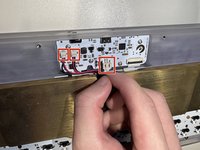
  3. Angry Miao Xmas Key Switch Replacement: step 3, image 1 of 2 Angry Miao Xmas Key Switch Replacement: step 3, image 2 of 2
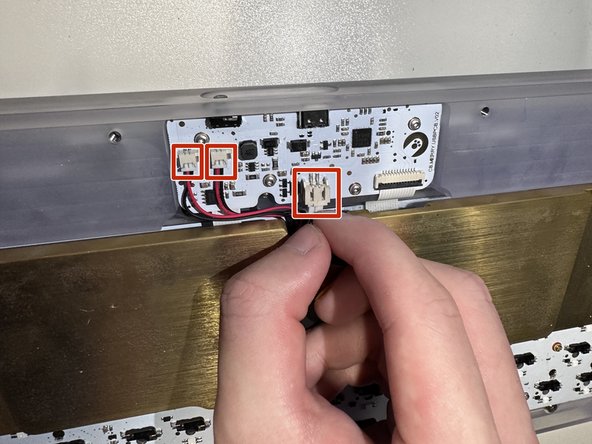
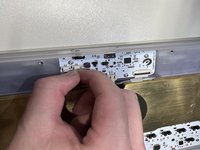
    • Carefully disconnect the brass battery from the top housing by removing the 3 cables.

    Ask FixBot

    Add Comment

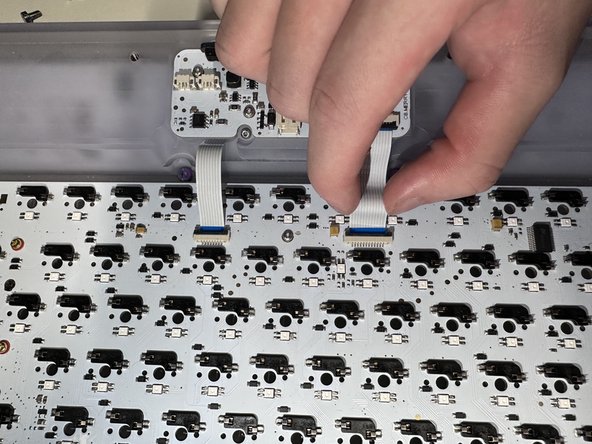
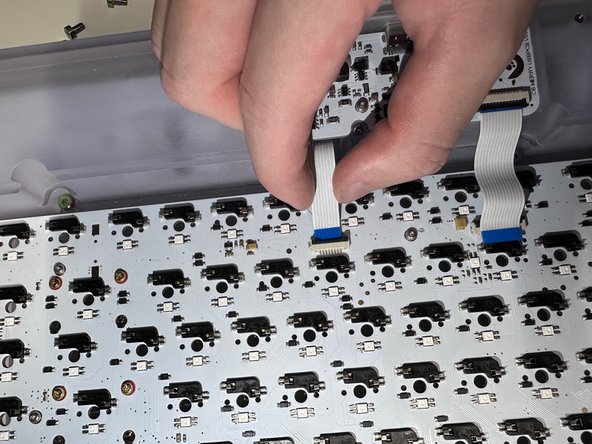
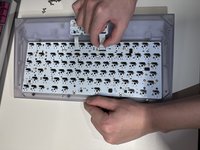
  4. Angry Miao Xmas Key Switch Replacement: step 4, image 1 of 3 Angry Miao Xmas Key Switch Replacement: step 4, image 2 of 3 Angry Miao Xmas Key Switch Replacement: step 4, image 3 of 3
    • When flipped upside down, the back of keyboard will look like this.

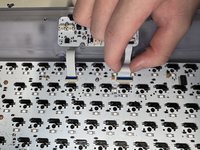
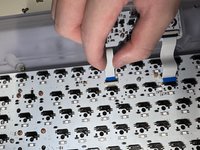
    • Remove the brass weight, then disconnect the keyboard PCB by removing the 2 ribbons from the latch holding it down.

    Ask FixBot

    Add Comment

  5. Angry Miao Xmas Key Switch Replacement: step 5, image 1 of 1
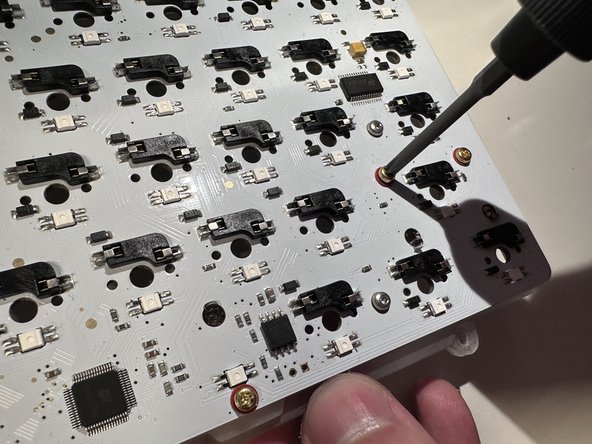
    • Remove the 2 screws attached on top and take PCB kit out.

    Ask FixBot

    Add Comment

  6. Angry Miao Xmas Key Switch Replacement: step 6, image 1 of 3 Angry Miao Xmas Key Switch Replacement: step 6, image 2 of 3 Angry Miao Xmas Key Switch Replacement: step 6, image 3 of 3
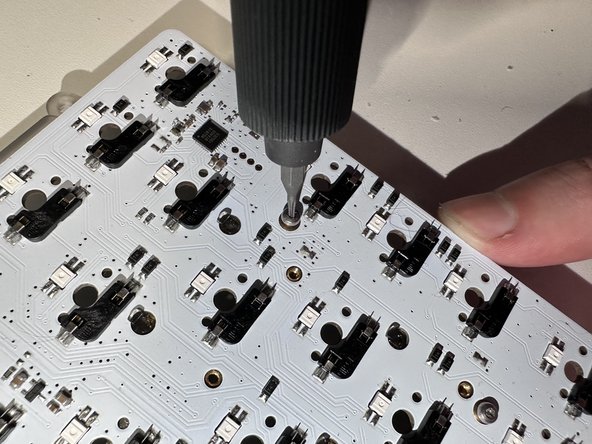
    • Remove the rest of the screws in the same way which will separate the plate, mute mount, and PCB.

    Ask FixBot

    Add Comment

  7. Angry Miao Xmas Key Switch Replacement: step 7, image 1 of 3 Angry Miao Xmas Key Switch Replacement: step 7, image 2 of 3 Angry Miao Xmas Key Switch Replacement: step 7, image 3 of 3
    Tool used on this step:
    Tweezers
    $4.99
    Buy
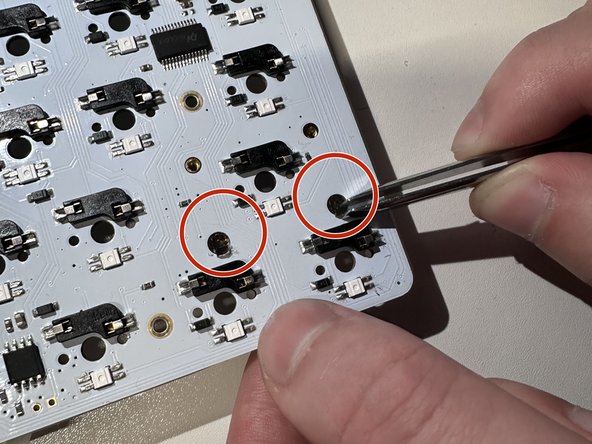
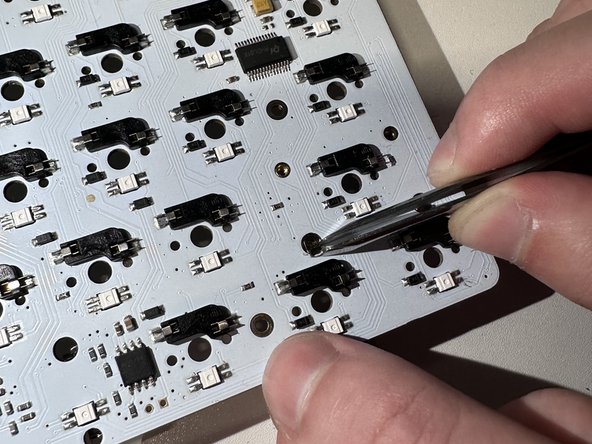
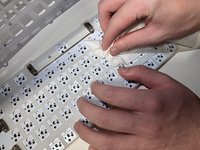
    • Clean the PCB.

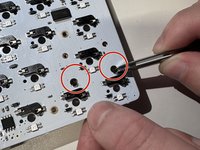
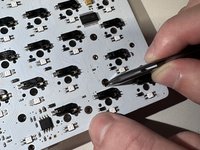
    • Pull out the cover by using tweezers.

    Ask FixBot

    Add Comment

  8. Angry Miao Xmas Key Switch Replacement: step 8, image 1 of 1
    • Install the new key switches by pressing on the PCB.

    Ask FixBot

    Add Comment

Conclusion

To reassemble your device, follow these instructions in reverse order.

Cancel: I did not complete this guide.

One other person completed this guide.

Qiu Yunfan

Member since: 02/02/23

169 Reputation

1 Guide authored

0 Guide Comments

Add Comment

View Statistics:

Past 24 Hours: 2

Past 7 Days: 8

Past 30 Days: 43

All Time: 478