Introduction
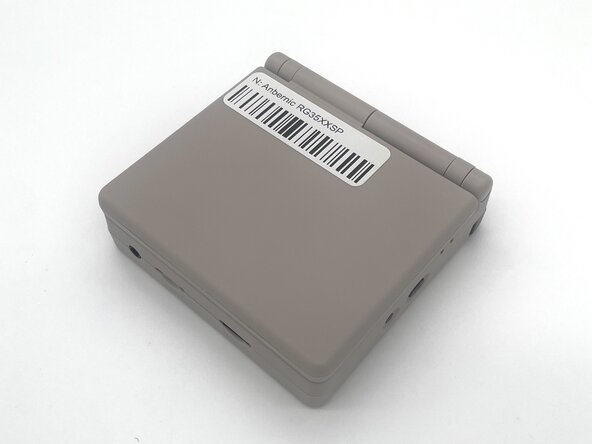
In this guide, we will show you how to safely replace the battery in the Anbernic RG35XXSP handheld console.
As batteries age, they lose their ability to hold a charge and power your device reliably. If your console frequently shuts down, charges slowly, or only works while plugged in, the battery may be worn out. A replacement can help restore normal performance and extend the device's life.
Some common causes
- The device drains quickly, even after a full charge
- It shuts down randomly or at high battery percentages
- It only works when plugged in
- The battery appears swollen or damaged
This guide includes all the steps you’ll need, along with helpful tips to make the repair go smoothly.
Make sure to power off and unplug your device before you begin the repair.
What you need
-
-
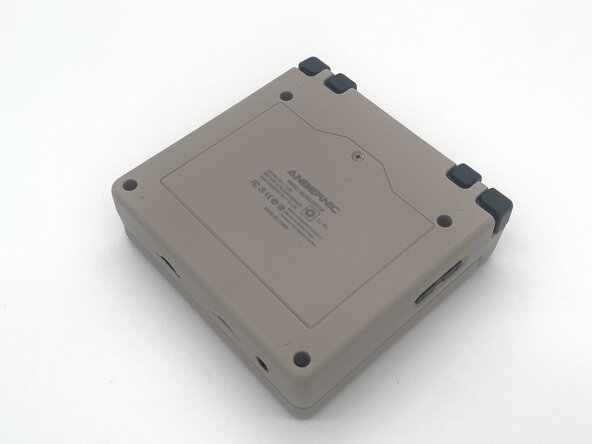
Use a Phillips #00 screwdriver to remove the single 5 mm screw securing the battery cover.
-
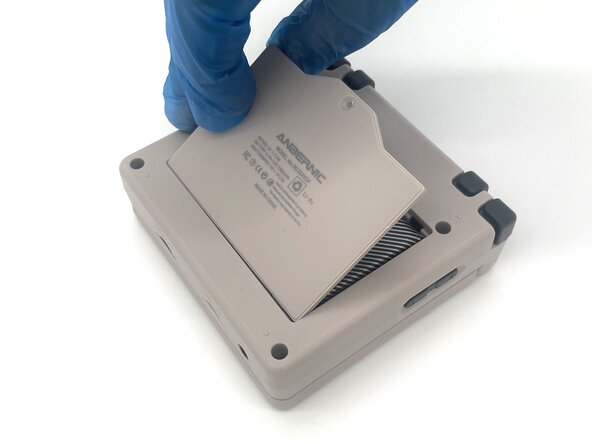
Lift the battery door and remove it.
-
-
-
-
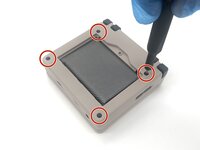
Use a T6 Torx screwdriver to remove the four 5 mm screws.
-
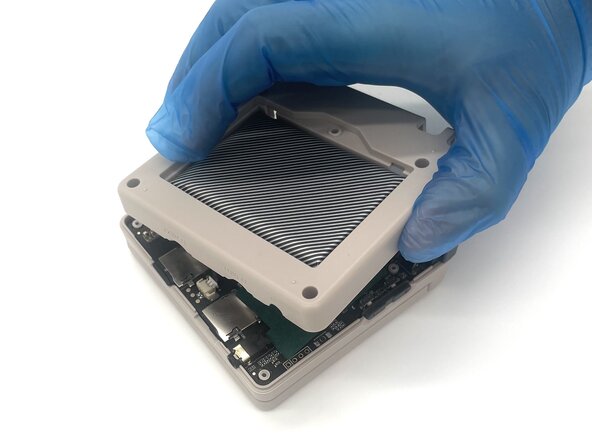
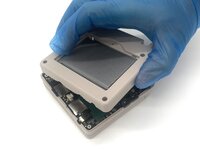
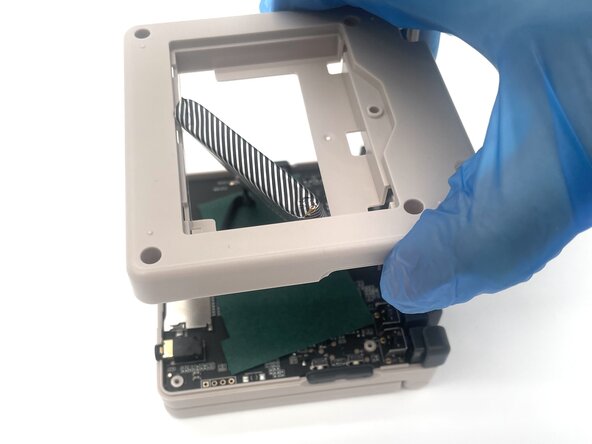
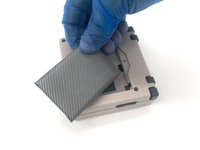
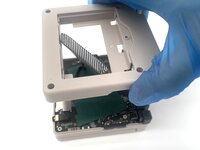
Lift the whole back case with the battery from the device.
-
-
-
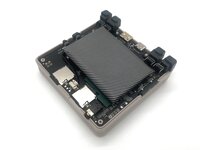
Remove the battery from the back compartment and fit it through the gap in the back case.
-
Put the plastic case aside for reassembly.
-
-
-
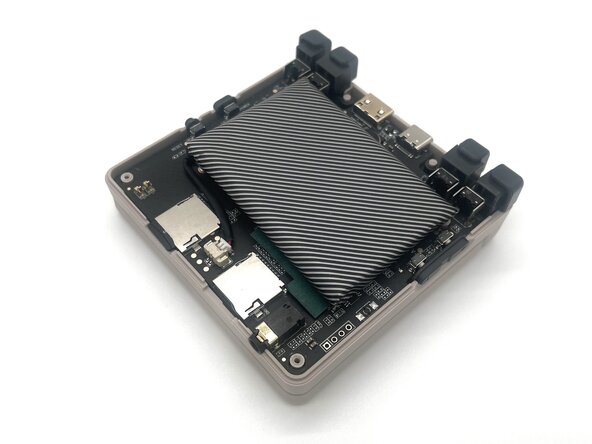
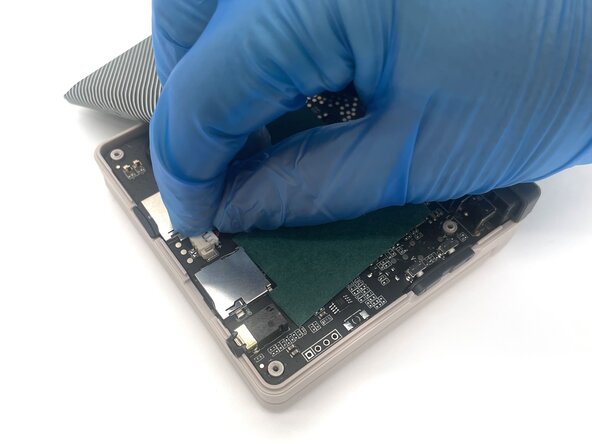
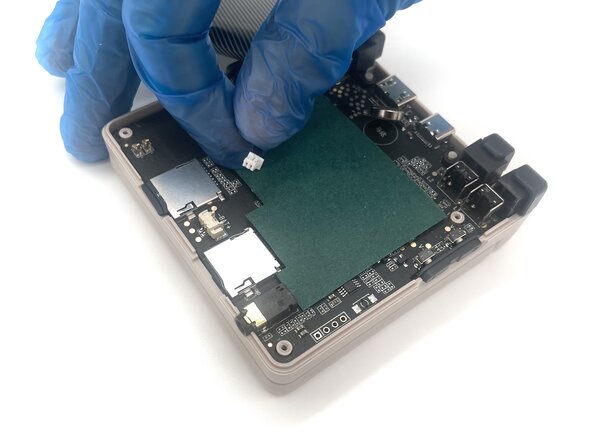
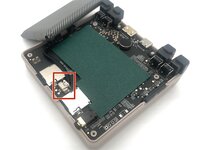
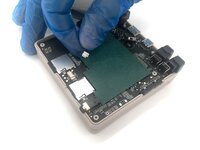
Pinch the sides of the battery connector and slide it from the socket to disconnect the battery cable.
-
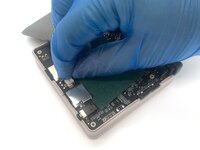
Remove the battery.
-



 Ask FixBot





To reassemble your device, follow these instructions in reverse order. Take your e-waste to an R2 or e-Stewards certified recycler.
Cancel: I did not complete this guide.
3 other people completed this guide.

Team

University of North Texas, Team 1-2, Kilpatrick Spring 2025 Member of University of North Texas, Team 1-2, Kilpatrick Spring 2025
UNT-KILPATRICK-S25S1G2
4 Members
5 Guides authored
