Free Shipping on Domestic Orders $75+

Amazon Fire Phone Micro-USB Port Replacement

What you need

  1. Amazon Fire Phone Micro-USB Port Replacement, Tape the screen: step 1, image 1 of 1
    • If the display is damaged, use clear packing tape to contain any glass shards.

    • Make sure the entire surface of the display is covered with tape.

    • Wear safety glasses to protect your eyes.

    Ask FixBot
    Add Comment

  2. Amazon Fire Phone Micro-USB Port Replacement, Power off, remove SIM card, remove screws: step 2, image 1 of 3 Amazon Fire Phone Micro-USB Port Replacement, Power off, remove SIM card, remove screws: step 2, image 2 of 3 Amazon Fire Phone Micro-USB Port Replacement, Power off, remove SIM card, remove screws: step 2, image 3 of 3
    • Power off your phone.

    • Remove the SIM card from the left side of the phone by pressing the small hole and allowing it to eject using the 0.8 screwdriver head.

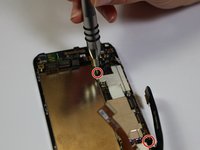
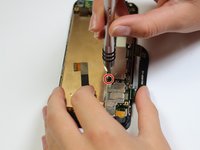
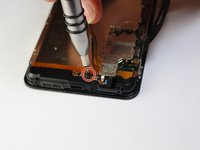
    • Remove the two 4mm screws on the bottom of the phone using the Torx T3 screwdriver.

    Ask FixBot
    Add Comment

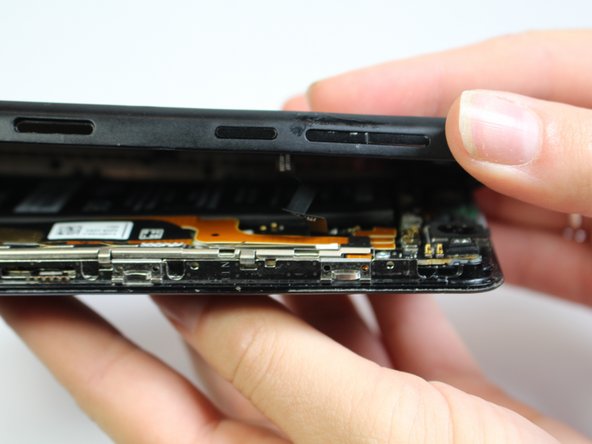
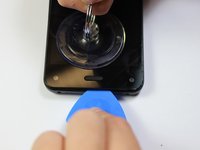
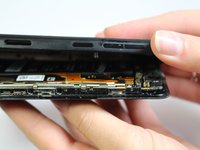
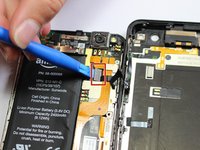
  3. Amazon Fire Phone Micro-USB Port Replacement: step 3, image 1 of 3 Amazon Fire Phone Micro-USB Port Replacement: step 3, image 2 of 3 Amazon Fire Phone Micro-USB Port Replacement: step 3, image 3 of 3
    • Press the small suction cup just above the home button.

    • While lifting up on the suction cup insert an opening pick into the crevice between the screen and back casing to pry the screen off carefully.

    • Carefully separate the two halves to avoid tearing the volume rocker ribbon cable.

    • Using the opening tool, disconnect the volume rocker ribbon cable from the base of the phone freeing the two halves of the phone.

    Ask FixBot
    Add Comment

  4. Amazon Fire Phone Micro-USB Port Replacement, Remove Bracket: step 4, image 1 of 1
    • Using the J000 screwdriver head, remove the three 3mm screws holding the bracket in place.

    • Remove the silver bracket that was held into place by the three screws just removed.

    Ask FixBot

    Add Comment

  5. Amazon Fire Phone Micro-USB Port Replacement, Disconnect Battery: step 5, image 1 of 1
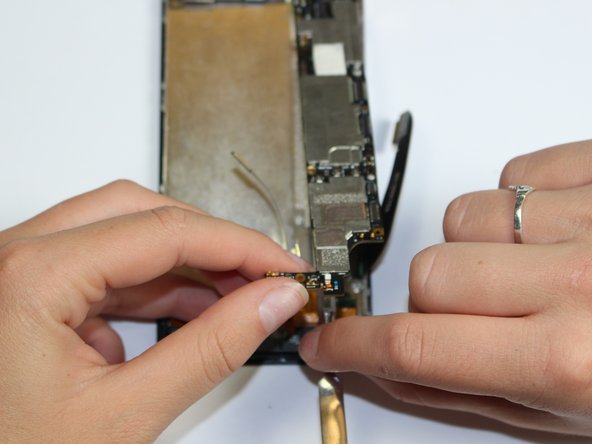
    • Disconnect the battery connection cable by using the plastic opening tool and applying light pressure upwards on the cable.

    Ask FixBot
    Add Comment

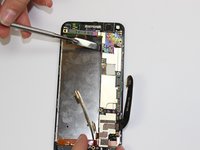
  6. Amazon Fire Phone Micro-USB Port Replacement, Micro-USB Port: step 6, image 1 of 2 Amazon Fire Phone Micro-USB Port Replacement, Micro-USB Port: step 6, image 2 of 2
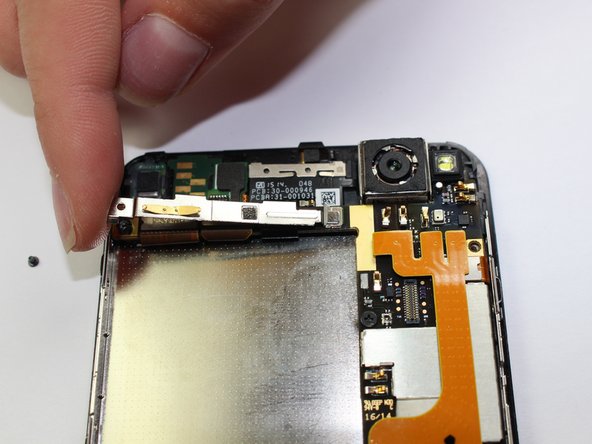
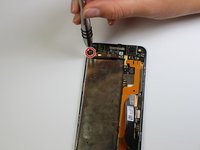
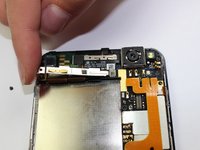
    • Unscrew the 1mm screw on the top left side of the phone

    • Maneuver the bracket off slowly

    Ask FixBot
    Add Comment

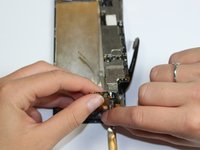
  7. Amazon Fire Phone Micro-USB Port Replacement: step 7, image 1 of 3 Amazon Fire Phone Micro-USB Port Replacement: step 7, image 2 of 3 Amazon Fire Phone Micro-USB Port Replacement: step 7, image 3 of 3
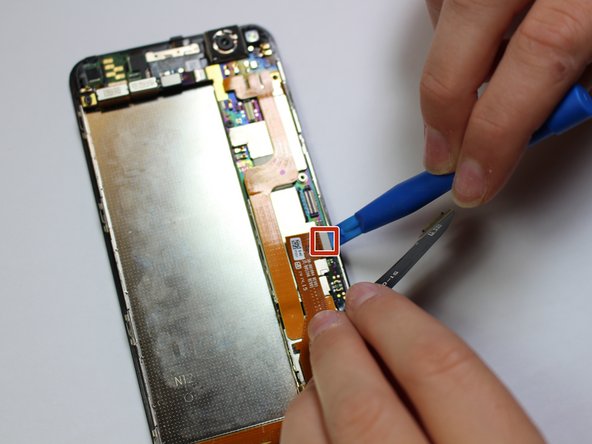
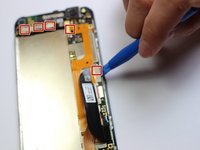
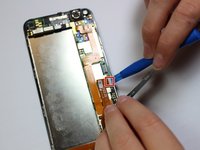
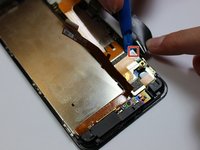
    • Disconnect the 9 cables along the top and right side of motherboard using the plastic opening tool

    Ask FixBot
    Add Comment

  8. Amazon Fire Phone Micro-USB Port Replacement: step 8, image 1 of 1
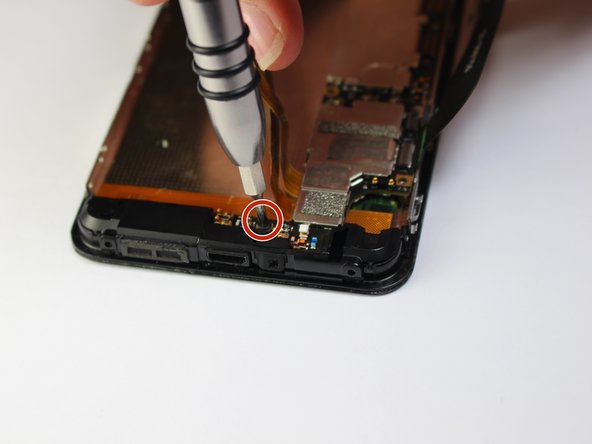
    • Unscrew the 3mm screw located on the top left side of the phone with a flat head

    Ask FixBot

    Add Comment

  9. Amazon Fire Phone Micro-USB Port Replacement: step 9, image 1 of 3 Amazon Fire Phone Micro-USB Port Replacement: step 9, image 2 of 3 Amazon Fire Phone Micro-USB Port Replacement: step 9, image 3 of 3
    • Unscrew the four 2mm screws along the right side of the motherboard with a philips head

    Ask FixBot

    Add Comment

  10. Amazon Fire Phone Micro-USB Port Replacement: step 10, image 1 of 2 Amazon Fire Phone Micro-USB Port Replacement: step 10, image 2 of 2
    • Carefully lift up the motherboard and using the spudger pry camera from the camera holder

    Ask FixBot

    Add Comment

  11. Amazon Fire Phone Micro-USB Port Replacement: step 11, image 1 of 1
    • Lift off bottom plastic piece with flat antenna cables

    Ask FixBot

    Add Comment

Conclusion

To reassemble your device, follow these instructions in reverse order.

Cancel: I did not complete this guide.

3 other people completed this guide.

Kent Kawahara

Member since: 10/01/15

110 Reputation

1 Guide authored

Team

Cal Poly, Team 5-7, Maness Fall 2015 Member of Cal Poly, Team 5-7, Maness Fall 2015

CPSU-MANESS-F15S5G7

5 Members

10 Guides authored

2 Guide Comments

Incomplete...

Indeedthis isaname - Reply Share

one missing pic in step 9. also any ideas where i can get a replacement part?

Yu Ryu - Reply Share

Add Comment

View Statistics:

Past 24 Hours: 1

Past 7 Days: 10

Past 30 Days: 37

All Time: 2,955