Free Shipping on Domestic Orders $75+

Amazon Fire HD 8 Rear-facing Camera Replacement

What you need

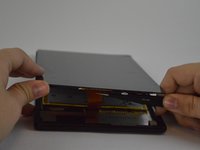
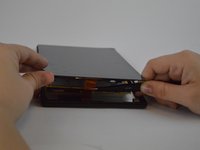
  1. Amazon Fire HD 8 Rear-facing Camera Replacement, Screen: step 1, image 1 of 2 Amazon Fire HD 8 Rear-facing Camera Replacement, Screen: step 1, image 2 of 2
    • Heat the edges of the screen with a heat gun on the lowest setting by using sweeping motions from about 8-10 inches away.

    • Make sure you use sweeping motions with the heat gun, instead of hovering over one area.

    Ask FixBot

    Add Comment

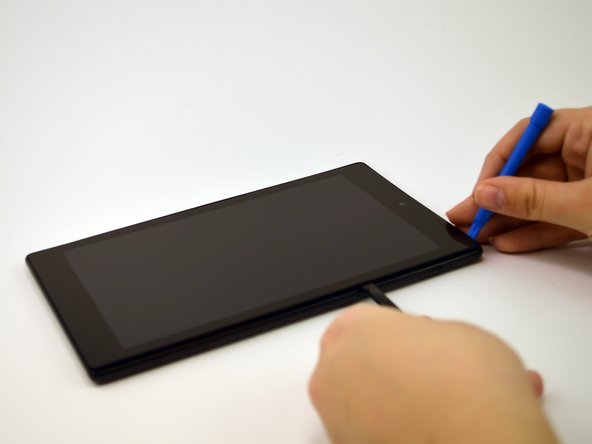
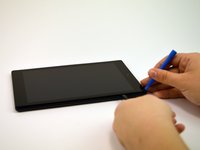
  2. Amazon Fire HD 8 Rear-facing Camera Replacement: step 2, image 1 of 1
    • After 1-2 minutes, use a plastic opening tool to pry the screen loose. Start at the top right corner and gently pry the screen from the device.

    • Be careful not to bend the screen by pushing it too far from the rest of the device.

    Ask FixBot

    Add Comment

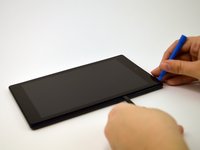
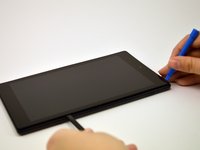
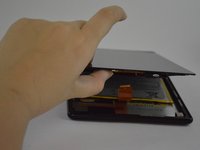
  3. Amazon Fire HD 8 Rear-facing Camera Replacement: step 3, image 1 of 3 Amazon Fire HD 8 Rear-facing Camera Replacement: step 3, image 2 of 3 Amazon Fire HD 8 Rear-facing Camera Replacement: step 3, image 3 of 3
    • Slide a plastic opening tool and spudger along the underside of the screen using enough force to peel the screen and the adhesive strip from the other half of the device.

    • Be mindful of the orange cable connecting the screen to the mid-bottom of the device.

    Ask FixBot

    Add Comment

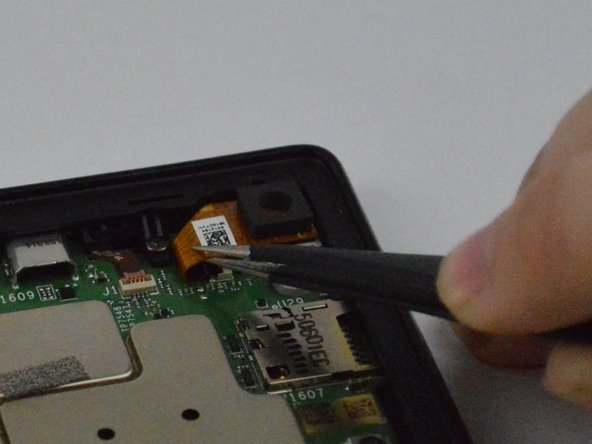
  4. Amazon Fire HD 8 Rear-facing Camera Replacement: step 4, image 1 of 3 Amazon Fire HD 8 Rear-facing Camera Replacement: step 4, image 2 of 3 Amazon Fire HD 8 Rear-facing Camera Replacement: step 4, image 3 of 3
    Tool used on this step:
    Tweezers
    $4.99
    Buy
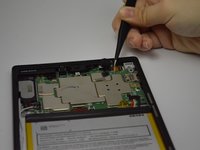
    • To remove the screen from the device, use tweezers to gently pull the orange cable from its connection to the screen.

    Ask FixBot

    Add Comment

  5. Amazon Fire HD 8 Rear-facing Camera Replacement, Rear-facing Camera: step 5, image 1 of 2 Amazon Fire HD 8 Rear-facing Camera Replacement, Rear-facing Camera: step 5, image 2 of 2
    Tool used on this step:
    Tweezers
    $4.99
    Buy
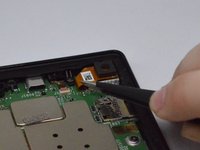
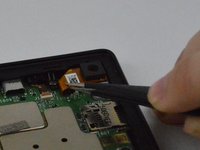
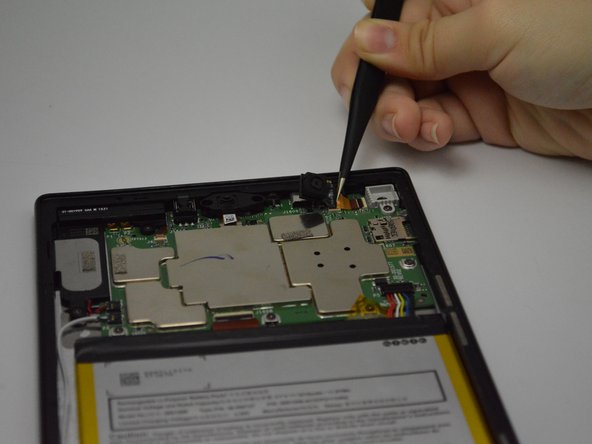
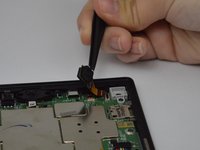
    • Pop the camera out of the rear-facing camera casing by carefully pulling the orange cable with the tweezers.

    Ask FixBot

    Add Comment

  6. Amazon Fire HD 8 Rear-facing Camera Replacement: step 6, image 1 of 2 Amazon Fire HD 8 Rear-facing Camera Replacement: step 6, image 2 of 2
    • Flip up the tab on the ZIF connector at the end of the ribbon cable.

    • Grasp the underside of the orange cable with the tweezers and gently slide the camera out of the connector.

    Ask FixBot

    Add Comment

Conclusion

To reassemble your device, follow these instructions in reverse order.

Cancel: I did not complete this guide.

2 other people completed this guide.

Alyssa Barrack

Member since: 02/24/16

896 Reputation

1 Guide authored

Team

USF Tampa, Team 1-3, Leahy Spring 2016 Member of USF Tampa, Team 1-3, Leahy Spring 2016

USFT-LEAHY-S16S1G3

4 Members

17 Guides authored

0 Guide Comments

Add Comment

View Statistics:

Past 24 Hours: 0

Past 7 Days: 13

Past 30 Days: 41

All Time: 2,502