Free Shipping on Domestic Orders $75+

Amazon Fire HD 8 Front Camera Replacement

What you need

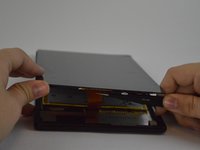
    1. Amazon Fire HD 8 Front Camera Replacement, Screen: step 1, image 1 of 2 Amazon Fire HD 8 Front Camera Replacement, Screen: step 1, image 2 of 2
      • Heat the edges of the screen with a heat gun on the lowest setting by using sweeping motions from about 8-10 inches away.

      • Make sure you use sweeping motions with the heat gun, instead of hovering over one area.

      Ask FixBot

      Add Comment

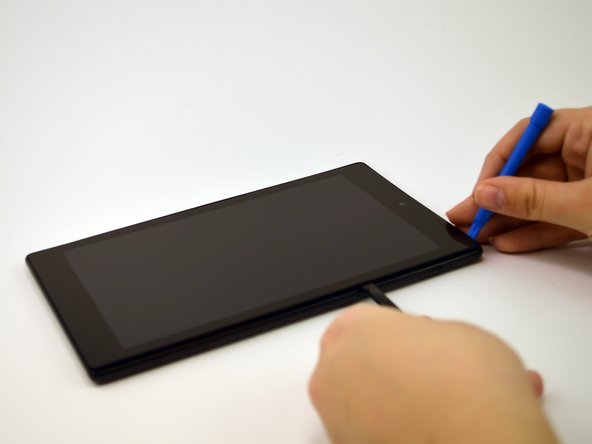
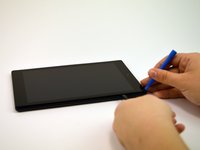
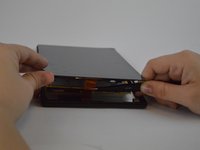
    2. Amazon Fire HD 8 Front Camera Replacement: step 2, image 1 of 1
      • After 1-2 minutes, use a plastic opening tool to pry the screen loose. Start at the top right corner and gently pry the screen from the device.

      • Be careful not to bend the screen by pushing it too far from the rest of the device.

      Ask FixBot

      Add Comment

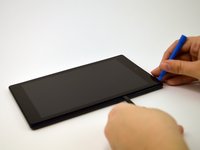
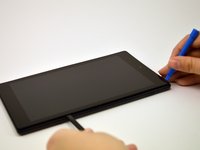
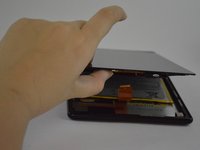
    3. Amazon Fire HD 8 Front Camera Replacement: step 3, image 1 of 3 Amazon Fire HD 8 Front Camera Replacement: step 3, image 2 of 3 Amazon Fire HD 8 Front Camera Replacement: step 3, image 3 of 3
      • Slide a plastic opening tool and spudger along the underside of the screen using enough force to peel the screen and the adhesive strip from the other half of the device.

      • Be mindful of the orange cable connecting the screen to the mid-bottom of the device.

      Ask FixBot

      Add Comment

    4. Amazon Fire HD 8 Front Camera Replacement: step 4, image 1 of 3 Amazon Fire HD 8 Front Camera Replacement: step 4, image 2 of 3 Amazon Fire HD 8 Front Camera Replacement: step 4, image 3 of 3
      Tool used on this step:
      Tweezers
      $4.99
      Buy
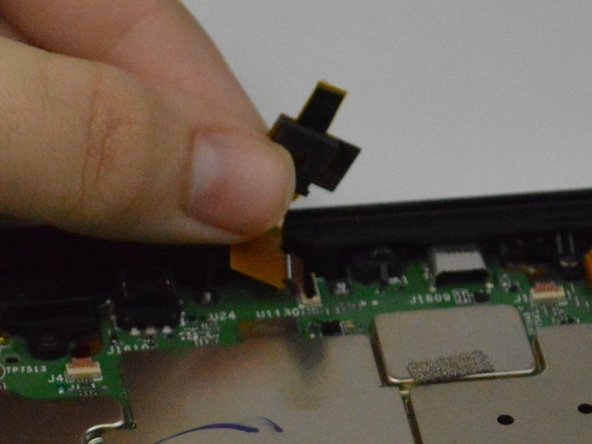
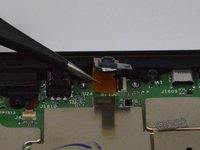
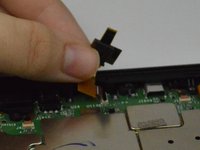
      • To remove the screen from the device, use tweezers to gently pull the orange cable from its connection to the screen.

      Ask FixBot

      Add Comment

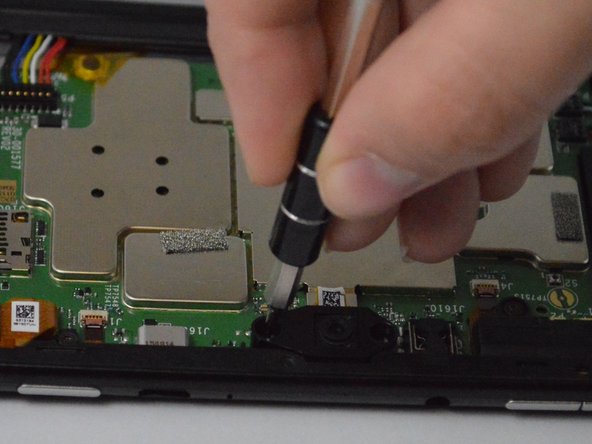
    1. Amazon Fire HD 8 Front Camera Replacement, Front Camera: step 5, image 1 of 3 Amazon Fire HD 8 Front Camera Replacement, Front Camera: step 5, image 2 of 3 Amazon Fire HD 8 Front Camera Replacement, Front Camera: step 5, image 3 of 3
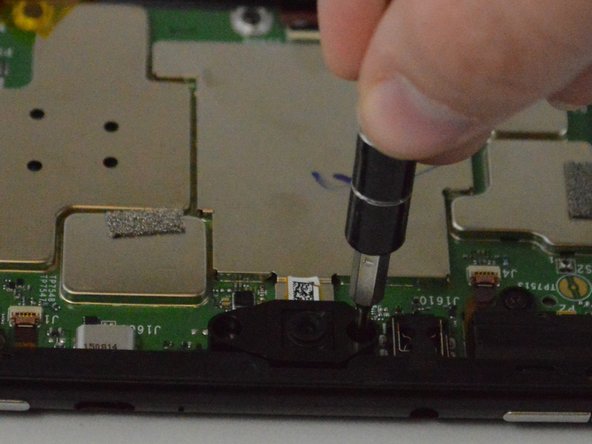
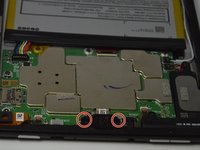
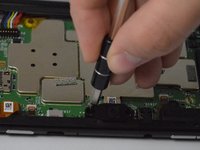
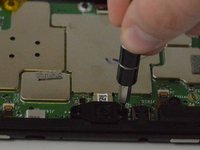
      • Using a T4 screwdriver, remove the two screws situated on the left and right side of the camera.

      • The gasket may pop out, but it can easily be put back in.

      Ask FixBot

      Add Comment

    2. Amazon Fire HD 8 Front Camera Replacement: step 6, image 1 of 2 Amazon Fire HD 8 Front Camera Replacement: step 6, image 2 of 2
      Tool used on this step:
      Tweezers
      $4.99
      Buy
      • Using tweezers, gently remove the white tape with the QR code.

      • Fold the camera back and use tweezers to gently remove the orange tab.

      Ask FixBot

      Add Comment

Conclusion

To reassemble your device, follow these instructions in reverse order.

Cancel: I did not complete this guide.

Dan Shimkus

Member since: 02/24/16

1,238 Reputation

3 Guides authored

Team

USF Tampa, Team 1-3, Leahy Spring 2016 Member of USF Tampa, Team 1-3, Leahy Spring 2016

USFT-LEAHY-S16S1G3

4 Members

45 Guides authored

0 Guide Comments

Add Comment

View Statistics:

Past 24 Hours: 1

Past 7 Days: 3

Past 30 Days: 31

All Time: 2,383