Introduction
If your Amazon Fire HD 8 12th Generation is having problem with emitting quality sound, or isn't emitting any sound at all, this could possibly be due to many things such as water damage, or even repeated physical mishandling. If so, then use this guide to replace the components that make up the sound port of the device.
Before beginning to replace the speakers, make sure you have the compatible speakers to replace the old ones with. To know you have the right speakers, just look at the model number of the device. For reference the model number is RS2P8T. In order to replace the speaker efficiently without breaking anything, it is best to have some experience in removing circuit boards, as this guide is quite difficult. It requires taking apart and reassembling the motherboard.
Follow the guide below to complete the speaker reinstallation.
What you need
-
-
-
Put picks around the corner and move them along the edge to pry the case off.
-
Once there is separation between the case and the screen, place a pick in between the screen and on the corner of the back case.
 Ask FixBot
-
-
-
With the corners lifted, take the opening tool and pry each corner off.
-
Repeat this for the corner diagonal from the initial corner.
-
Once both corners are pried off, gently take the back case off the device.
-
-
-
-
-
-
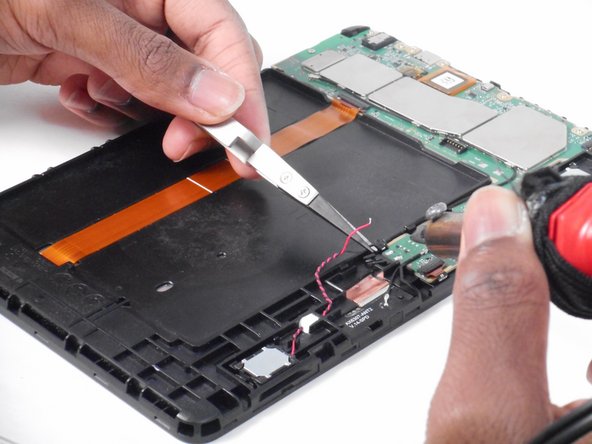
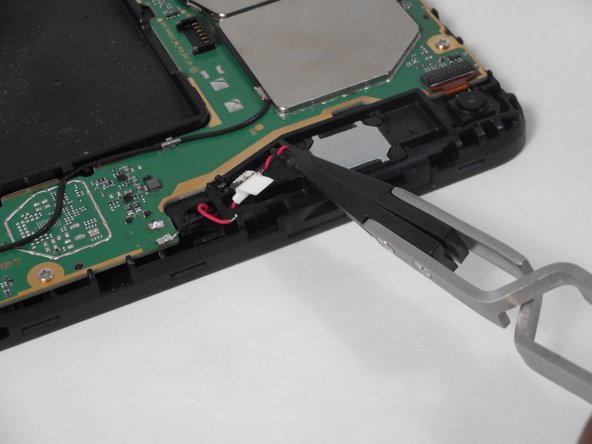
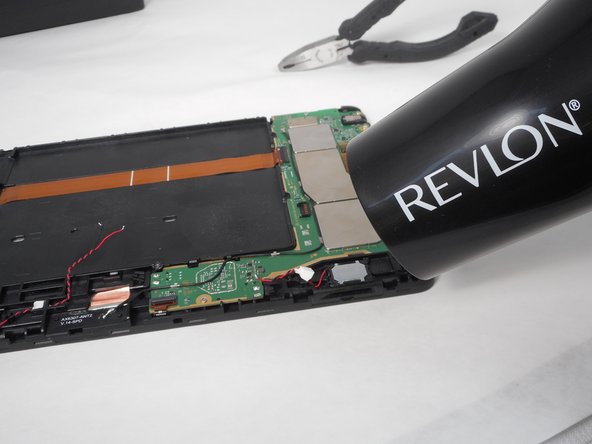
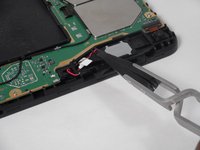
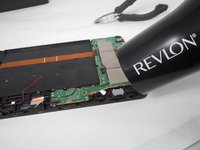
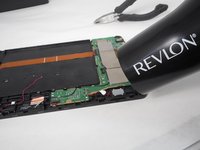
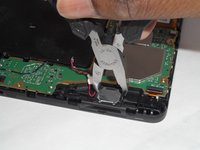
Heat glue up to loosen the black and red wires, then lift and remove black and red wires.
-
-
-
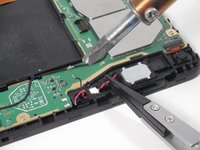
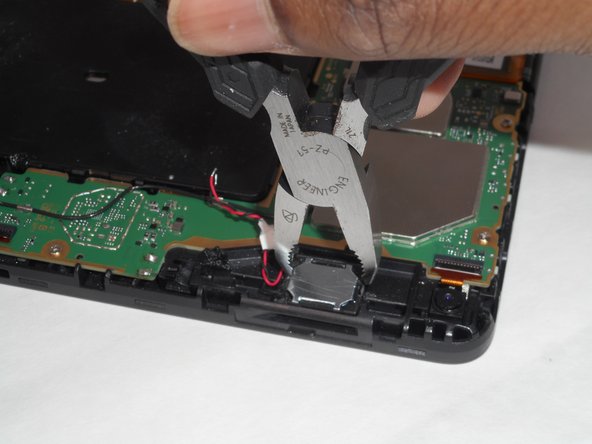
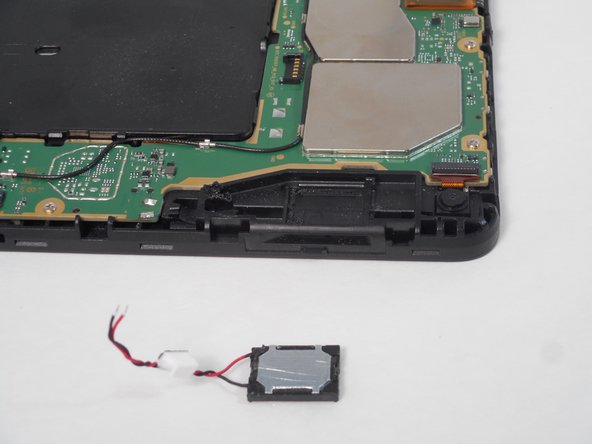
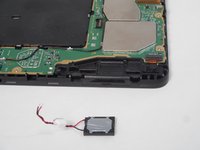
Get metal speaker parts hot as well and lift the metal speaker up.
-
Do this for the other set of speakers and repeat the steps again.
-




To reassemble your device, follow these instructions in reverse order.

Team

University of Memphis, Team 1-1, Sneed Fall 2023 Member of University of Memphis, Team 1-1, Sneed Fall 2023
UM-SNEED-F23S1G1
4 Members
84 Guides authored
