Free Shipping on Domestic Orders $75+

Amazon Fire HD 10 Front Facing Camera Replacement

What you need

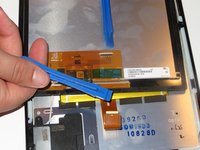
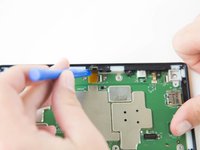
  1. Amazon Fire HD 10 Front Facing Camera Replacement, Screen: step 1, image 1 of 3 Amazon Fire HD 10 Front Facing Camera Replacement, Screen: step 1, image 2 of 3 Amazon Fire HD 10 Front Facing Camera Replacement, Screen: step 1, image 3 of 3
    • Avoid prying near bottom right hand side due to LCD Connector

    • Use a plastic opening tool to pry the screen up in the right hand corner.

    Ask FixBot

    Add Comment

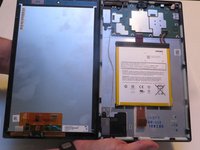
  2. Amazon Fire HD 10 Front Facing Camera Replacement: step 2, image 1 of 1
    • Do not completely remove the screen yet as there is a ZIF connector connected.

    • Lift the screen and digitizer from the case.

    • You may need to use some force due to the glue.

    Ask FixBot

    Add Comment

  3. Amazon Fire HD 10 Front Facing Camera Replacement: step 3, image 1 of 2 Amazon Fire HD 10 Front Facing Camera Replacement: step 3, image 2 of 2
    • Be mindful of the ZIF connector.

    • Disconnect the ribbon connector from the digitizer side using your hands or the plastic opening tool.

    Ask FixBot

    Add Comment

  4. Amazon Fire HD 10 Front Facing Camera Replacement: step 4, image 1 of 1
    • Remove the screen and digitizer from the case completely.

    Ask FixBot

    Add Comment

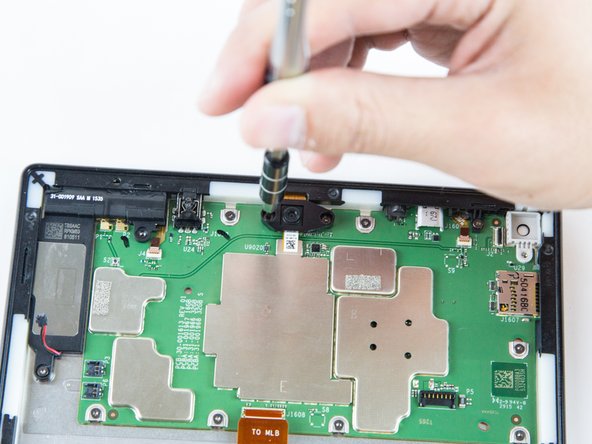
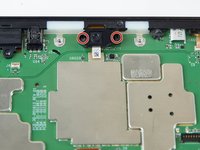
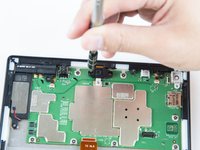
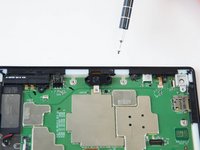
  5. Amazon Fire HD 10 Front Facing Camera Replacement, Front Facing Camera: step 5, image 1 of 3 Amazon Fire HD 10 Front Facing Camera Replacement, Front Facing Camera: step 5, image 2 of 3 Amazon Fire HD 10 Front Facing Camera Replacement, Front Facing Camera: step 5, image 3 of 3
    • Remove the two screws from front facing camera using the T5 Torx Screwdriver.

    • Make sure you place the screws in a safe location nearby.

    Ask FixBot

    Add Comment

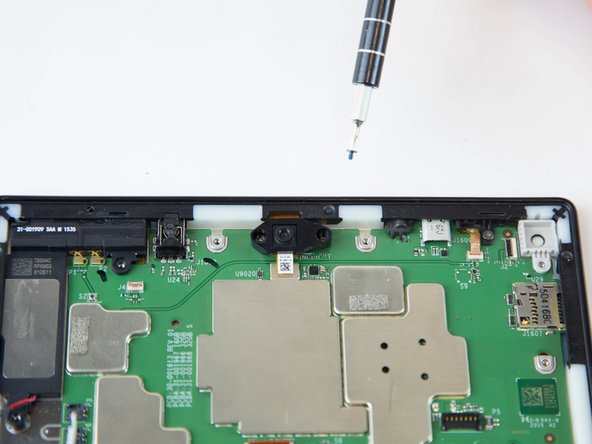
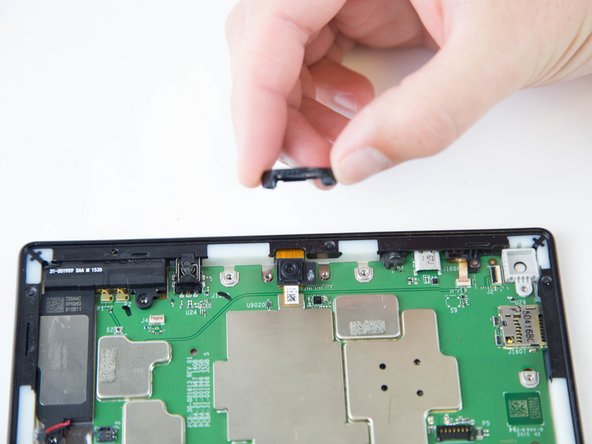
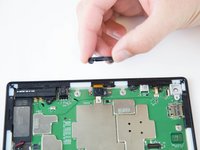
  6. Amazon Fire HD 10 Front Facing Camera Replacement: step 6, image 1 of 2 Amazon Fire HD 10 Front Facing Camera Replacement: step 6, image 2 of 2
    • Lift the black plastic cover once the screws are removed.

    • Place aside for later reassembly.

    Ask FixBot

    Add Comment

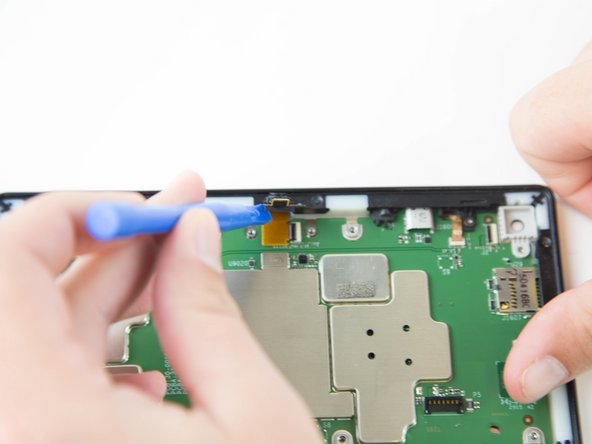
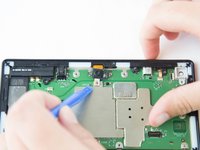
  7. Amazon Fire HD 10 Front Facing Camera Replacement: step 7, image 1 of 2 Amazon Fire HD 10 Front Facing Camera Replacement: step 7, image 2 of 2
    • Detach the connector using a plastic opening tool or spudger.

    • The camera is still connected to the motherboard.

    Ask FixBot

    Add Comment

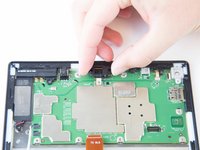
  8. Amazon Fire HD 10 Front Facing Camera Replacement: step 8, image 1 of 2 Amazon Fire HD 10 Front Facing Camera Replacement: step 8, image 2 of 2
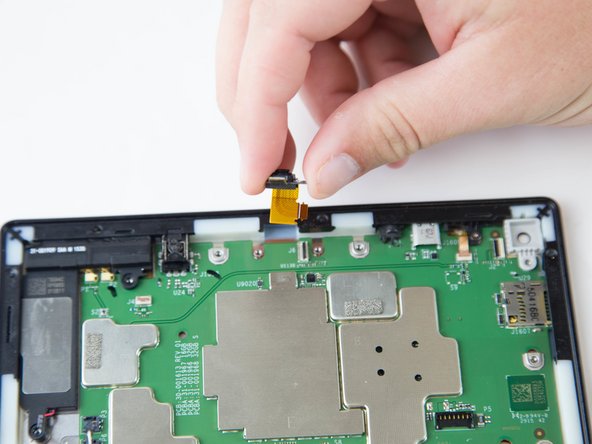
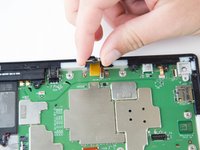
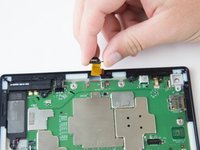
    • Grip the camera and lift up to detach the ZIF connector from the motherboard.

    Ask FixBot

    Add Comment

Conclusion

To reassemble your device, follow these instructions in reverse order.

Cancel: I did not complete this guide.

One other person completed this guide.

Jaie Hillery

Member since: 10/07/14

1,774 Reputation

10 Guides authored

Team

USF Tampa, Team 16-6, Blackwell Winter 2016 Member of USF Tampa, Team 16-6, Blackwell Winter 2016

USFT-BLACKWELL-W16S16G6

3 Members

22 Guides authored

1 Guide Comment

Can this camera module be upgraded with a better version?

Jimmy Kee - Reply Share

Add Comment

View Statistics:

Past 24 Hours: 3

Past 7 Days: 11

Past 30 Days: 48

All Time: 1,588