
Amazon Echo Woofer Replacement

Alexander Albert and 3 other contributors
Last updated on Mar 5, 2018
Views: 8.9K
View statistics:
- Past 24 Hours:
- 5
- Past 7 Days:
- 23
- Past 30 Days:
- 113
- All Time:
- 8,886
Comments: 10
7 comments on steps, 3 guide comments.
Go to guide commentsCompleted: 1 2
1 person has marked this guide "completed." Will you be next?
2 people have marked this guide "completed." Including you — great job!
Favorites: 0 1
No one has favorited (and subscribed to) this guide. Will you be the first?
1 person has favorited (and subscribed to) this guide — and that's you!
Introduction
Go to step 1 ↓This guide will show you how to replace the woofer, the speaker in the Amazon Echo responsible for the low-frequency bass. This guide should be helpful if your Echo is lacking bass or sounds otherwise distorted.
What you need
Tools


-
-
-
Peel off the rubber footing from the bottom of the Echo.
 Ask FixBot
-
-
-
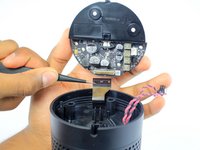
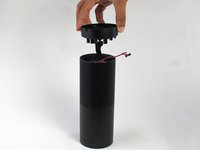
Slowly lift the plate containing the board. Be careful not to disconnect any of the wires.
-
-
Tool used on this step:Tweezers$4.99
-
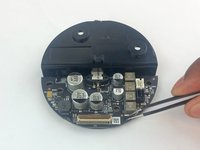
Using tweezers, carefully disconnect the two red and black cables from their sockets on the board.
-
-
-
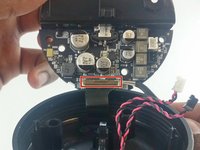
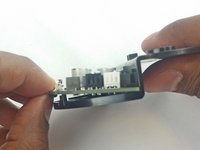
Lift the brown plastic latch on the ZIF connector securing the driver board ribbon cable.
-
Pull the ribbon cable from its connector. The plate and board should now be free from the Echo.
-
-
-
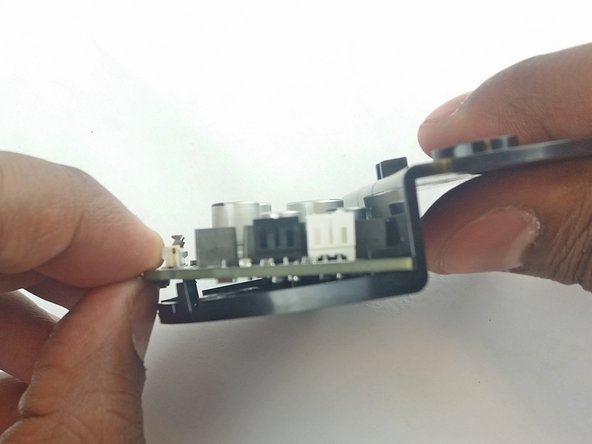
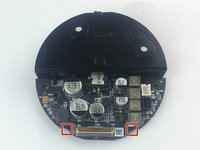
Using the spudger, pull back the two plastic clips on the plate.
-
Lift the board up and pull it away from the plate.
-
-
-
-
-
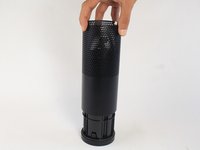
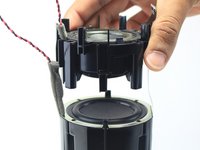
Remove the plastic plate from the bottom of the device. Then remove the plastic shrouding.
-
-
-
-
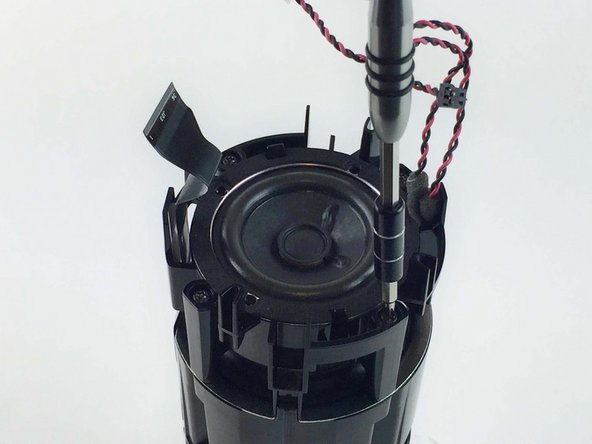
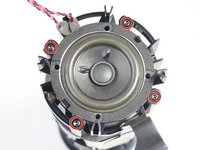
Remove the four 42.8 mm T10 Torx screws around the tweeter.
-
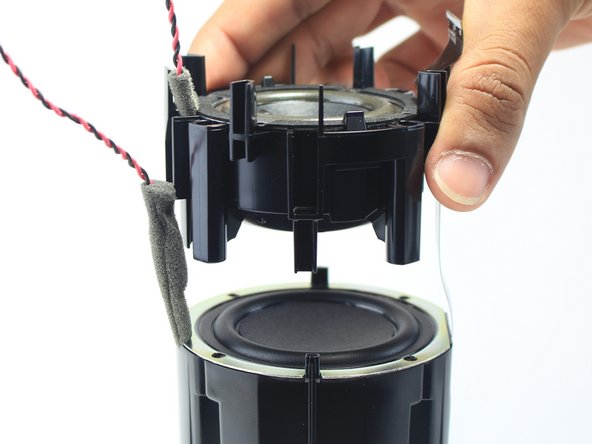
Lift the tweeter and its attached housing from the device.
-
-
-









To reassemble your device, follow these instructions in reverse order.
Cancel: I did not complete this guide.
One other person completed this guide.

Team

USF Tampa, Team 3-3, Wollert Spring 2016 Member of USF Tampa, Team 3-3, Wollert Spring 2016
USFT-WOLLERT-S16S3G3
4 Members
72 Guides authored
3 Guide Comments
Where can you buy a replacement woofer?
My exact question.
