
Amazon Echo Tweeter Replacement

Last updated on May 23, 2016
Views: 7K
View statistics:
- Past 24 Hours:
- 1
- Past 7 Days:
- 17
- Past 30 Days:
- 109
- All Time:
- 6,962
Comments: 10
7 comments on steps, 3 guide comments.
Go to guide commentsCompleted: 1 2
1 person has marked this guide "completed." Will you be next?
2 people have marked this guide "completed." Including you — great job!
Favorites: 0 1
No one has favorited (and subscribed to) this guide. Will you be the first?
1 person has favorited (and subscribed to) this guide — and that's you!
Featured Student Guide
This guide has been the hard work of our awesome students and is found to be exceptionally cool by the iFixit staff.
Introduction
Go to step 1 ↓This guide demonstrates how to replace the tweeter in the Amazon Echo. This speaker delivers the higher pitched sounds when the Echo talks to you or plays any audio. This guide should be helpful if the audio from your Echo sounds distorted.
What you need
Tools


-
-
-
Peel off the rubber footing from the bottom of the Echo.
 Ask FixBot
-
-
-
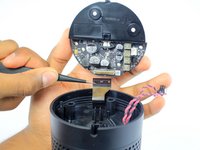
Slowly lift the plate containing the board. Be careful not to disconnect any of the wires.
-
-
Tool used on this step:Tweezers$4.99
-
Using tweezers, carefully disconnect the two red and black cables from their sockets on the board.
-
-
-
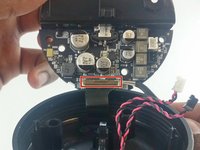
Lift the brown plastic latch on the ZIF connector securing the driver board ribbon cable.
-
Pull the ribbon cable from its connector. The plate and board should now be free from the Echo.
-
-
-
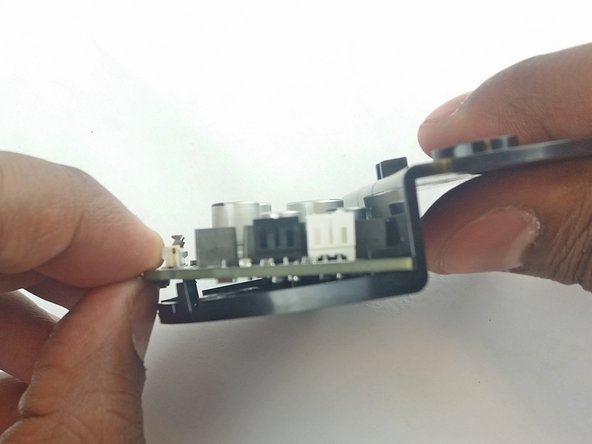
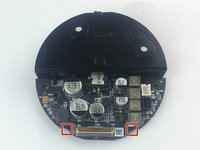
Using the spudger, pull back the two plastic clips on the plate.
-
Lift the board up and pull it away from the plate.
-
-
-
-
-
Remove the plastic plate from the bottom of the device. Then remove the plastic shrouding.
-
-
-
-
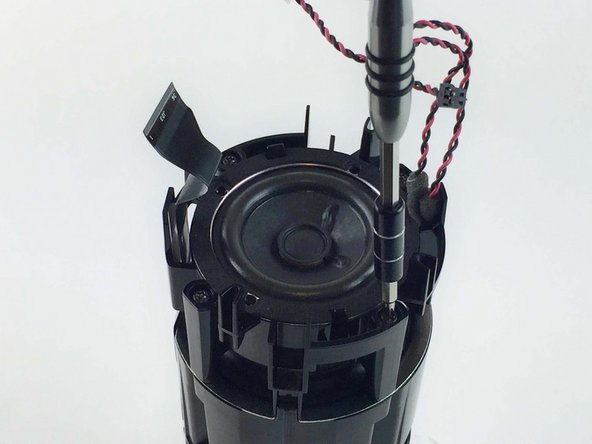
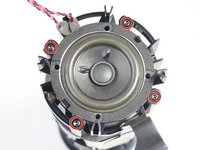
Remove the four 42.8 mm T10 Torx screws around the tweeter.
-
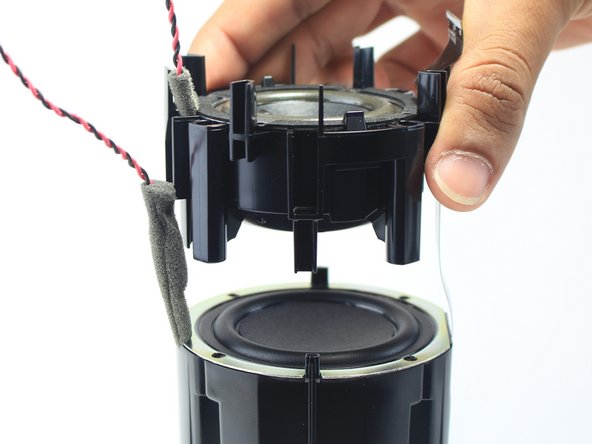
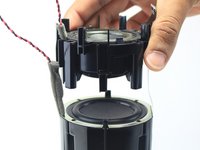
Lift the tweeter and its attached housing from the device.
-
-
-
-
-
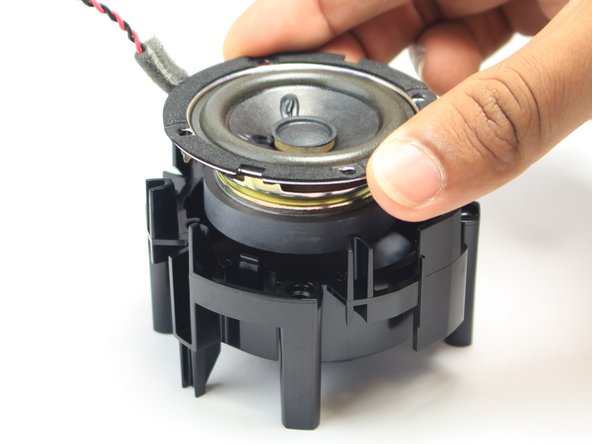
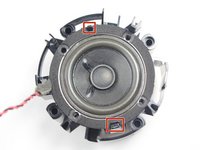
Using a spudger or your fingers, pull back the plastic clips near the edge of the tweeter.
-
Remove the tweeter from its plastic housing.
-
-




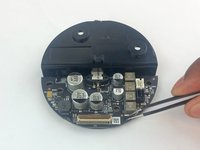
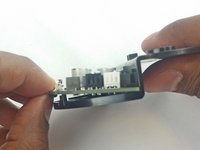


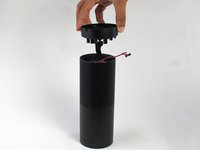
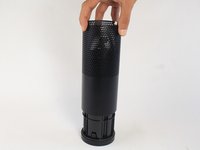



To reassemble your device, follow these instructions in reverse order.
Cancel: I did not complete this guide.
One other person completed this guide.

3 Guide Comments
Anyone know where to get a replacement tweeter?
Can anyone provide me the spare tweeter of Amazon echo dot 3rd generation
