
Amazon Echo Show 5 Display Replacement

Zachary Buckler and one other contributor
Last updated on Dec 30, 2022
Views: 12K
View statistics:
- Past 24 Hours:
- 15
- Past 7 Days:
- 140
- Past 30 Days:
- 474
- All Time:
- 11,713
Comments: 6
3 comments on steps, 3 guide comments.
Go to guide commentsCompleted: 5 6
5 people have marked this guide "completed." Will you be next?
6 people have marked this guide "completed." Including you — great job!
Favorites: 1 2
1 person has favorited (and subscribed to) this guide. Will you be next?
2 people have favorited (and subscribed to) this guide — including you!
Missing Steps
Oops! This guide is currently missing one or more important steps.
Missing Details
Some of this guide's details are missing. Help users by adding tools, difficulty, or time.
Introduction
Go to step 1 ↓Follow this guide to replace the Amazon Echo Show Display. The display is especially susceptible to damage because of its exposed nature.
What you need
Tools
-
-
Spudger4.9
-


-
-
-
Orient the Amazon Echo Show 5 so that the display is face down.
-
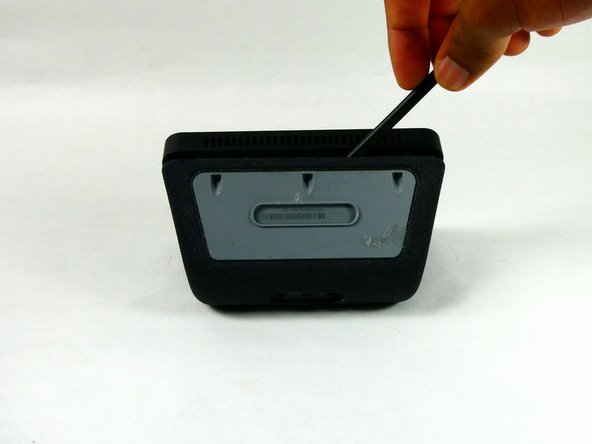
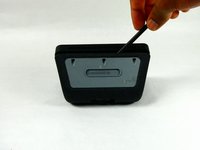
Use a spudger to remove the grey bottom cover.
 Ask FixBot
-
-
-
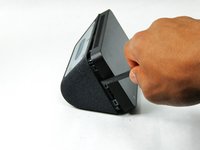
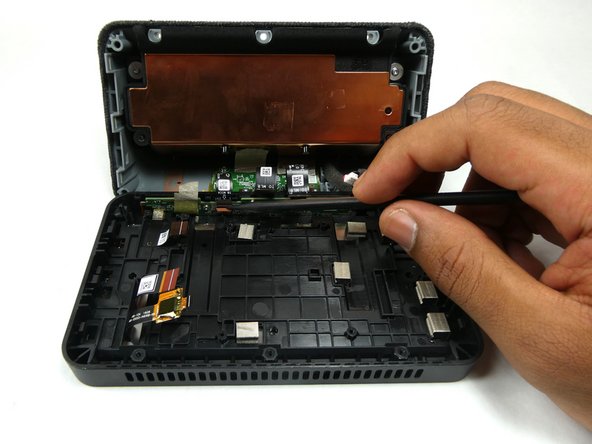
Use a spudger to release the six internal tabs lining the sides of the device.
-
-
-
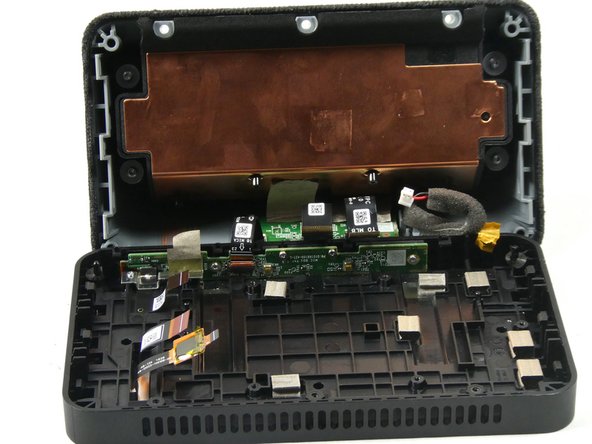
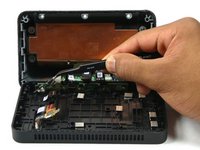
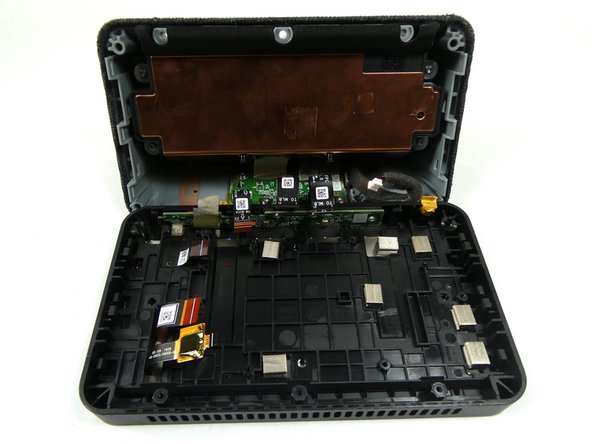
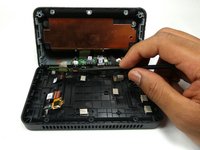
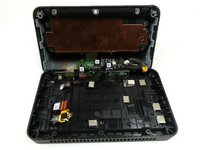
Carefully open the device by folding it open along the top edge where the camera is located.
-
-
-
-
-
Remove the red and black power connector connecting to the motherboard with either a prying tool or your hands.
-
-
-
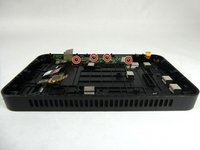
Remove the six 4 mm screws that are used to hold down the motherboard using a T6 Security Torx Screwdriver.
-
-
-
-
Tool used on this step:Tweezers$4.99
-
Use the Philips #000 Screwdriver to remove two 4mm screws that hold down the metal bracket.
-
Use tweezers to remove the metal bracket by lifting it up and towards yourself.
-
-
-
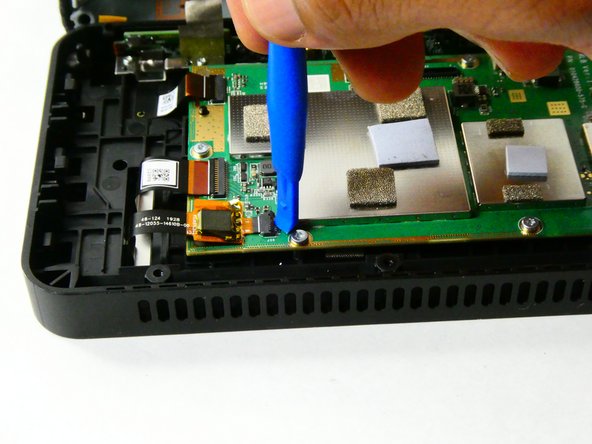
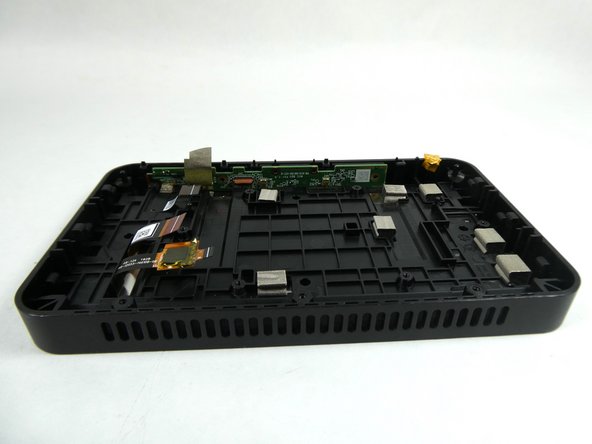
Use a spudger or your fingernail to remove the ribbon connector which connects the speaker housing board to the microphone board.
-
-
-
-
Use the Philips #000 Screwdriver to remove the four 4 mm screws that attach the microphone board to the case.
-
-
-
-
Tool used on this step:Tweezers$4.99
-
Use tweezers to remove the camera from the display assembly.
-
-
-
-
-
Orient the Amazon Echo Show 5 so that the display is facing up.
-
Apply heat to the edges of the display using a heat gun.
-
-







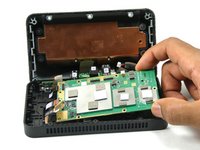
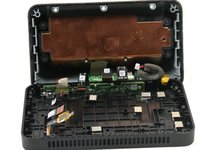


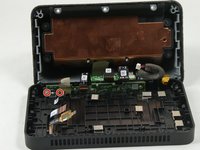
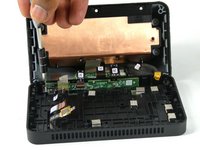



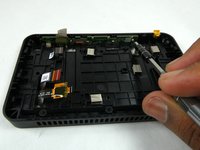
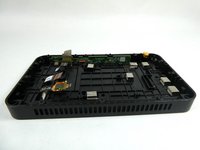

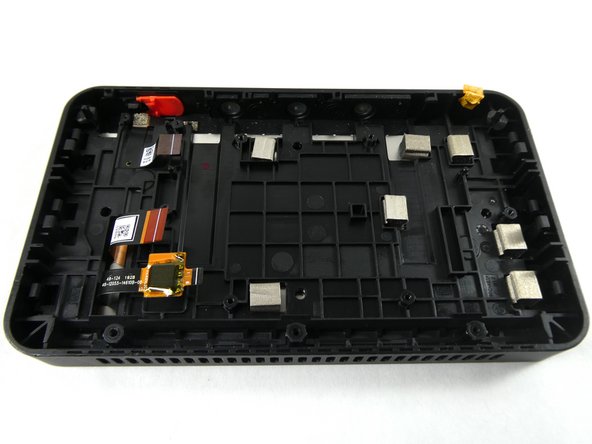
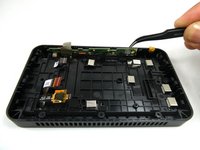
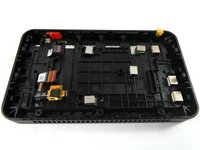

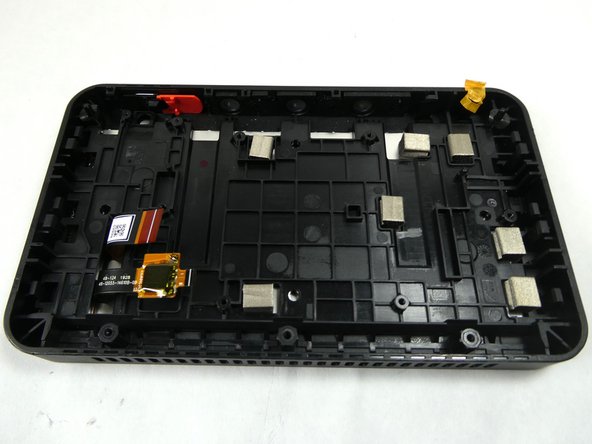
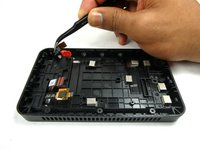
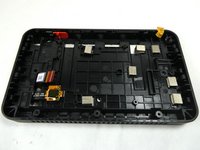

To reassemble your device, follow these instructions in reverse order.
Cancel: I did not complete this guide.
5 other people completed this guide.

Team

UMass Dartmouth, Team 2-4, Petersen Fall 2022 Member of UMass Dartmouth, Team 2-4, Petersen Fall 2022
UMASSD-PETERSEN-F22S2G4
3 Members
84 Guides authored
3 Guide Comments
Hey Zachary,
Great guide, thanks for the help. Now I'm on to figuring out if it's possible to zombify the screen and touchscreen using a raspberry pi. Wish me luck...
Thanks,
Graham
Does replacing the screen fix the glitching/flickering issue?
