Free Shipping on Domestic Orders $75+

Amazon Echo Motherboard Replacement

Views: 17K

View statistics:

Past 24 Hours:
5
Past 7 Days:
26
Past 30 Days:
145
All Time:
16,824
Comments: 20

9 comments on steps, 11 guide comments.

Go to guide comments
Completed: 5

5 people have marked this guide "completed." Will you be next?

Favorites: 0

No one has favorited (and subscribed to) this guide. Will you be the first?

Time Required: No estimate
Difficulty: Moderate
Amazon Echo Motherboard Replacement

Introduction

Go to step 1 ↓

This guide demonstrates how to replace the motherboard in the Amazon Echo. The motherboard is responsible for all major functions of the Echo. It contains the Digital Media Processor, 256 MB LPDDR1 RAM, 4 GB flash memory, and the Wi-Fi and Bluetooth module.

What you need

Tools

    1. Amazon Echo Motherboard Replacement, Power and Speaker Driver Board: step 1, image 1 of 1
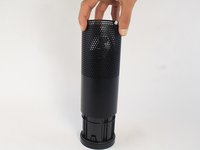
      • Power off and unplug your Echo before disassembly. Failure to do so could result in injury or damage to the device.

      • Peel off the rubber footing from the bottom of the Echo.

      • Do not pull the rubber footing too hard, as it could stretch out of shape. Use a spudger to help remove the foot if you have any trouble.

      Ask FixBot

      Add Comment

    2. Amazon Echo Motherboard Replacement: step 2, image 1 of 3 Amazon Echo Motherboard Replacement: step 2, image 2 of 3 Amazon Echo Motherboard Replacement: step 2, image 3 of 3
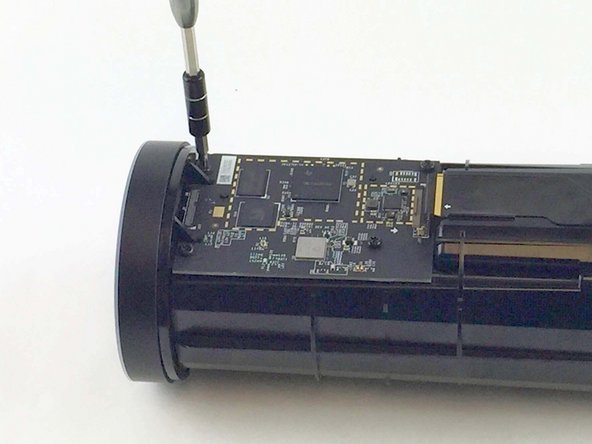
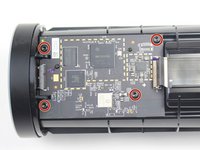
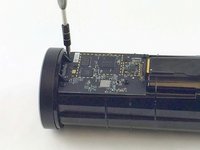
      • Remove the four 42.8 mm T10 Torx screws from the bottom of the Echo.

      Ask FixBot

      Add Comment

    3. Amazon Echo Motherboard Replacement: step 3, image 1 of 1
      • Slowly lift the plate containing the board. Be careful not to disconnect any of the wires.

      Ask FixBot

      Add Comment

    4. Amazon Echo Motherboard Replacement: step 4, image 1 of 1
      Tool used on this step:
      Tweezers
      $4.99
      Buy
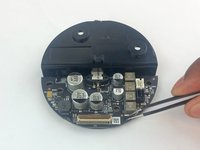
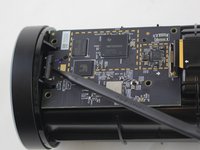
      • Using tweezers, carefully disconnect the two red and black cables from their sockets on the board.

      • Tugging on the wires may damage the device. Pull from the plastic connectors instead.

      Ask FixBot

      Add Comment

    5. Amazon Echo Motherboard Replacement: step 5, image 1 of 2 Amazon Echo Motherboard Replacement: step 5, image 2 of 2
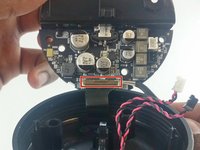
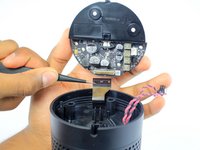
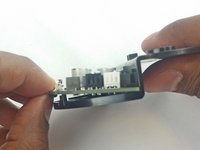
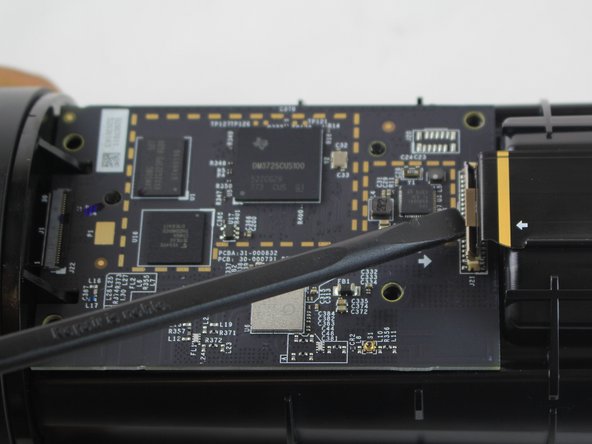
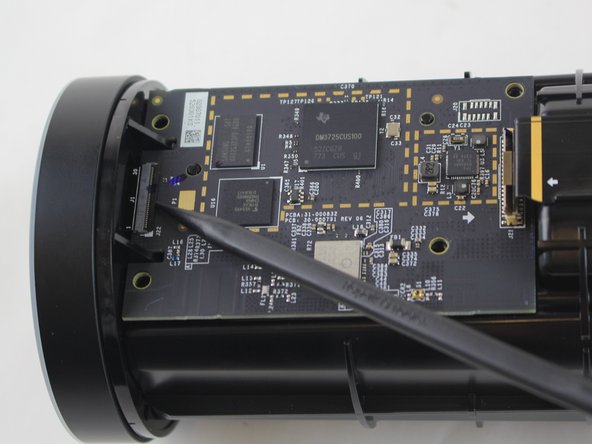
      • Lift the brown plastic latch on the ZIF connector securing the driver board ribbon cable.

      • Pull the ribbon cable from its connector. The plate and board should now be free from the Echo.

      Ask FixBot

      Add Comment

    6. Amazon Echo Motherboard Replacement: step 6, image 1 of 3 Amazon Echo Motherboard Replacement: step 6, image 2 of 3 Amazon Echo Motherboard Replacement: step 6, image 3 of 3
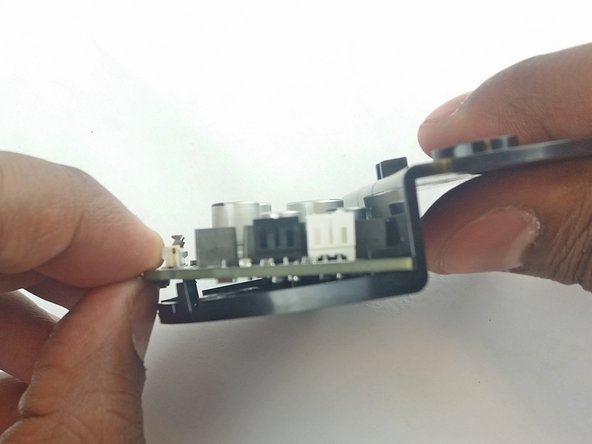
      • Using the spudger, pull back the two plastic clips on the plate.

      • Lift the board up and pull it away from the plate.

      Ask FixBot

      Add Comment

    1. Amazon Echo Motherboard Replacement, Motherboard: step 7, image 1 of 2 Amazon Echo Motherboard Replacement, Motherboard: step 7, image 2 of 2
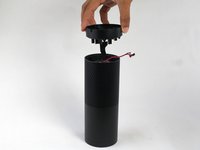
      • Remove the plastic plate from the bottom of the device. Then remove the plastic shrouding.

      Ask FixBot

      Add Comment

    2. Amazon Echo Motherboard Replacement: step 8, image 1 of 1
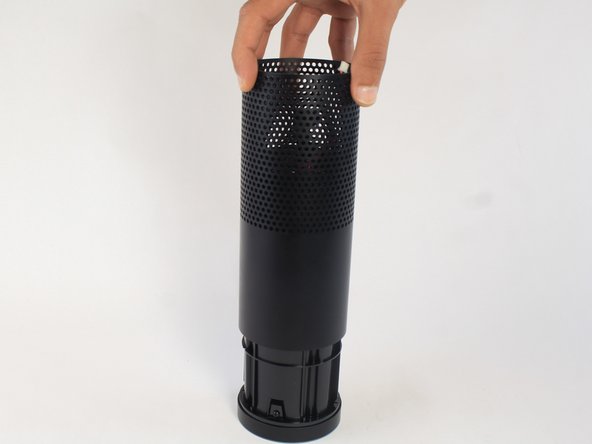
      • Peel off the black fabric wrapped around the device.

      • Be careful not to rip the fabric. Use a spudger to help remove the adhesive if you have any trouble.

      Ask FixBot

      Add Comment

    3. Amazon Echo Motherboard Replacement: step 9, image 1 of 2 Amazon Echo Motherboard Replacement: step 9, image 2 of 2
      • Remove the four 9.7 mm T10 screws.

      Ask FixBot

      Add Comment

    4. Amazon Echo Motherboard Replacement: step 10, image 1 of 3 Amazon Echo Motherboard Replacement: step 10, image 2 of 3 Amazon Echo Motherboard Replacement: step 10, image 3 of 3
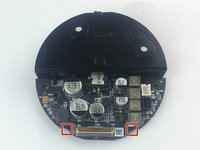
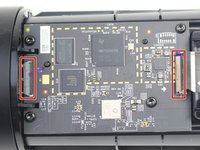
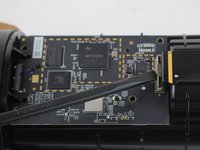
      • Lift the brown and black plastic latches securing the ZIF connectors at each end of the motherboard.

      • Pull the two ribbon cables from their connectors on the motherboard.

      Ask FixBot

      Add Comment

    5. Amazon Echo Motherboard Replacement: step 11, image 1 of 1
      • Lift the motherboard up from the Echo.

      Ask FixBot

      Add Comment

Conclusion

To reassemble your device, follow these instructions in reverse order.

Cancel: I did not complete this guide.

5 other people completed this guide.

Alexander Albert

Member since: 02/04/16

1,169 Reputation

6 Guides authored

Team

USF Tampa, Team 3-3, Wollert Spring 2016 Member of USF Tampa, Team 3-3, Wollert Spring 2016

USFT-WOLLERT-S16S3G3

4 Members

72 Guides authored

11 Guide Comments

Where can you get the mmotherboard

Glen Seay - Reply Share

same question. where do i get replacement motherboard?

akn978s - Reply Share

This is how to remove the motherboard not how to replace it....geez

adairt - Reply Share

There is a reason why people look for information on how to remove it; and that is … TO REPLACE IT! So, where can you get a replacement?

arcsnsparks2000 - Reply Share

So no place to buy the motherboard, iv striped it down but can’t buy the board anywhere

mark crewe - Reply Share

Add Comment

View Statistics:

Past 24 Hours: 5

Past 7 Days: 26

Past 30 Days: 145

All Time: 16,824