
Amazon Echo Look Speaker Replacement

Ryánn Gillen and 3 other contributors
Last updated on Dec 21, 2023
Views: 395
View statistics:
- Past 24 Hours:
- 1
- Past 7 Days:
- 12
- Past 30 Days:
- 57
- All Time:
- 395
Comments: 0
No one has left comments on this guide. Will you be first?
Go to guide commentsCompleted: 0 1
No one has marked this guide "completed." Will you be the first?
1 person has marked this guide "completed." It's you — great job!
Favorites: 0 1
No one has favorited (and subscribed to) this guide. Will you be the first?
1 person has favorited (and subscribed to) this guide — and that's you!
Missing Steps
Oops! This guide is currently missing one or more important steps.
Needs More Images
A few more images would make this guide's procedures crystal clear.
Introduction
Go to step 1 ↓This guide will go more into detail about how to replace the speaker for the Amazon Echo Look device. The speaker is responsible for one of the main functionalities of the device which is to let Alexa relay information to the user.
What you need
Tools
-
Spudger4.9
-
-
-


-
-
-
Ensure the device is completely powered off and disconnected from any power source by removing the charger adapter point from the back of the device.
 Ask FixBot
-
-
-
If the device stand is attached, remove it by twisting the device's base toward yourself until detached.
-
-
-
Heat the front panel with an iOpener.
-
Heat the device for 5-10 minutes to loosen the glue.
-
-
-
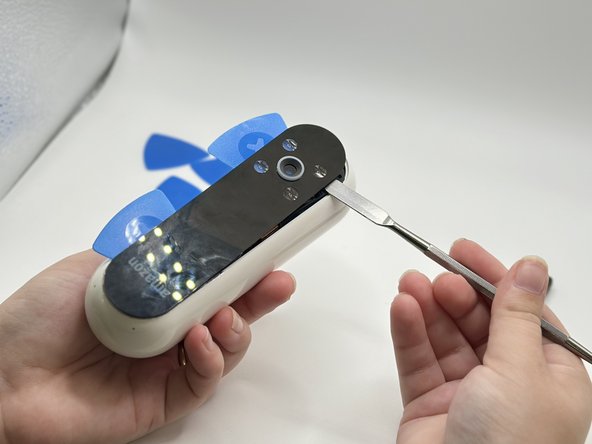
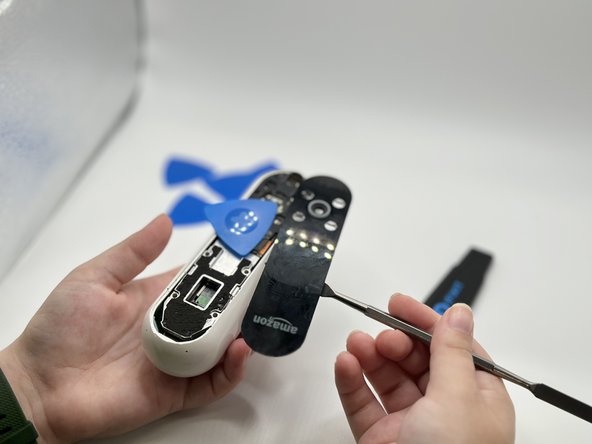
Lever the Jimmy between the screen and the device until an opening is formed.
-
Insert opening picks to hold the opening as needed.
-
Use a spudger to circle the border of the front panel and disconnect any lingering glue.
-
-
-
-
-
Remove the screws from the midframe with a Torx T5 screwdriver.
-
Lift up the midframe
-
Remove the eight screws attached to the gray metal piece using a Torx T5 screwdriver.
-
-
-
-
-
Use a spudger to pry the Wi-Fi module away from the motherboard.
-
-
-
-
-
-
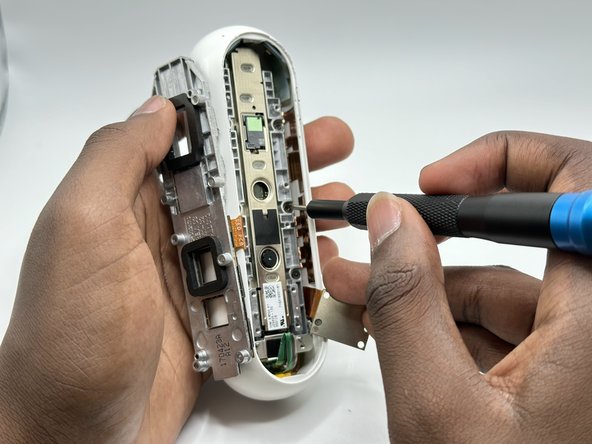
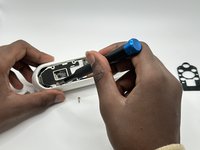
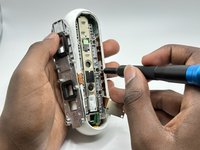
Remove five screws from the motherboard with a T4 Torx screwdriver.
-
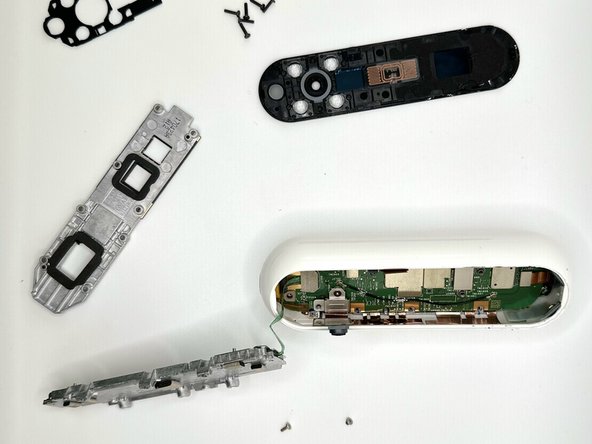
Remove all attached parts.
-
Tilting the device, angle the motherboard for removal.
-
-
-
-
-
Remove screws with a T4 Torx screwdriver.
-
Using pliers, remove the copper-plated sections.
-
-


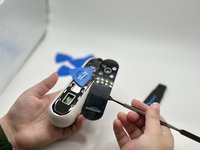

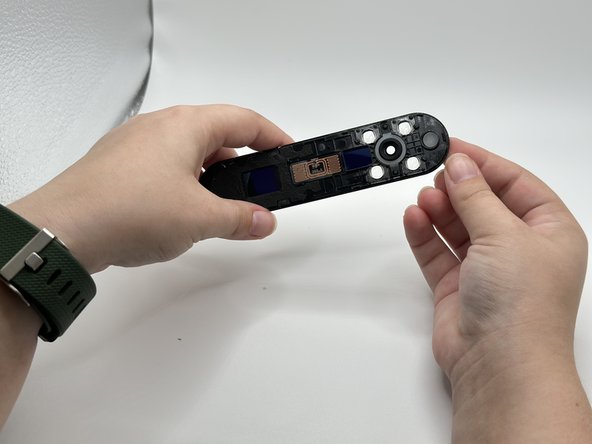
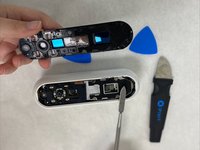
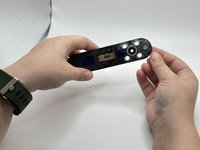


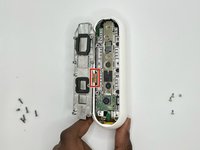
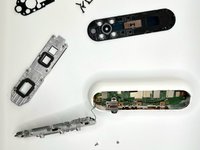


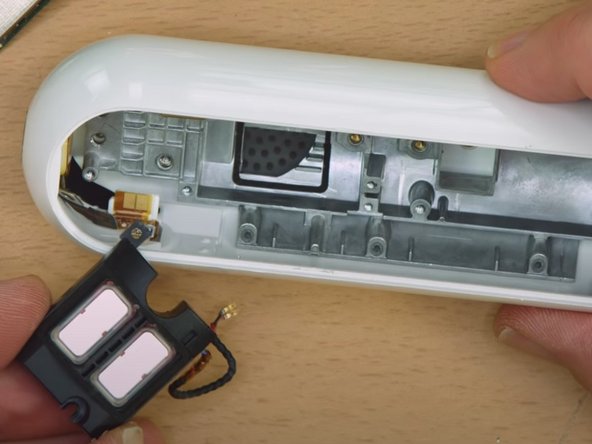
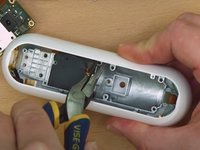
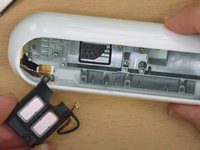
To reassemble your device, follow these instructions in reverse order.

Team

University of North Texas, Team 2-5, Harold Fall 2023 Member of University of North Texas, Team 2-5, Harold Fall 2023
UNT-HAROLD-F23S2G5
4 Members
48 Guides authored
