
Amazon Echo Look Midframe Replacement

Prince Boateng and 3 other contributors
Last updated on Dec 21, 2023
Views: 291
View statistics:
- Past 24 Hours:
- 1
- Past 7 Days:
- 13
- Past 30 Days:
- 58
- All Time:
- 291
Comments: 0
No one has left comments on this guide. Will you be first?
Go to guide commentsCompleted: 0 1
No one has marked this guide "completed." Will you be the first?
1 person has marked this guide "completed." It's you — great job!
Favorites: 0 1
No one has favorited (and subscribed to) this guide. Will you be the first?
1 person has favorited (and subscribed to) this guide — and that's you!
Missing Steps
Oops! This guide is currently missing one or more important steps.
What you need
Tools
-
Spudger4.9
-
-
-


-
-
-
Ensure the device is completely powered off and disconnected from any power source by removing the charger adapter point from the back of the device.
 Ask FixBot
-
-
-
If the device stand is attached, remove it by twisting the device's base toward yourself until detached.
-
-
-
Heat the front panel with an iOpener.
-
Heat the device for 5-10 minutes to loosen the glue.
-
-
-
Lever the Jimmy between the screen and the device until an opening is formed.
-
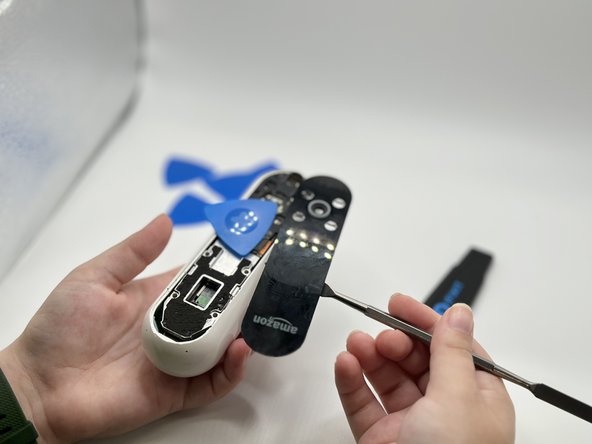
Insert opening picks to hold the opening as needed.
-
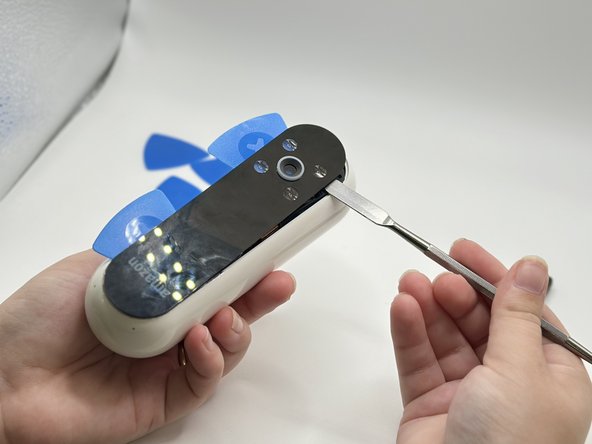
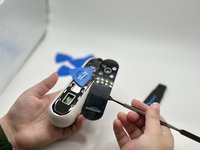
Use a spudger to circle the border of the front panel and disconnect any lingering glue.
-
-
-
-
-
-
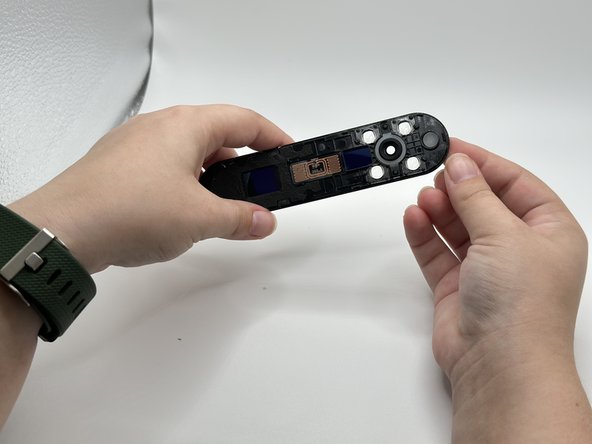
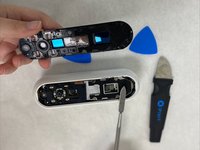
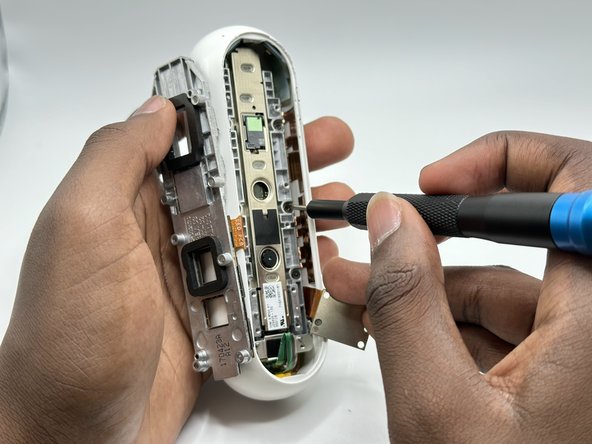
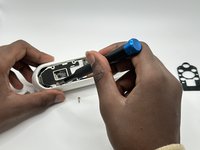
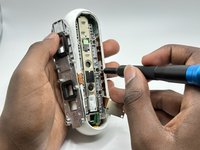
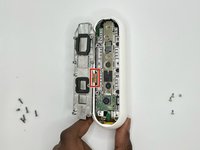
Remove the screws from the midframe with a Torx T5 screwdriver.
-
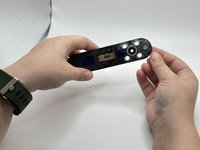
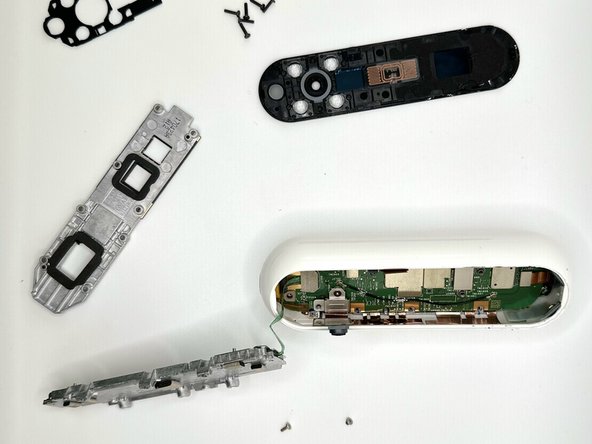
Lift up the midframe
-
Remove the eight screws attached to the gray metal piece using a Torx T5 screwdriver.
-
-





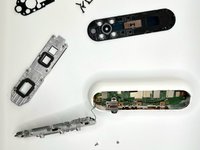
To reassemble your device, follow these instructions in reverse order.

Team

University of North Texas, Team 2-5, Harold Fall 2023 Member of University of North Texas, Team 2-5, Harold Fall 2023
UNT-HAROLD-F23S2G5
4 Members
48 Guides authored
